Automated interview scheduling
Book the interview,
skip the back-and-forth.
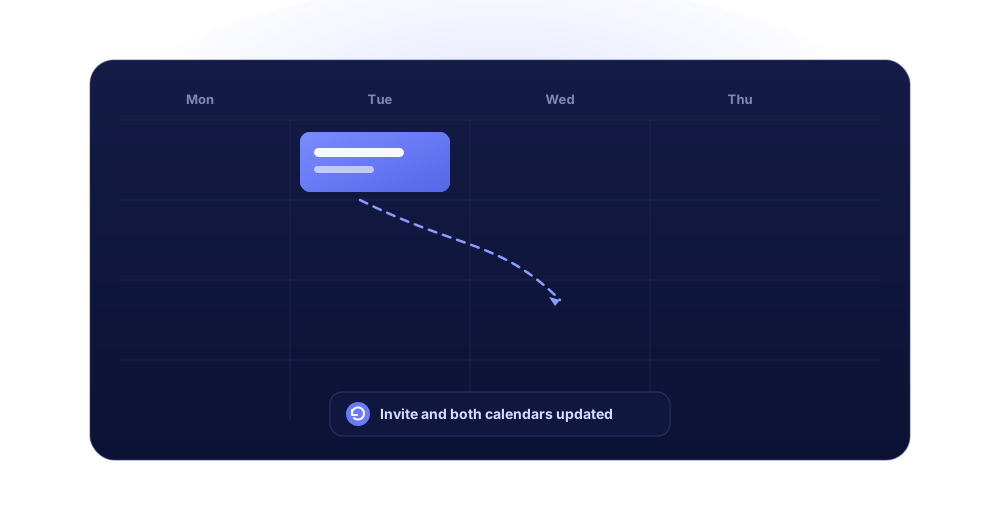
Connect your Google or Microsoft calendar and let candidates self-book from your real availability. Propose a slot, send the invite and attach the video link straight from the candidate conversation, on email, LinkedIn or WhatsApp. Every interview syncs to both calendars and onto the candidate timeline.




One agenda, every scenario
Get the interview on the calendar
the way that fits the candidate
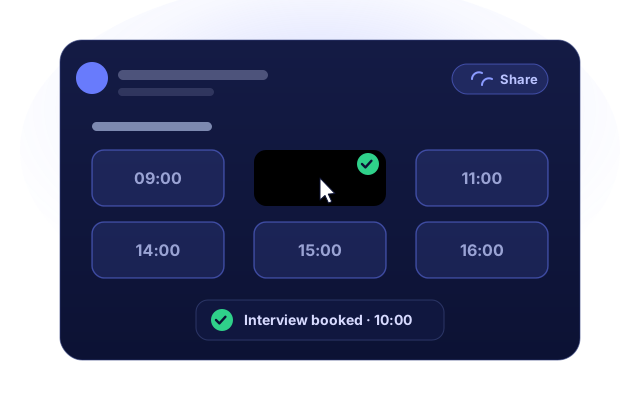
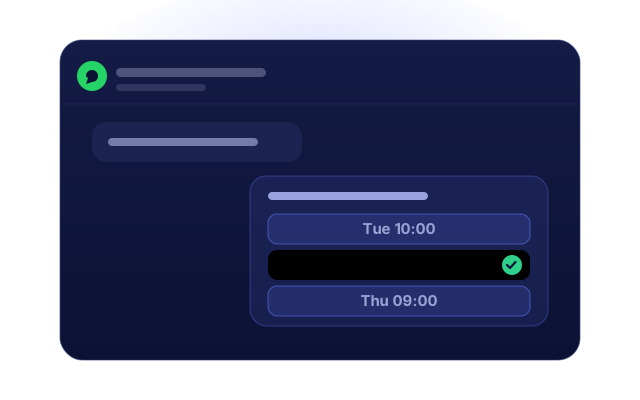
Some candidates want to self-book their own slot. Some just need a time proposed in the thread. Jarvi covers both interview scheduling paths from the same calendar.

Your calendar and your channels, in one place.
Interview scheduling runs on the same calendar and inbox you already work in, not a separate booking tool.
Interview scheduling by email vs scheduling on autopilot.
The chase you run to lock one interview slot today, and what Jarvi takes off your plate once your calendar is connected.
Six emails to agree on one time that works
Candidate self-books from your live availability in one click
Double-booked because your calendar was not in front of you
Only your real free slots are ever offered
Copy the video link from another tab into the invite
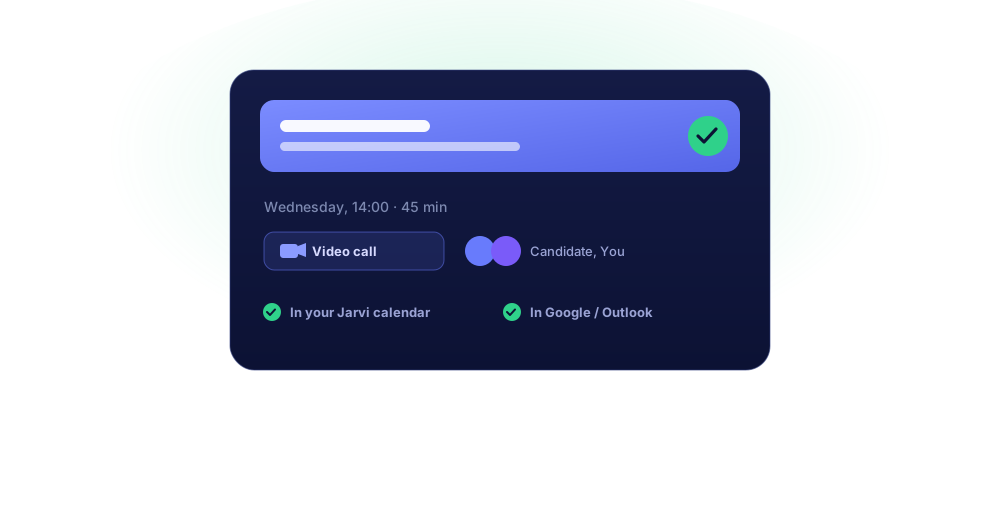
Meet or Teams link generated with the event
Re-type the candidate's email into a separate calendar invite
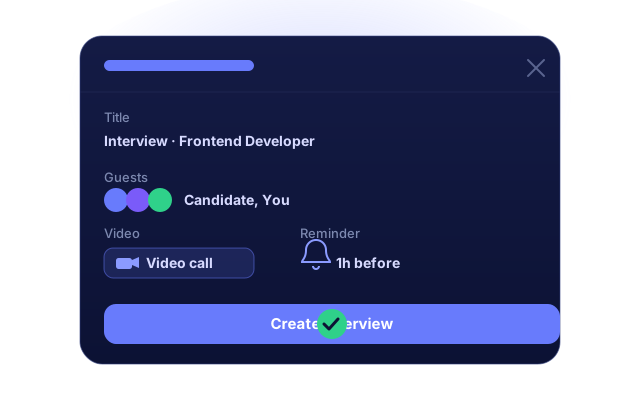
Guests pre-filled from the candidate file
Chase the hiring manager to check they are free
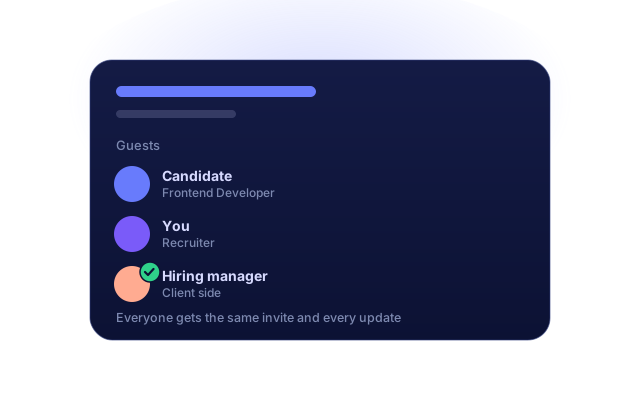
Add them as a guest and they get the same invite
No-shows because nobody sent a reminder
Automated reminders before every interview
The interview never makes it onto the candidate record
Every event logged on the timeline and pipeline stage
Stop scheduling interviews by email.
Connect your calendar and let candidates self-book from your real availability. See the whole flow live in a 30-minute demo.
From a connected calendar to a confirmed interview.
Four steps. Your calendar stays the source of truth, Jarvi runs the interview scheduling around it.
Connect your calendar
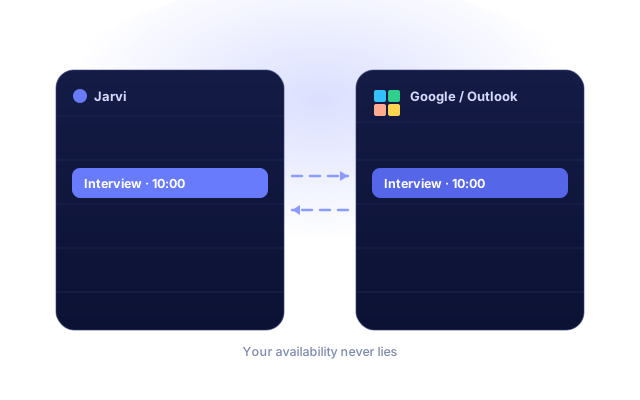
Link the Google or Microsoft account you already use. Sync runs both ways, so Jarvi always sees your true availability.
Set your availability
Define your working hours and the slots you open for interviews, then generate a shareable booking link candidates can self-schedule into.
Offer a time
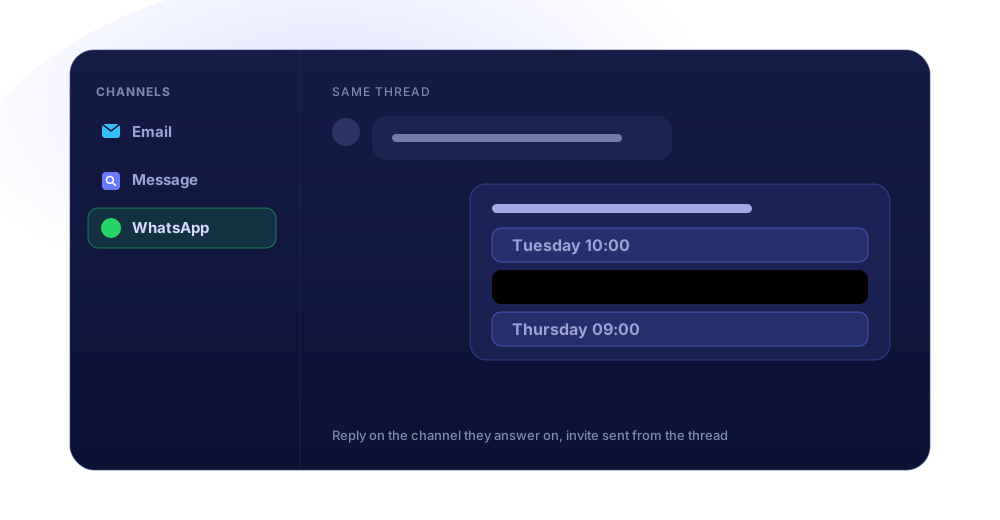
Share the link or propose slots from the candidate conversation, on email, LinkedIn or WhatsApp.
Confirmed and logged
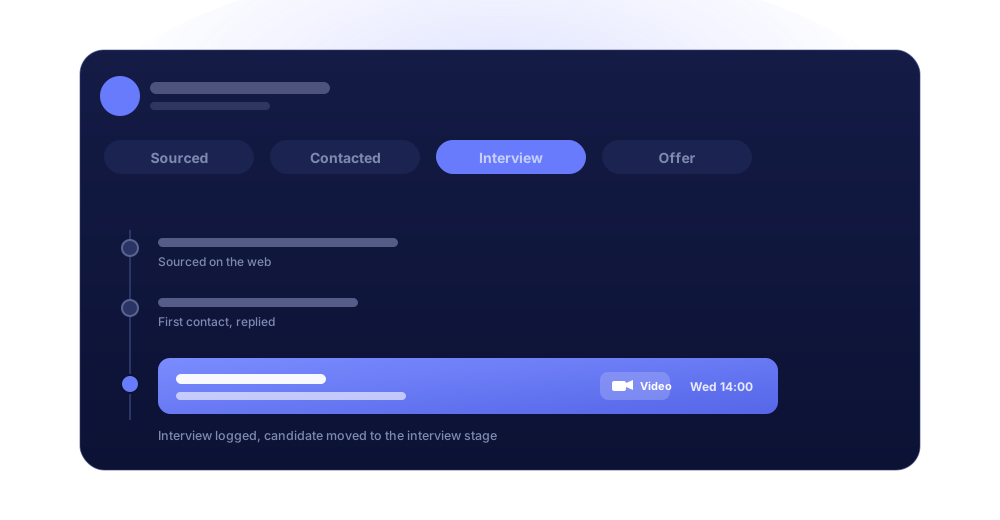
The event drops into both calendars with the video link, the invite goes out, and the candidate moves to the interview stage.
Interview scheduling works with Gmail (Google) and Microsoft (Outlook) calendars.
Set it once
The interview scheduling admin around every hire,
handled for you
Candidate self-scheduling
Share a booking link and candidates self-book straight into your open slots. No email tennis, no time-zone maths.
Two-way calendar sync
Book in Jarvi and it shows in Google or Outlook. Book there and it shows in Jarvi. Availability stays accurate.
Video links attached
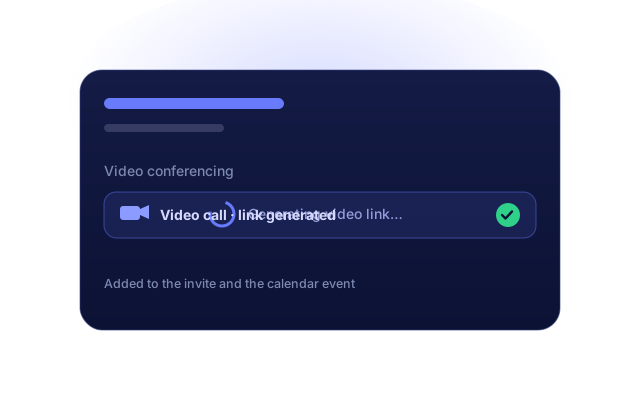
A Meet or Teams link is generated and added to both the invite and the calendar event.
Reminders before the interview
Jarvi reminds candidate and recruiter ahead of time, so fewer slots go to waste.
Guests and panel interviews
Add a colleague, hiring manager or client. Everyone gets the invite and every reschedule.
Logged to the timeline
Each interview lands on the candidate record and moves them to the right pipeline stage automatically.
Interview scheduling is not a separate tool.
It lives inside the candidate conversation.
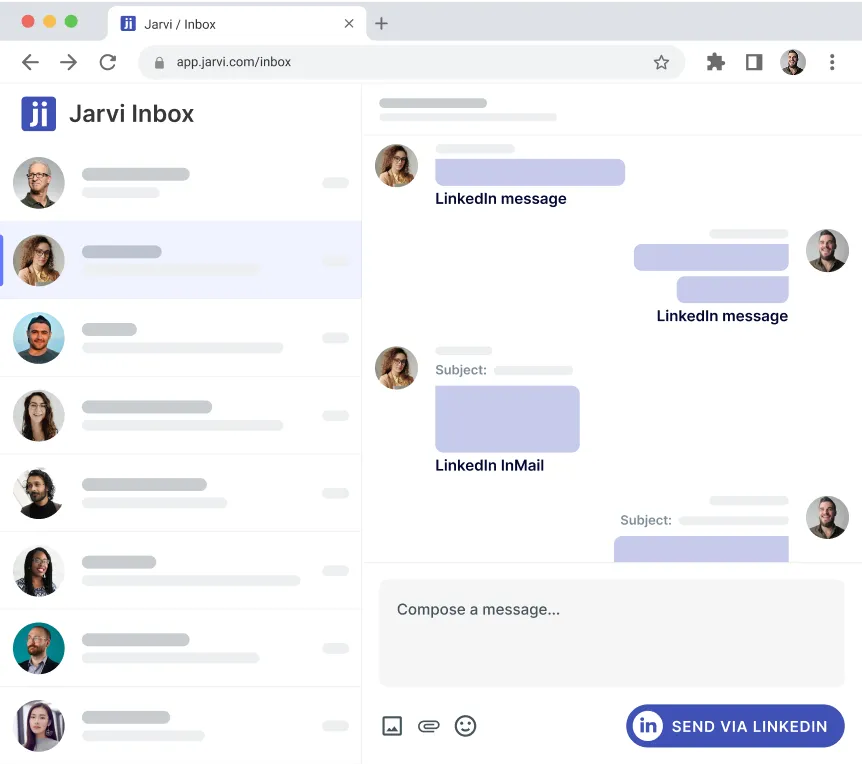
The right moment to book an interview is the moment a candidate replies. Jarvi keeps scheduling inside that thread instead of bouncing you to another tab.
See a real interview booked in under a minute.
Book a 30-minute demo. We'll connect a calendar and schedule a live interview from a candidate conversation, start to finish.

Recruiters who stopped chasing calendars.

"2 of us do what others need 5 or 6 for"
“How many people do you have to manage all this?” That’s the question a prospect asked me a few days ago for a recruitment mission. My answer: there are two of us. And I’m proud of it.
Why? Because with two people, we accomplish what others sometimes need five or six for. Not by magic. Not by burning out. But because everything is thought through, structured, and properly equipped. With an ATS that also serves as a CRM, allowing us to track every candidate, every step, every company.

"A tool designed by recruiters, for recruiters"
We needed an accessible, smart and efficient ATS to structure our recruitment activity. Jarvi was the obvious choice: a tool designed by recruiters, for recruiters. 💡

"Less time searching, more talent recruited!"
Less time searching, more talent recruited!

"We have x4 our placements!"
We’ve have done as much recruitments in 3 months as we did last year! We don’t necessarily need to increase the team size, it’s just that we’re all becoming much more productive!
Automated interview scheduling FAQ
What is automated interview scheduling?
Automated interview scheduling means booking an interview without the email back-and-forth: candidates land on your real calendar availability, self-book a time or accept a proposed slot, and the event is created in both calendars with a video link and reminders. In Jarvi it happens inside the candidate conversation and is logged on the candidate timeline.
Which calendars does Jarvi support?
Gmail (Google) and Microsoft (Outlook). Connect an email account that has calendar access and Jarvi syncs both ways, so the availability candidates see always matches your real schedule.
Can candidates book a time themselves?
Yes. Set your availability, generate a shareable booking link, and candidates self-schedule from your open slots. The booking drops into your calendar instantly.
Can I schedule an interview without leaving the candidate conversation?
Yes. Propose slots and send the invite from the same thread, on email, LinkedIn, WhatsApp or Telegram, on whichever channel the candidate replies on.
Does Jarvi add a video conference link?
Yes. A Google Meet or Microsoft Teams link is generated with the event and added to the invite and the calendar entry.
Can I invite a hiring manager or client to the interview?
Yes. Add them as guests on the event and they receive the invite and any reschedule, the same as the candidate. Panel interviews work the same way.
Does the interview show up on the candidate record?
Yes. Every event is logged on the candidate timeline and can move the candidate to the right stage of your pipeline.
Is the data flow GDPR compliant?
Yes. Data is stored on private EU infrastructure, encrypted in transit and at rest, and candidate data can be deleted on request.
More than interview scheduling.
Jarvi is also a multichannel sourcing tool and a recruiting CRM, same workspace, same candidates.
Turn interview scheduling into a link, not a task.
Book a 30-minute demo. We'll connect your calendar and set up candidate self-booking on your real interview process.

Software built by recruiters for recruiters.
Get started with Jarvi and grow your recruitment business.
Good to know: interview scheduling uses the calendar on your connected email account. Only Gmail (Google) and Microsoft (Outlook) calendars are supported today. Connect an account with calendar access and Jarvi syncs your availability both ways.