

CV received, profile up to date
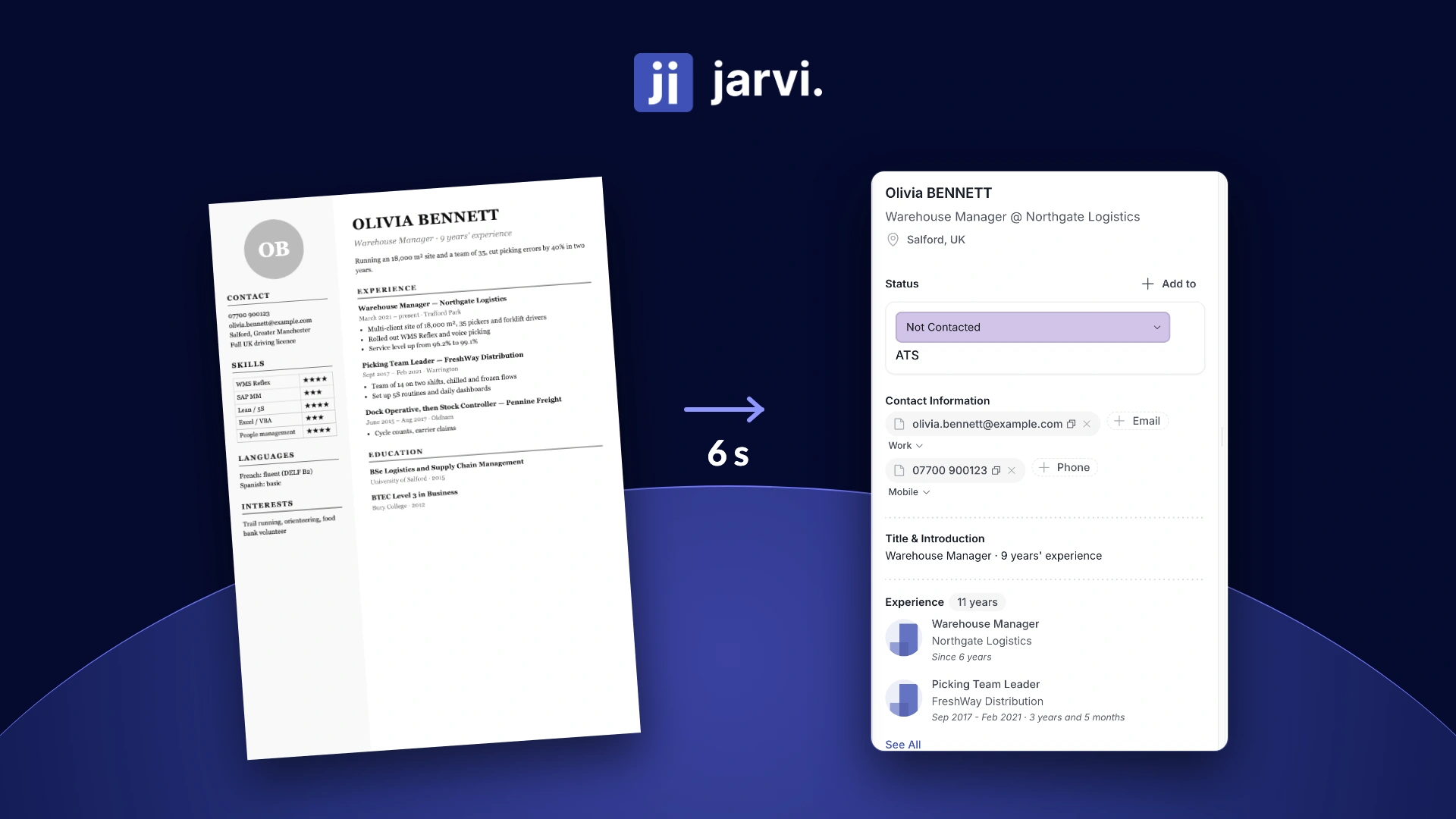
A candidate from your talent pool emails you their updated CV. Jarvi recognises their CV by their name, attaches it to their profile and updates their work history: in your next search, they show up with their new job. A new candidate replies with a scan or an old .doc? Drag it into Candidates > Create a profile, click “Import”, and their profile is ready in about 6 seconds: contact details, experience and education.
Also in recent weeks

The candidate or prospect invited to a meeting in your calendar gets their reminder the day before by email, SMS or WhatsApp, and the reminder follows if you move the meeting. Add the Meeting reminder step in Preferences > Automations.

In the Messages tab of the dashboard, click Filter, then Email and CRM contacts: only the emails from your clients and prospects remain, to handle in one go before moving on to candidates.
Did you know? A candidate hands you a paper CV, at a job fair or in an interview? On your phone, open Candidates > Create, tap the area to take a photo, then Import: their profile is created.
