- 1

Jarvi
Recruitment agencies
Clients, mandates, candidates and follow-ups in one simple tool, on one plan with no add-ons.
158$ or 133€/user/month
Try it free - 2

Recruit CRM
Structured agency desks
The most complete agency workflow in the mid-market, from screening to invoice.
$100/user/month
Compare with Jarvi - 3

Loxo
Sourcing-heavy desks
A sourcing database in the same subscription, as long as you watch the credits.
$169/user/month
Compare with Jarvi







A role closes. The shortlist is archived. Eighteen months later, one of those near misses is exactly who a client wants. Does your software still know what you discussed, and why they said no? That gap is what a recruitment CRM covers.
| Platform | Best for | Published price | Free entry |
|---|---|---|---|
 Jarvi Jarvi | Recruitment agencies | 158$ or 133€/user/monthchecked Nov 2025 | 15-days trial, can be extended on request |
 Recruit CRM Recruit CRM | Small and mid-size staffing agencies | $100/user/month | 14-day trial |
 Loxo Loxo | Outbound desks that pay for sourcing data | $169/user/monthchecked Dec 2025 | Free trial |
| Recruiterflow | Agencies running outreach at volume | $119/user/monthchecked Nov 2025 | 14-day free trial |
| Crelate | Agencies with a big database to dig through | $99/user/monthchecked Dec 2025 | Trial duration varies by plan |
| Bullhorn | Staffing firms running temp and contract | $99/user/monthchecked Dec 2025 | Free trial availability depends on sales approval |
| Manatal | The tightest budgets | $55/user/monthchecked Dec 2025 | 14-day free trial |
| Gem | In-house teams that already have an ATS | $130 / month under 10 staff | Demo first |
| JobAdder | Agencies with plenty of other tools to connect | Not disclosed, no prices published, contact sales to get a quotechecked Mar 2026 | Demo on request |
| Zoho Recruit | Small desks already inside Zoho | Free tier, then paid plans | Free plan, 15-day trial |
Prices and trials come from our competitor database, last updated Mar 2026. Gem and Zoho Recruit are not tracked in it, so their figures were read off their own pricing pages.
Too long, didn't read?
Time is a precious resource. Get the information you need using your favorite AI assistant.
How we compared these recruitment CRMs
This is a feature-by-feature comparison, not a hands-on trial. Each tool was read against its own documentation, its pricing page and its reviews on G2 and Capterra. Three questions decided the order.
- Do the client side and the candidate side share one record?
- Can you still find and re-approach people once the role is filled?
- What does a seat include once credits, limits and paid extras are counted?
The difference between a candidate CRM and a customer CRM
Two products, one labelWhy the same three letters mean clients to one vendor and candidates to another, and what keeps a talent pool usable.
Search for recruitment CRM and you get two products wearing one label.
- The client side holds companies, live roles, deals and invoices.
- The candidate side holds everyone you have spoken to, why each one said no, and when to call back.
Agencies need both, and nearly every vendor sells both under the same word.
- What it stores
- Every conversation, and why each candidate said no
- Who the record is about
- The candidate
- Typical trigger
- A follow-up date you set months ago
- What breaks without it
- A database that decays until nobody can be reached
- Example use
- Re-approaching a finalist you rejected last spring
Both products are sold as a "recruitment CRM". Only one of them remembers the candidate.
Three things make a tool a candidate CRM:
- A talent pool that stays searchable after the role is filled.
- Every exchange saved on the candidate record, whoever on the team had it.
- Follow-ups that come back on a date you set. Nobody has to remember a name from fourteen months ago.
What a quiet database costs
Not sure which side your agency needs first? Our ATS for recruiting agencies page shows which record belongs where. It is why a couple of well-known names sit lower here than on lists built around the client side.
The 10 best recruitment CRM platforms in 2027
1. Jarvi, the recruitment CRM built for agencies
Best forRecruitment agencies that want clients, mandates and candidates in one simple tool, without a setup project.
You open a client and see its mandates. You open a mandate and see where every candidate stands. Jarvi is a CRM for recruitment agencies built around that screen, so nothing lives in a spreadsheet on the side.
The facts
- One plan at $158 per user per month, or 133 euros, with no tiers and no minimum number of seats.
- 15 days to try it, extendable on request.
- Your current database comes with you, from CSV files or an export of your previous ATS.
- 5 out of 5 on G2 and 4.8 on Capterra, on fewer reviews than the older names below.
Strengths
- Nothing to reconcile: clients, mandates and candidates live on one record.
- The candidates you set aside come back on the right day. Type “in March” in a reminder and the due date is set.
- Your interview notes write themselves: the AI note taker transcribes and summarizes the call on the candidate record.
- The AI agent and the note taker are in the plan, not quoted on top.
Generating summary...
Meeting summary:
- Motivation: wants to run a whole finance function, not one part of it.
- Salary: on £95k today, would move from £105k.
- Notice: three months, open to negotiation.
- Next step: present her to Novaren this week.
Linked profiles
EHElena HaddadTranscript
YouWhat would make you move right now?
ElenaOwning the whole finance side, not just controlling.
YouAnd on salary?
Limits
- Built for agencies, not for a corporate talent team juggling a hundred open roles.
- A newer name than most of this list, with fewer reviews behind its rating.
Our verdict: a strong fit for an agency that wants clients, mandates and candidates in one tool, at one published price.
Free trial
Run your agency from one board
Clients, mandates, candidates and follow-ups in one plan, with nothing billed on top.
2. Recruit CRM, for small and mid-size staffing agencies
Best forAgencies of roughly five to fifty who want screening, client submissions and invoicing in the same place.
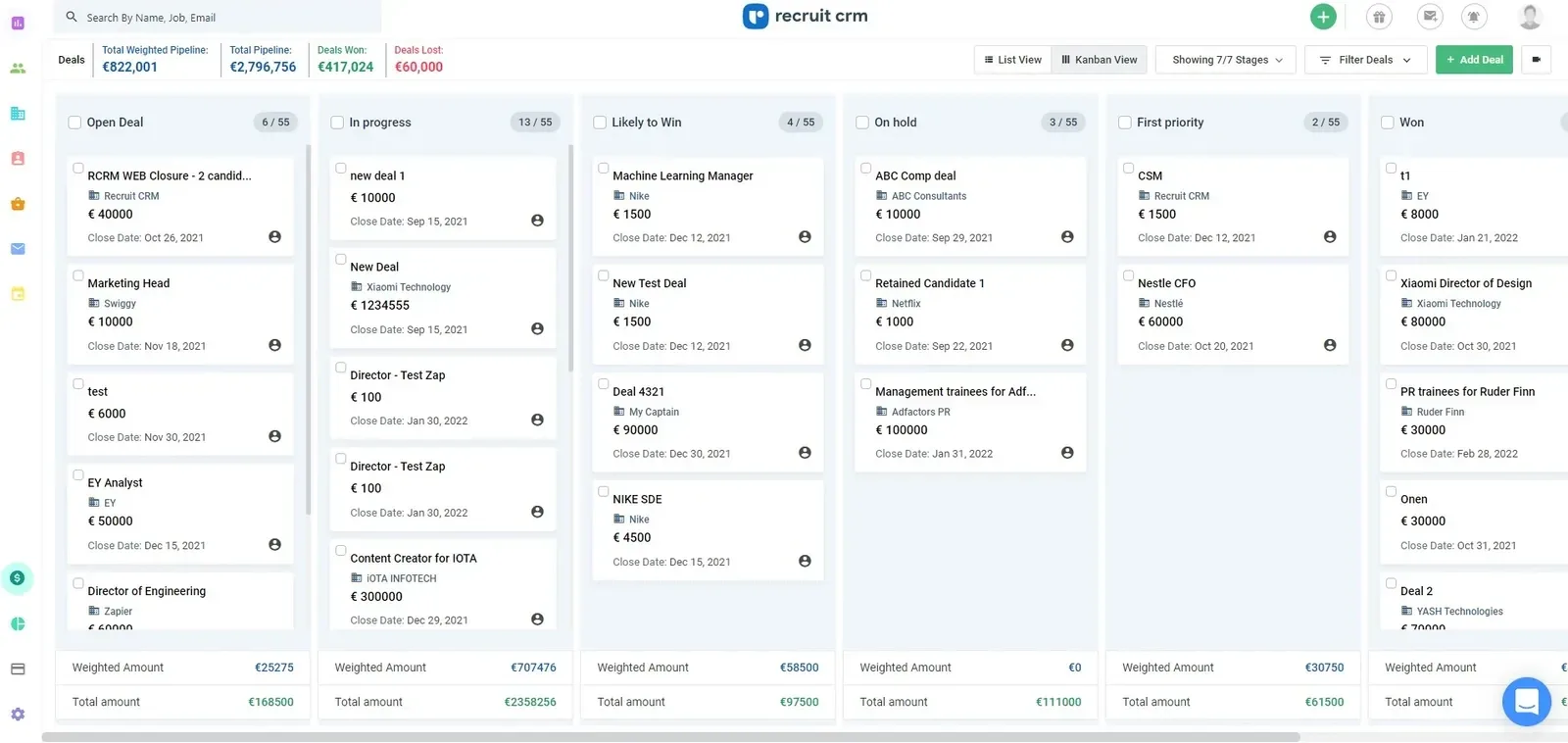
Recruit CRM covers the whole agency job, from first contact to the invoice, without the setup pain of an enterprise suite.
The facts
- Three tiers, Pro, Business and Enterprise, from around $100 per user per month. Up to 20% off on annual billing.
- The Enterprise tier has no published price.
- 14-day trial.
- 4.8 on G2 and 4.9 on Capterra, on one of the largest review bases here.
Strengths
- Kanban pipelines, CV parsing, a client portal and invoicing sit together.
- Email sequences keep candidates warm without a second tool.
Limits
- The best features sit on the higher tiers.
- You will sit through a demo before anyone quotes you for the full product.
Our verdict: a complete agency setup for the mid-market, backed by strong review scores. Our Recruit CRM alternative page covers the same ground if you want a number up front.
3. Loxo, for outbound desks that pay for sourcing data
Best forOutbound desks that would otherwise pay for a sourcing database alongside their CRM.
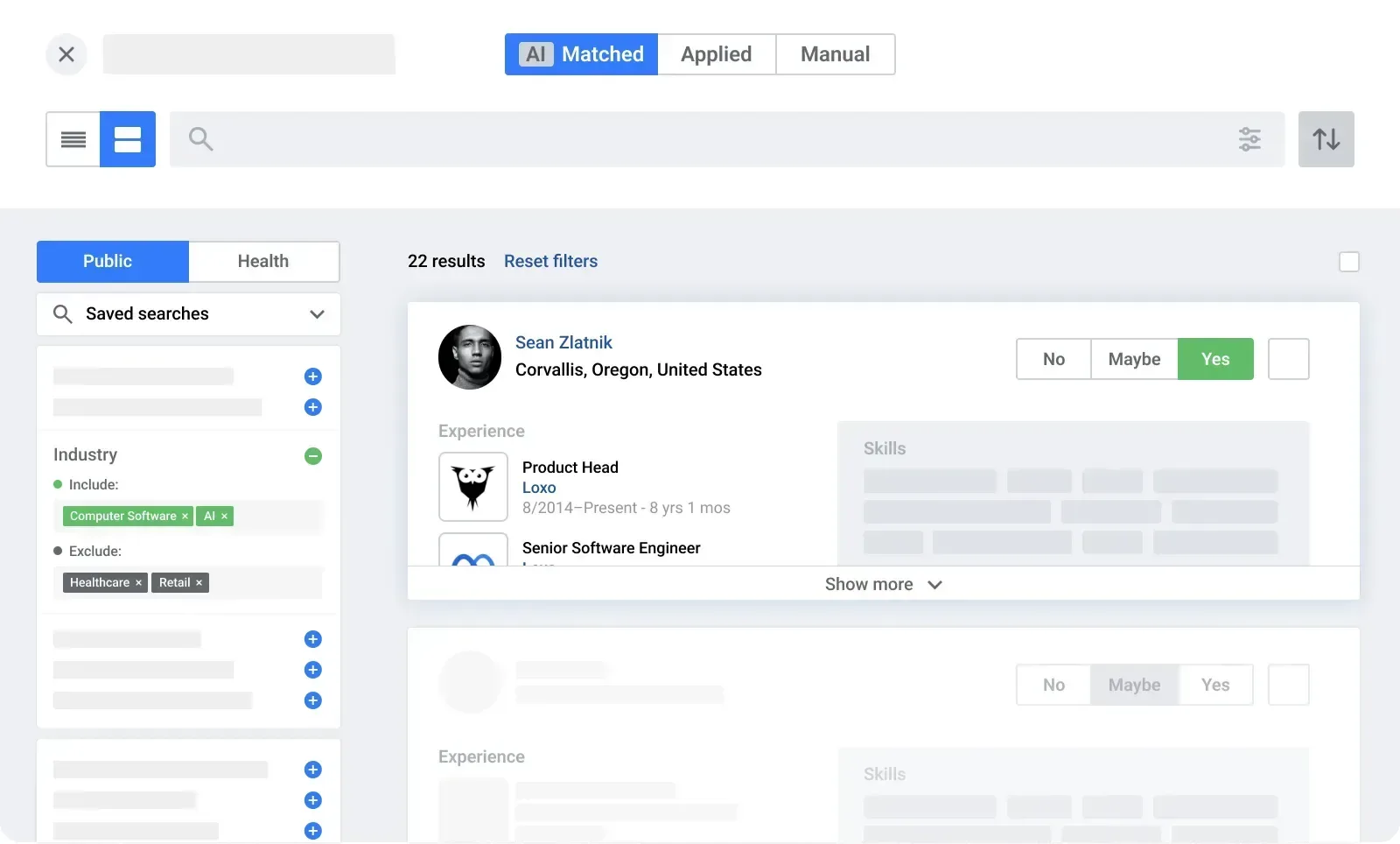
Loxo is a recruitment CRM with a sourcing database attached, which changes the sums if you currently pay for the two separately.
The facts
- Core is $149 per user per month on annual billing, Professional $199.
- Professional includes the profile pool, which Loxo puts at more than 850 million records, and the AI agents.
- 2,500 credits per user per month on Professional, shared across the team. Credits pay for contact details.
- Free data migration from three seats upwards.
Strengths
- Searching, finding contact details and running the pipeline happen behind one login.
- The saving usually shows up on the second invoice rather than the first.
Limits
- Credits are where the bill moves. A heavy sourcing month means a booster pack that never appears in the seat price.
- Free migration only from three seats, which is awkward for a small agency moving a real database.
Our verdict: good value if you would otherwise buy a sourcing database on the side. Work out your credit usage before you sign anything annual. The Loxo alternative page runs those numbers against a flat-rate plan.
4. Recruiterflow, for agencies running outreach at volume
Best forAgencies running outreach at volume, where campaigns matter more than working a short shortlist.
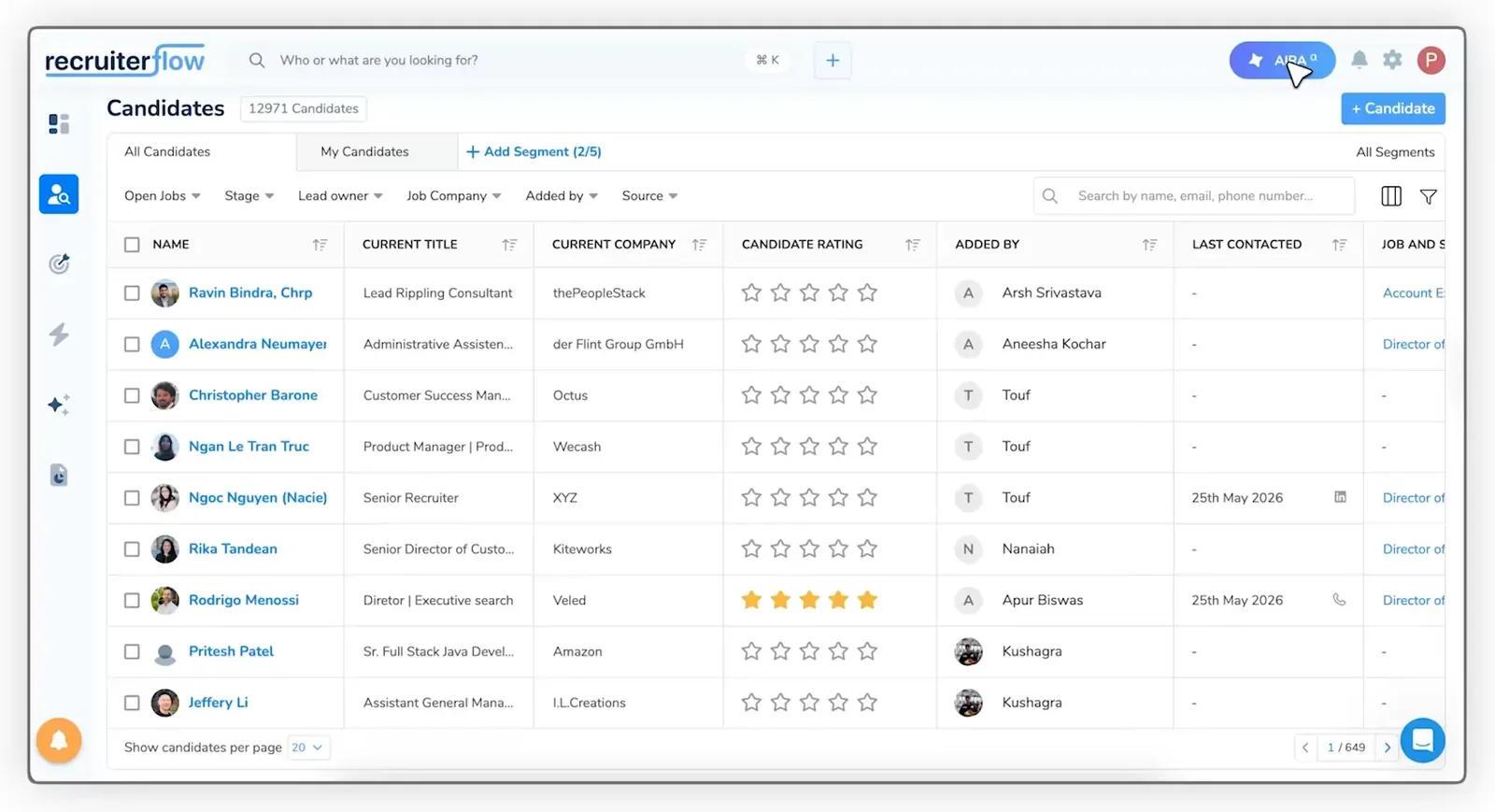
Recruiterflow is the automation-first option here, built for desks sending outreach at volume.
The facts
- The Platform plan is $119 per user per month on annual billing, $149 monthly.
- AIRA, the AI layer, is priced on quote.
- 14-day trial.
Strengths
- Campaigns keep running while you are on calls, with deep automation behind them.
- Job change alerts flag candidates worth calling again.
- AIRA adds a note taker and a matching tool on top of the sequences.
Limits
- The base plan is openly priced, the AI features are not, so the real total is harder to pin down than the pricing page suggests.
Our verdict: the automation is the reason to buy it. Budget carefully. You can set the two side by side on the Recruiterflow alternative page.
5. Crelate, for agencies with a big database to dig through
Best forExecutive search and established desks sitting on a database big enough to need real search.
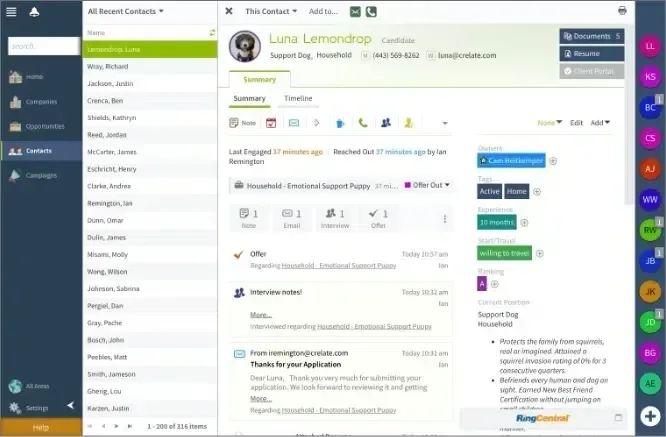
Crelate is built for agencies that have spent ten years filling a database and now need to get things back out of it.
The facts
- Business, Business Plus and Enterprise, opening around $99 per user per month. The top tier is quoted, not published.
- Trial length varies by plan.
Strengths
- CV search, boolean filters and custom workflows go deep.
- It bends to an unusual agency process rather than forcing you into a template.
Limits
- All that flexibility costs time. Someone in the agency has to set it up and keep it tidy.
- Below roughly ten thousand records it is a lot of tool for the money.
Our verdict: a strong choice once your database justifies someone owning the setup, overkill before that. The Crelate alternative page covers where that line falls.
The five below fit more specific setups, so they get the short version.
6. Bullhorn, for staffing firms running temp and contract
Best forStaffing firms past roughly thirty recruiters, with contract volume and a back office to feed.
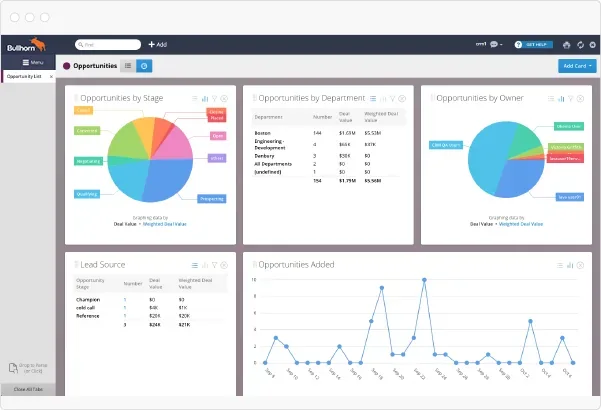
- $99 a seat on the entry tier. Everything above is priced by contract, module by module. Reviews: 4.2 on G2, 4.0 on Capterra.
- Strength: a large integration marketplace, and real redeployment tooling. Staffing Industry Analysts found 61% of North American temp workers would take another assignment.
- Limit: much of the product comes as marketplace add-ons, and setup takes weeks rather than days.
Our verdict: the right system past thirty recruiters with real contract volume. The $99 entry price is the floor, not the bill. See the Bullhorn alternative page.
7. Manatal, for the tightest budgets
Best forTwo or three person agencies coming off spreadsheets, under 15 live jobs and 10,000 candidates.
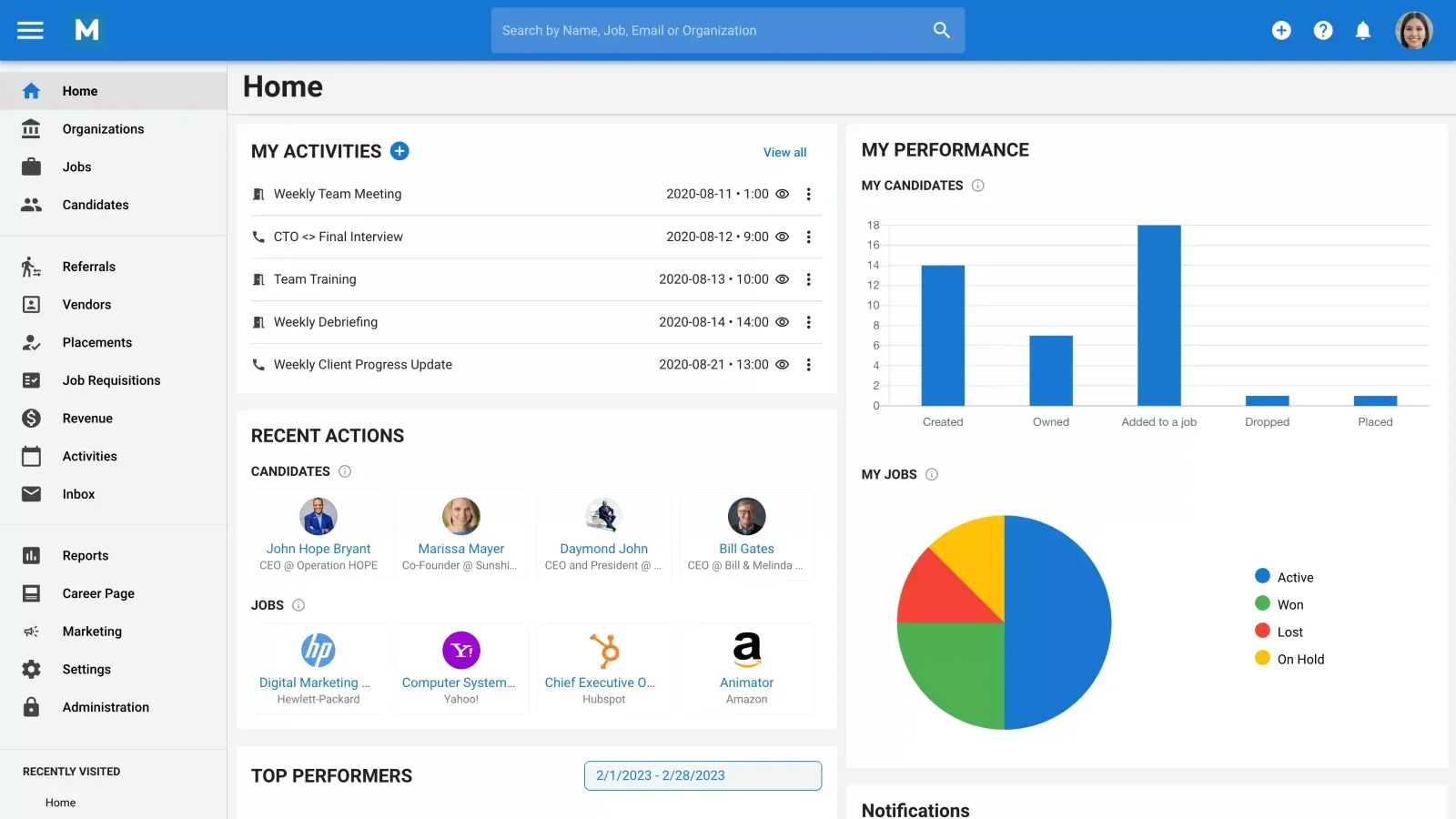
- $15 a seat billed annually, $35 for Enterprise, $55 for Enterprise Plus. 14 days to try it without a card.
- Strength: AI candidate scoring at the entry tier.
- Limit: Professional stops at 15 live jobs and 10,000 candidates. Past either one you are on $35.
Our verdict: a good first system off spreadsheets, until you outgrow the entry limits. The Manatal alternative page shows what the upgrade costs.
8. Gem, for in-house teams that already have an ATS
Best forIn-house talent teams that already run an ATS and want sourcing and nurture on top of it.
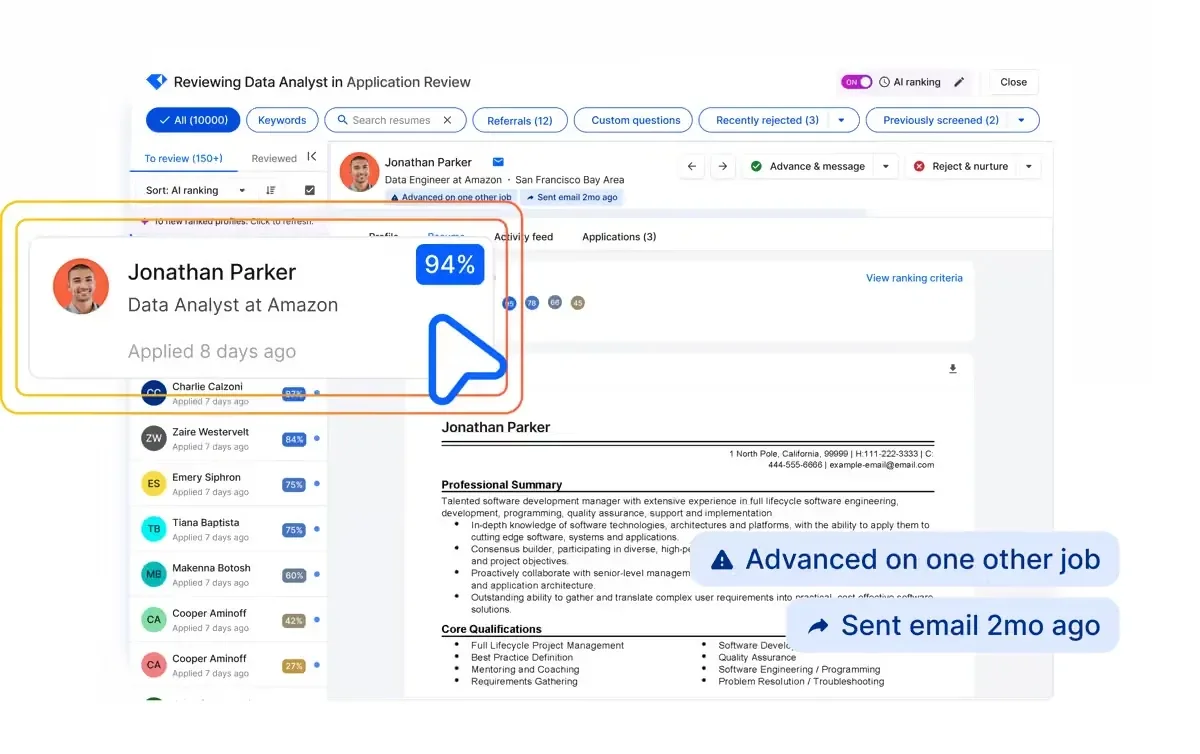
- $130 a month for teams under 10, billed yearly. Above that, the price follows your company headcount.
- Strength: mature nurture campaigns and rediscovery tools for pipelines in the tens of thousands.
- Limit: headcount pricing does not fit an agency, and there is no client side.
Our verdict: built for in-house teams rather than agencies.
9. JobAdder, for agencies with plenty of other tools to connect
Best forTemp and contract agencies, mostly in Australia and the UK, with a stack of other tools to connect.
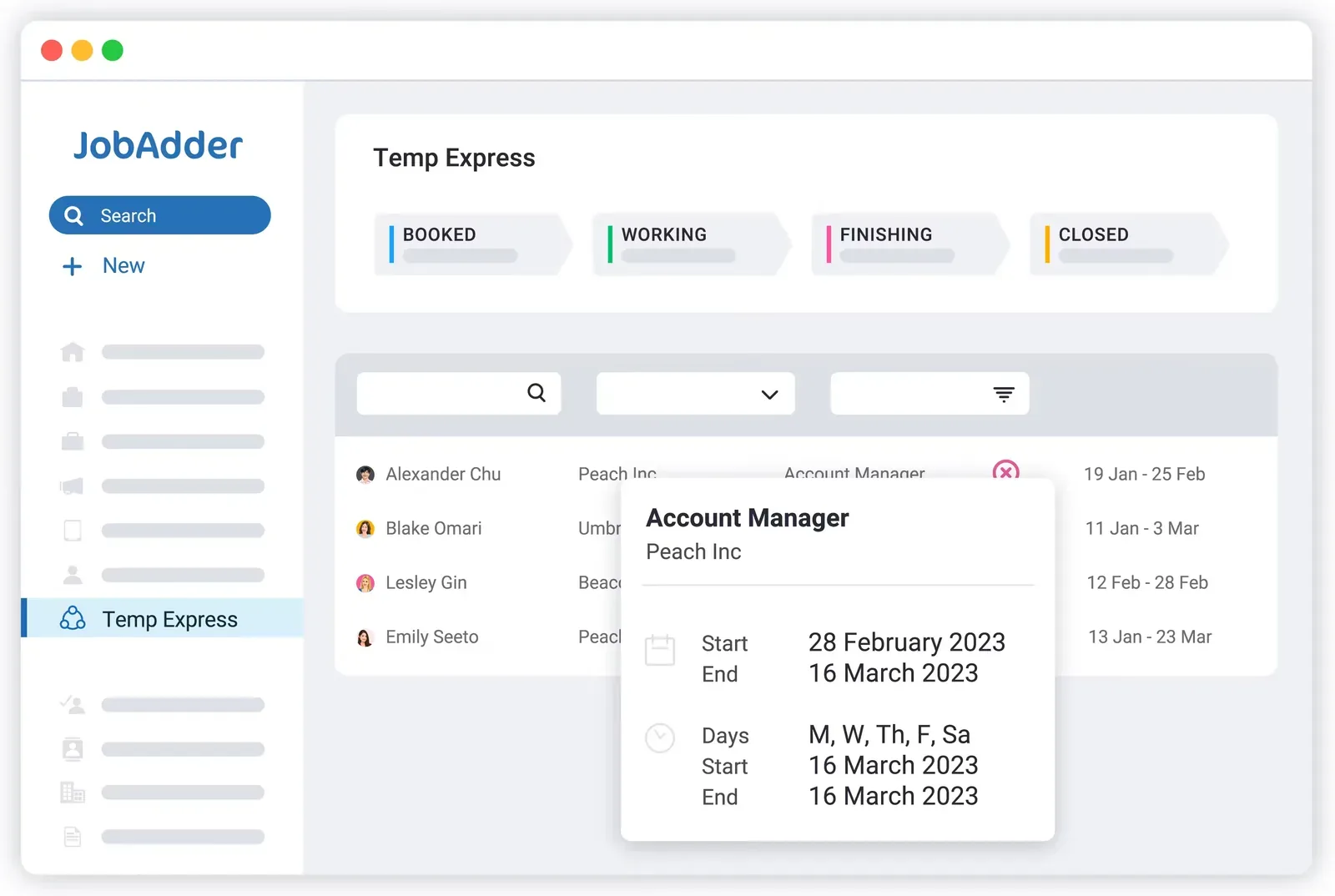
- No published price. Four plans by team size.
- Strength: it connects to your payroll, testing and job board tools instead of replacing them. The business development pipeline is included even on Lite.
- Limit: single sign-on, the hiring manager portal, Broadbean and the API are all paid extras. English only.
Our verdict: a solid temp and contractor system, if you are happy paying for each connection.
10. Zoho Recruit, for small agencies already inside Zoho
Best forSmall agencies already running the rest of their business on Zoho.
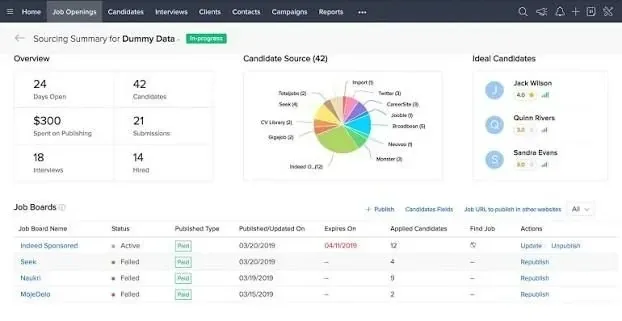
- Free for one live job, then paid Standard, Professional and Enterprise tiers. 15-day trial.
- Strength: the only genuinely free tier here, and it plugs into the rest of Zoho.
- Limit: candidate handling borrowed from a sales CRM. The client portal and video interviewing are sold on top.
Our verdict: a cheap way off spreadsheets, built around a sales CRM rather than agency work.
What the published prices leave out
The number on the pricing page is rarely the one you pay.
- Full price published: Jarvi at $158, Manatal at $55 for Enterprise Plus, Loxo at $199 for Professional.
- Top tier on quote: Bullhorn, Crelate and Recruit CRM.
- No figure at all: JobAdder.
| Tool | What moves the bill |
|---|---|
| Loxo | 2,500 credits a month, shared by the team. A heavy sourcing month means a booster pack. |
| Manatal | $15 stops at 15 live jobs and 10,000 candidates. The next step is $35. |
| Recruiterflow | $119 a seat, with the AI agents quoted separately. |
| Gem | Priced on your company headcount, not on the seats you use. |
What a year actually costs
Published rates only, so the vendors that quote on request are not in here. Metered credits, paid add-ons and seat minimums are not included either. Plans marked † publish no monthly rate, so the annual one is shown.
What a seat really buys
How to choose your recruitment CRM in 2027
Start from where your agency is losing time, not from a feature grid.
| Your agency | What settles it |
|---|---|
| Under 5 recruiters | Speed to start. One plan, clients and candidates together, no implementation partner. |
| 5 to 30 recruiters | Client side and candidate side on the same record. Past 10 seats, check reporting too. |
| Over 30, with contracts | Timesheets, redeployment and the finance side. This is where the enterprise suites earn their money. |
| In-house team | Does the CRM write back to the ATS record? If not, your nurture history disappears. |
Two tools means two versions of the truth, and reconciling them costs more every month.
Which recruitment CRM should you pick?
A near miss from eighteen months ago is only worth something if your software brings them back on its own. In Jarvi, that takes one sentence.
Reminder title (@ to mention someone)Call back @Anna Kowalski about a CFO role in March
Reminders for later
- Call back @Anna Kowalski about a CFO role 2 March 2027
- Mandate check-in with Novaren18 Nov
- Follow up with Adam Ribeiro after his notice6 Jan
- A recruitment agency that wants one simple tool: Jarvi.
- A structured agency desk with volume: Recruit CRM or Recruiterflow.
- Sourcing data in the same subscription: Loxo.
- Contract placement is most of the business: Bullhorn.
Pick two and ask both the eighteen-month question. Ten minutes will tell you more than a fifth demo. For the routine behind it, see how to nurture candidates with Jarvi.
Free trial
Put Jarvi through the eighteen-month test
Open a free trial, add a client, a mandate and a candidate, and set your first reminder.
Frequently asked questions
What is a recruitment CRM?
A recruitment CRM manages your candidate relationships. It keeps everyone you have spoken to, every conversation and the reason each candidate said no. It reminds you when to get back in touch. Careful: some vendors use the same word for tools that track companies and invoices.
Is a recruitment CRM the same as an ATS?
No. An ATS follows a hiring process, from the day a job opens to the day someone signs. A CRM holds the relationship, which outlives the process. Most agency tools sell both. Ask how well the two share one candidate record.
How much does recruitment CRM software cost in 2027?
Published prices run from $15 per user per month to around $199, where a sourcing database is included. Only three of the ten publish a price for the full product. Budget on what a seat includes: credits, job limits and add-ons push the real number up.
Can a recruitment CRM replace an ATS for a small agency?
For one or two roles, yes, for a while. Then clients expect shortlists, structured feedback and regular updates, and the missing process side comes back as spreadsheets. Run three or four roles at once and you need both.
How long can an agency keep candidate data in its CRM?
The GDPR sets no fixed retention period. You keep it as long as your stated purpose requires, so write that purpose down. One deadline is firm: candidates you sourced rather than received must be told within one month, under Article 14(3)(a).
Which recruitment CRM works best for recruitment agencies?
Look for clients, mandates and candidates on one record, a single plan with no minimum number of seats, and pricing on the seats you use rather than on company headcount. Reminders should sit on the candidate record, not in a separate tool.
Related articles

How AI Is Reshaping Recruitment Agencies in 2026
Sourcing, screening, prospecting, note-taking... Artificial intelligence is redefining every step of the recruiter's job. An overview of concrete use cases and measurable gains for agencies.

How to Use Jarvi to Nurture Your Candidates
Nurturing to attract and maintain candidate engagement throughout the recruitment process.