Indeed integration
Post on Indeed,
get every applicant in your ATS.
The Indeed ATS integration pushes your jobs to Indeed and creates each Indeed Apply candidate in the right project, resume parsed, source tagged, in minutes.
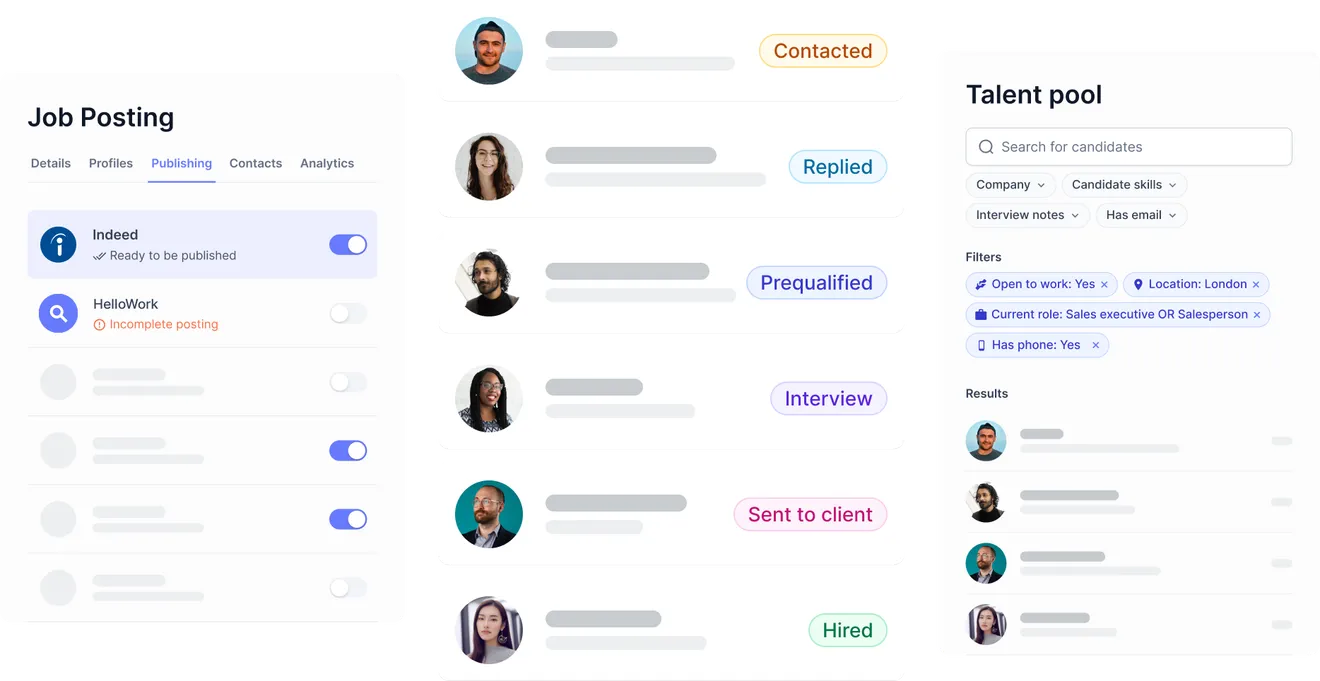




Good to know: Indeed posting runs through our distribution partner JobPostingPro and is a paid add-on, billed on top of your Jarvi subscription (separate from any Indeed Sponsored Jobs budget you set). The integration posts jobs and pulls in Indeed Apply applicants, it does not source from Indeed's resume database today.
Indeed integration
Run Indeed inside Jarvi.
Six things the Indeed ATS integration handles for you, from publishing a job to building a talent pool out of every applicant.

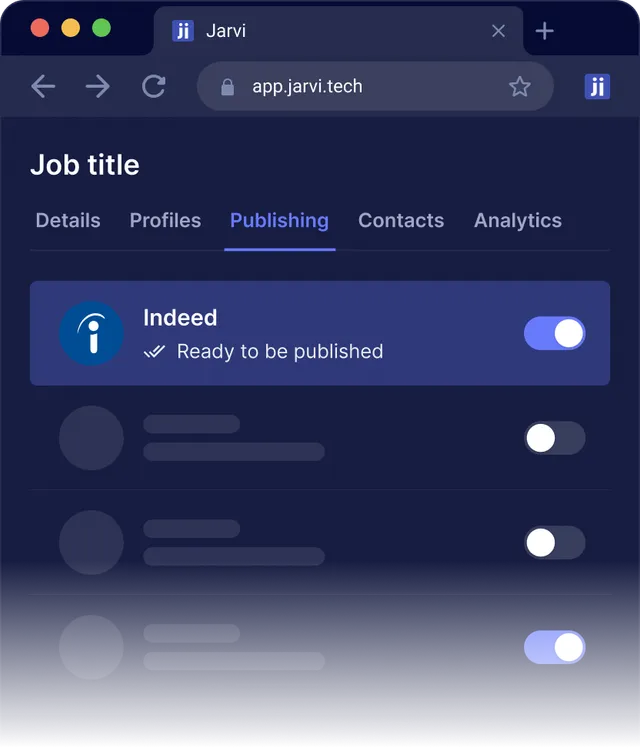

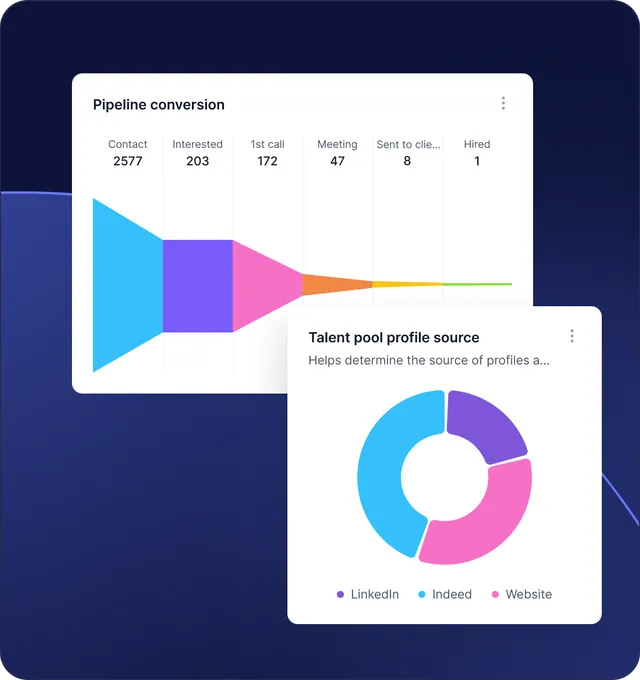
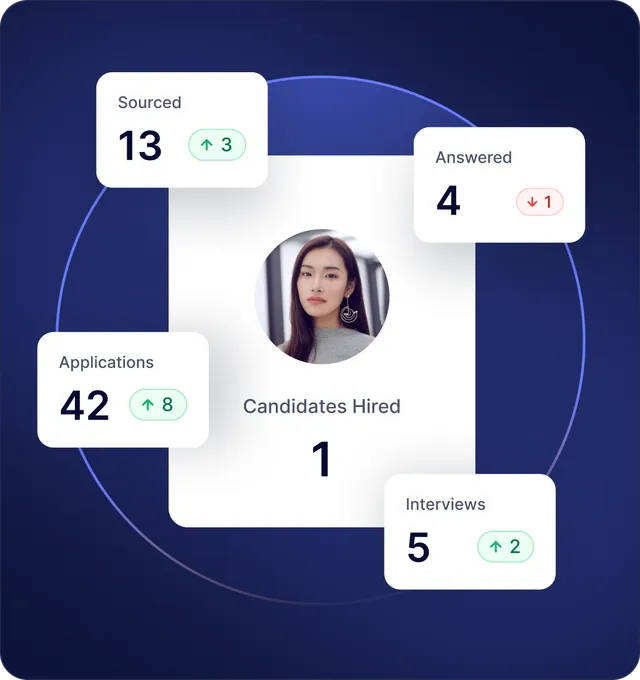
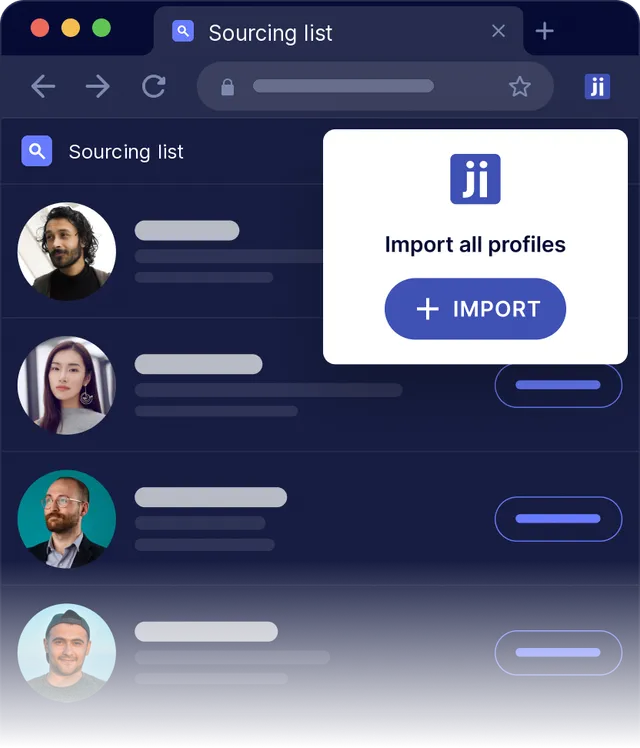
Indeed without Jarvi vs Indeed with Jarvi.
What you do by hand on Indeed today, and what Jarvi takes off your plate once it is connected.
Publish a job on Indeed: log in to Indeed, fill the form, format the listing
Hit publish from your Jarvi project
Sort 80 incoming applications across 80 emails
1 deduplicated pipeline, ready to qualify
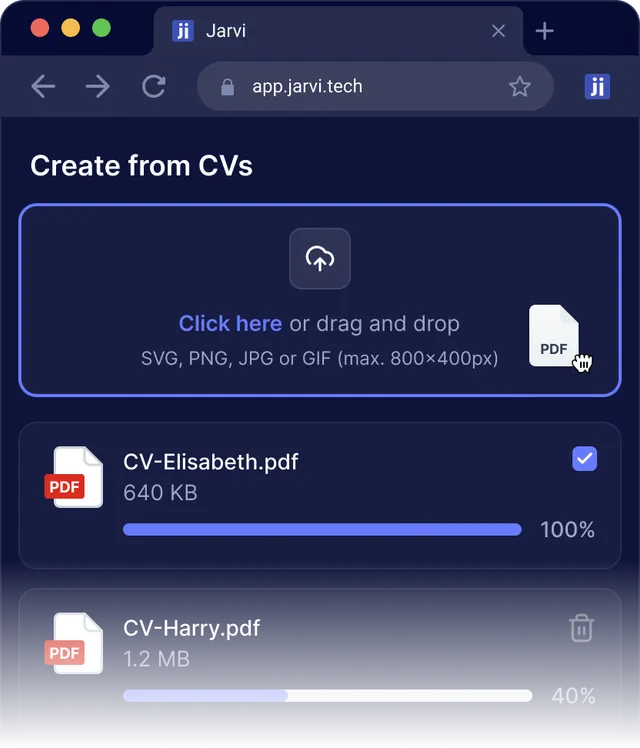
Parse a resume by manual copy-paste
Parsed on arrival, fields pre-filled
Reject a candidate with a manual template, often skipped
One click, message sent from the recruiter
Track which channel produces hires in a spreadsheet updated by hand
Live source attribution in your dashboard
Re-engage a strong applicant later, buried in inbox
Searchable in your talent pool, retrievable in seconds
Share status with the team through email forwards
Shared project view, every comment on the candidate file
How the Indeed ATS integration works.
Four steps. The job lives in Jarvi from creation to placement, Indeed and JobPostingPro handle the distribution.
Create the job in Jarvi
Title, location, salary, contract type, required skills. Set up the role once and it becomes the source of truth for every channel you publish on.
Push to Indeed
Activate Indeed as a distribution channel on the job. Jarvi formats the listing to Indeed's spec and enables Indeed Apply by default.
Receive applications
Each Indeed Apply candidate is sent to Jarvi via webhook within minutes, created in the project, deduplicated against your database, and routed to the recruiter assigned to the role.
Run the hiring process
Qualify, schedule, send rejections, submit shortlists. Every action lives on the candidate file in Jarvi, ready for the next role you publish on Indeed.
Estimate what an Indeed hire costs you.
Enter your monthly Indeed budget, role type and country. Jarvi estimates qualified applicants, hires and the cost behind each one.
Your inputs
Estimated monthly output
- Applications
- 120
- Qualified applicants
- 18
- Hires
- 2
- Cost per qualified applicant
- $83
- Cost per hire
- $833
Estimates based on rough Indeed industry averages and your Indeed ad spend only; they exclude the JobPostingPro distribution add-on. Your actual numbers will vary by role, market and seasonality. Talk to us for a calibrated projection.
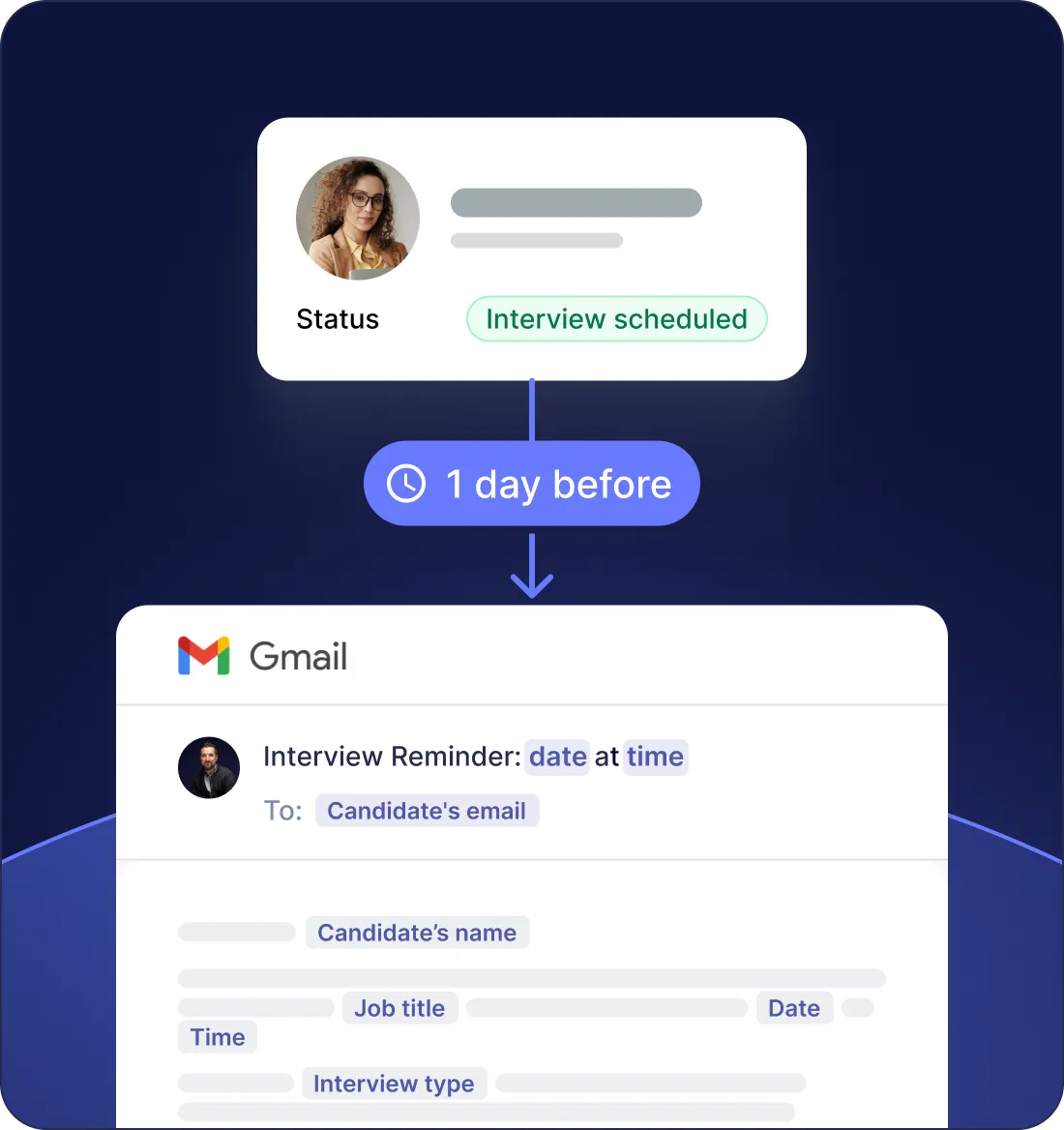
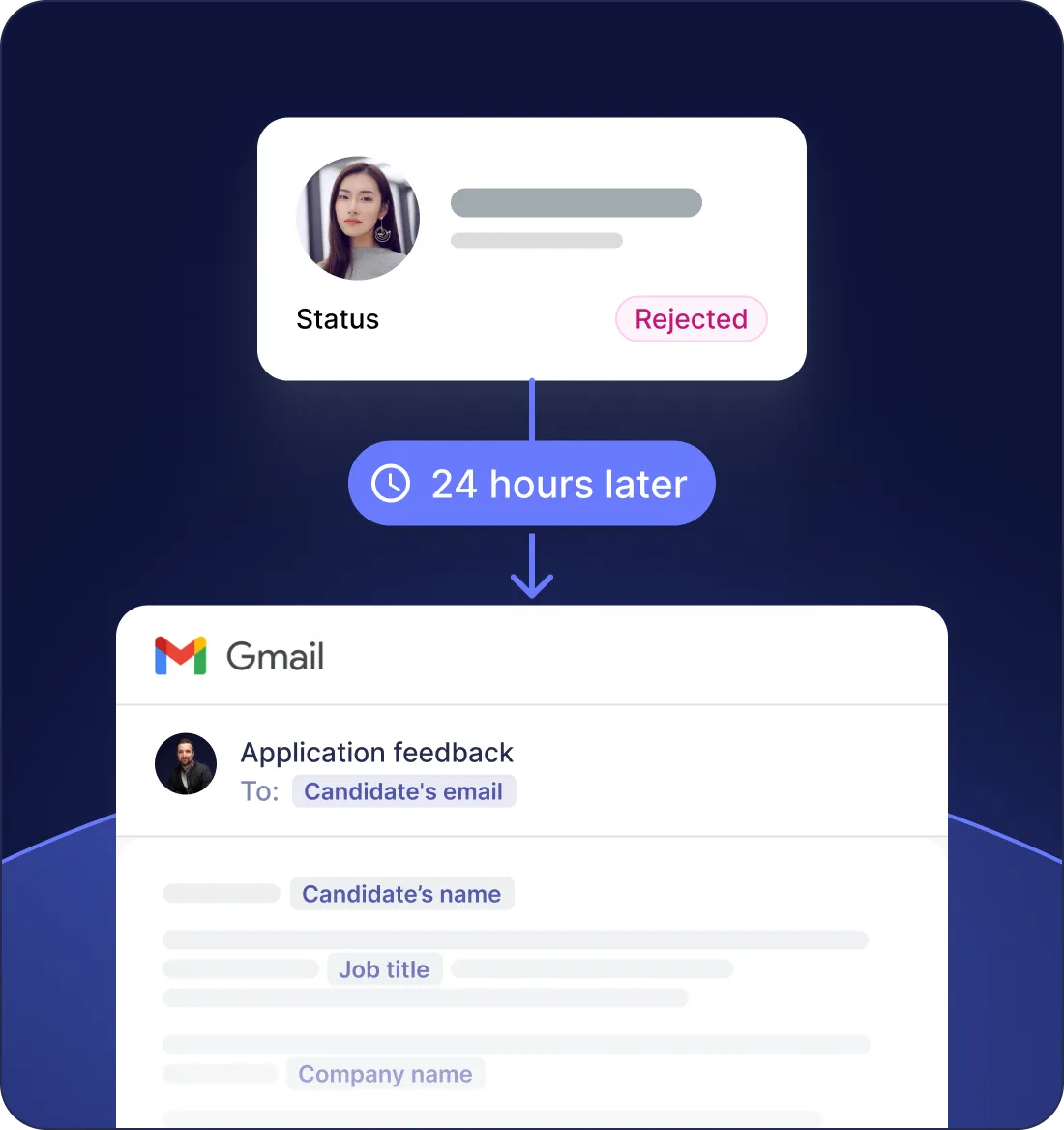
Five touchpoints Jarvi handles
for every Indeed applicant.
Indeed applicants expect a fast answer. Your applicant tracking system gives the recruiter the tools to send one, and to keep the relationship alive after the hire.
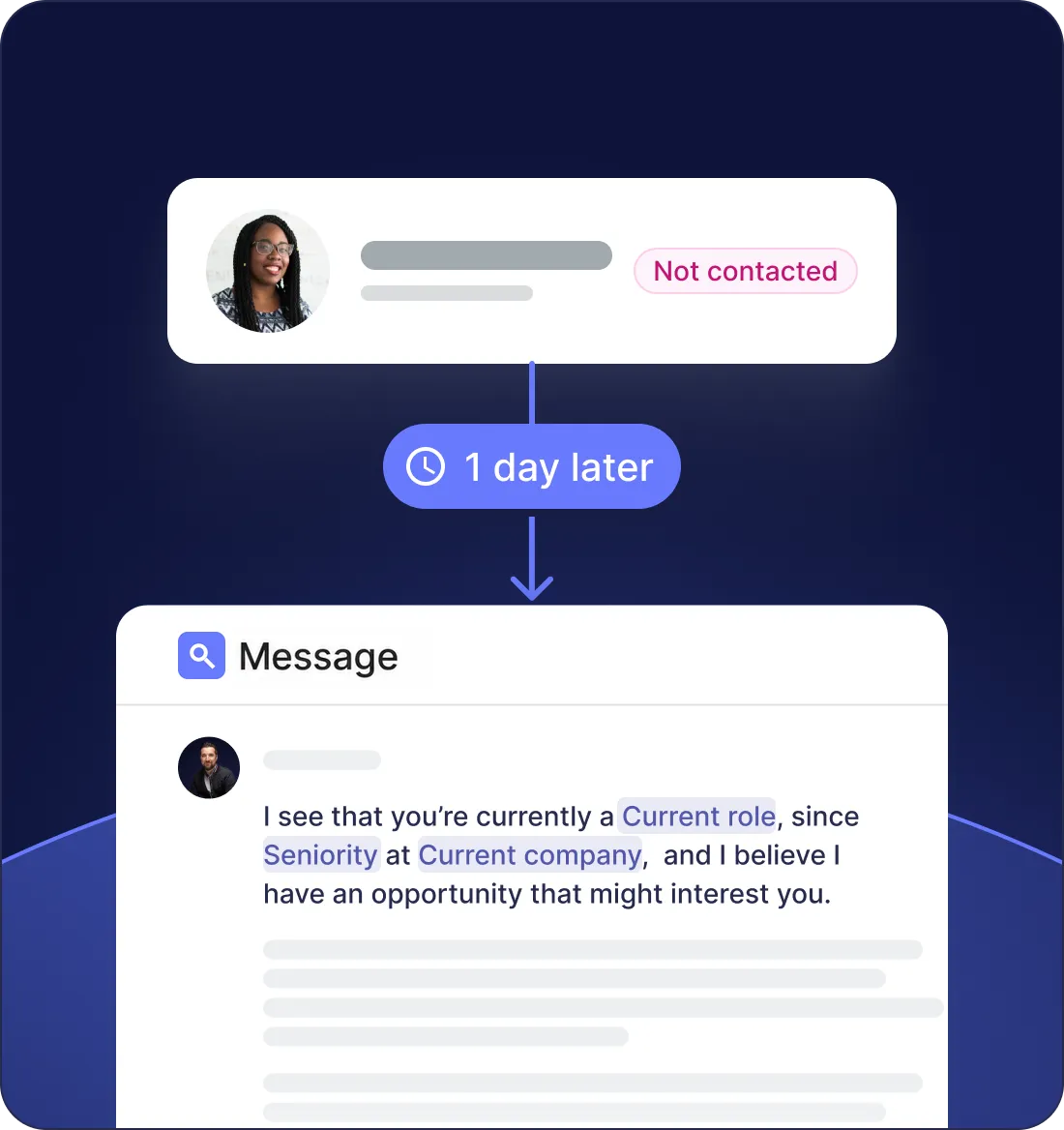


Available wherever Indeed operates.
Jarvi customers publish on Indeed in 25+ countries through our distribution partner.
Live on Indeed in minutes.
No IT ticket. Authorize the channel and publish your first job. Indeed distribution is a paid add-on via our partner JobPostingPro, set up with you during onboarding.
Sign up
00:30Create your Jarvi workspace and invite your team.
Connect Indeed
02:00Authorize the integration from your settings. Credentials are stored encrypted, no email forwarding workaround.
Publish your first job
02:30Hit publish. The job goes live with Indeed Apply enabled.
Setup time. Indeed typically indexes new listings within a few hours of publication.
8x applicant uplift figure: Indeed, public benchmark.
What recruiting teams say about Jarvi.

"2 of us do what others need 5 or 6 for"
“How many people do you have to manage all this?” That’s the question a prospect asked me a few days ago for a recruitment mission. My answer: there are two of us. And I’m proud of it.
Why? Because with two people, we accomplish what others sometimes need five or six for. Not by magic. Not by burning out. But because everything is thought through, structured, and properly equipped. With an ATS that also serves as a CRM, allowing us to track every candidate, every step, every company.

"Less time searching, more talent recruited!"
Less time searching, more talent recruited!
Indeed integration FAQ
How does the Jarvi ATS connect to Indeed?
The Indeed ATS integration runs through JobPostingPro, an official Indeed distribution partner. Job Sync pushes your Jarvi jobs to Indeed, and Indeed Apply candidates land back in your ATS in real time via webhook.
Does Jarvi support Indeed Apply?
Every job pushed to Indeed from Jarvi uses Indeed Apply. According to Indeed, Indeed Apply listings can attract up to 8x more applicants than standard ones, and each application flows into Jarvi with the resume parsed within minutes.
Is Indeed posting included in my Jarvi subscription?
No. Distribution to Indeed runs through our partner JobPostingPro and is a paid add-on, billed on top of your Jarvi plan, it is not included in the base subscription. Any Indeed Sponsored Jobs budget is separate again and paid directly to Indeed, with no Jarvi markup. We walk you through the pricing during the demo.
How are Indeed Apply candidates pulled into your ATS?
Indeed sends each application through JobPostingPro to a dedicated webhook in real time. Your ATS parses the resume, creates the candidate file, attaches them to the right project, and tags the source as Indeed.
How long does it take for my job to go live on Indeed?
Connecting the integration takes minutes. Indeed typically indexes new listings within a few hours of publication.
Where do I track Sponsored Jobs costs?
In your Indeed dashboard, which is the source of truth for ad spend. In Jarvi, you tag a job as sponsored and see which sponsored campaigns produced interviews and placements, not just clicks. Spend lives in Indeed, performance attribution lives in Jarvi.
Can I source candidates from Indeed?
No, not today. The integration is built for posting jobs and receiving Indeed Apply applicants, it does not search or pull profiles from Indeed's resume database. You can still add Indeed Resume profiles to Jarvi manually or via CSV import.
Is the data flow GDPR compliant?
Yes. Indeed Apply captures candidate consent at application time. Candidate data is stored on private EU infrastructure, encrypted in transit and at rest, GDPR compliant. Candidates can be deleted on request.
Make Indeed a one-click channel of your ATS.
Book a 30-minute demo. We show you the integration on your own Indeed setup and your own roles.

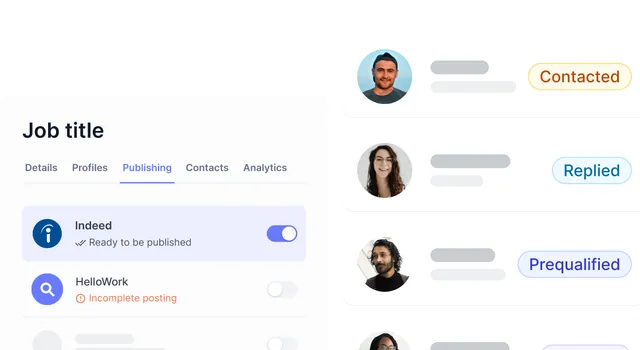
More than just an Indeed integration.
Jarvi is also a recruiting CRM and a multichannel outreach platform, same workspace, same candidates.
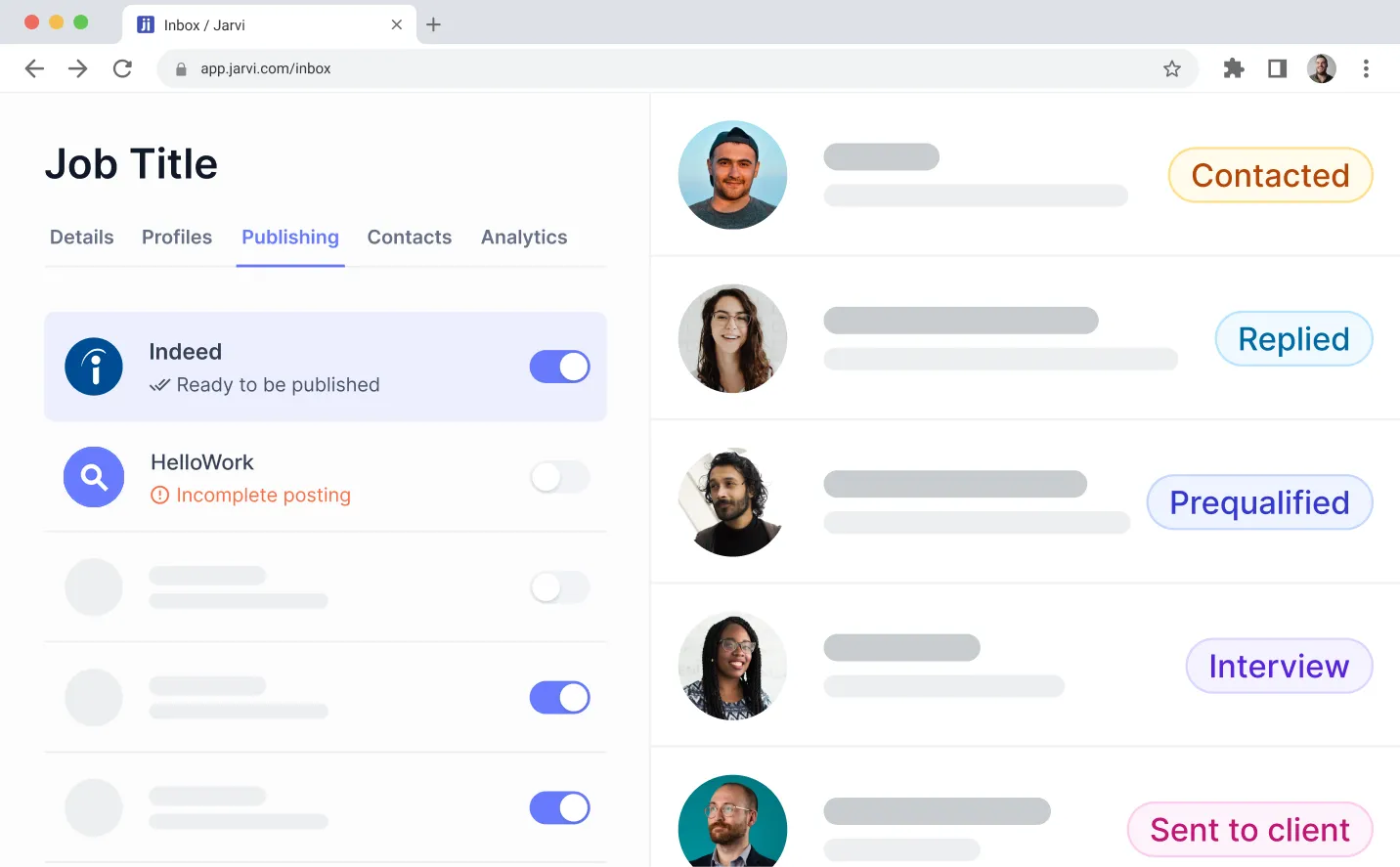




Software built by recruiters for recruiters.
Get started with Jarvi and grow your recruitment business.
Indeed and Indeed Apply are trademarks of Indeed, Inc. Jarvi is not affiliated with or endorsed by Indeed.