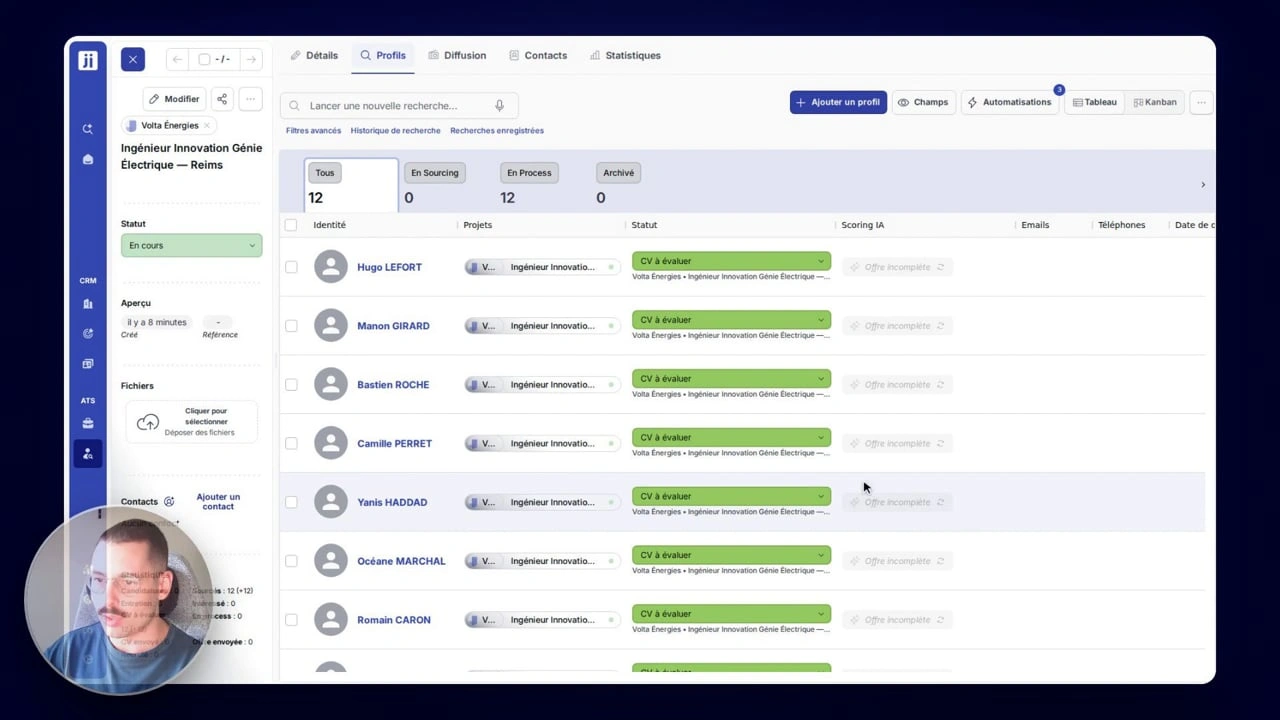
Every candidate for a job up to date, in one go
Your 23 candidates for the Lyon job all need Lyon as a preferred location: you tick them, click “Edit”, and it is done for all 23. “Edit” sits under the three dots in the bar that appears as soon as you tick. Jarvi first shows you what they already have: 5 of the 23 already have Lyon as a preferred location. You add, remove or replace a piece of information, or clear it, for every ticked candidate, and the rest of each profile stays as it is. Before you apply, the confirmation shows you every change.
Also in recent weeks

If your agency uses dashboards, pick “Every weekday” or “Every Monday” in Preferences > Dashboards: it arrives in your inbox at 8 AM, before you even open Jarvi.

In the Companies tab, type “companies with a project this year whose contact has not been called in 30 days” in the AI search bar. It relies on the calls logged in Jarvi. Save the search: it updates every day.
Did you know? To tick twenty candidates in a row, no need to click twenty times. Tick the first one, hold down the Shift key (the up arrow ⇧) and tick the last one: all those in between are ticked too.