Let Jarvi automatically analyze your candidate database and recommend the most relevant profiles for any job offer. Less manual filtering, more qualified candidates delivered to your clients.
Match profiles to your job offer
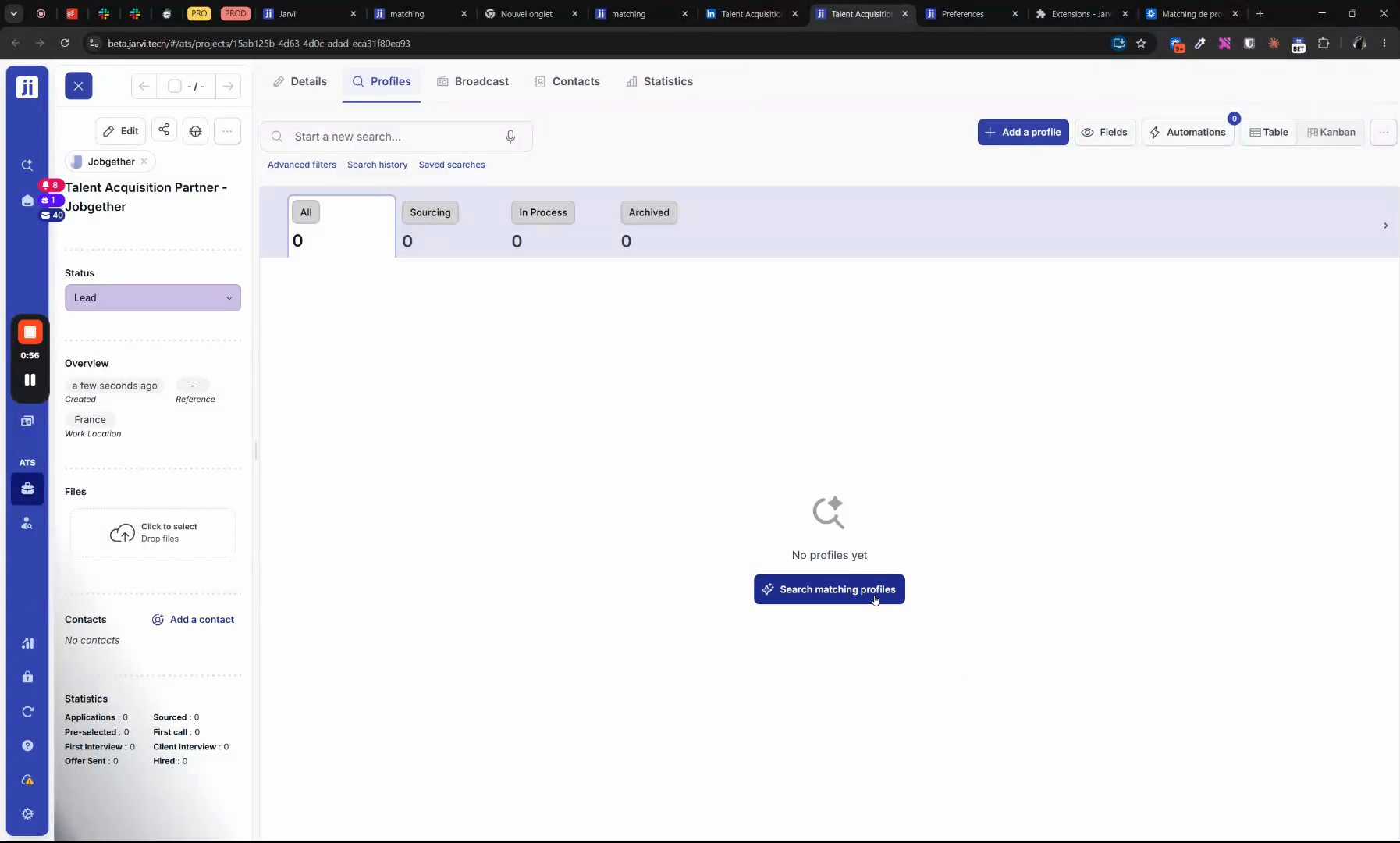
Step 1: Go to the Profiles section within your project and click Search for matching profiles to start the matching.
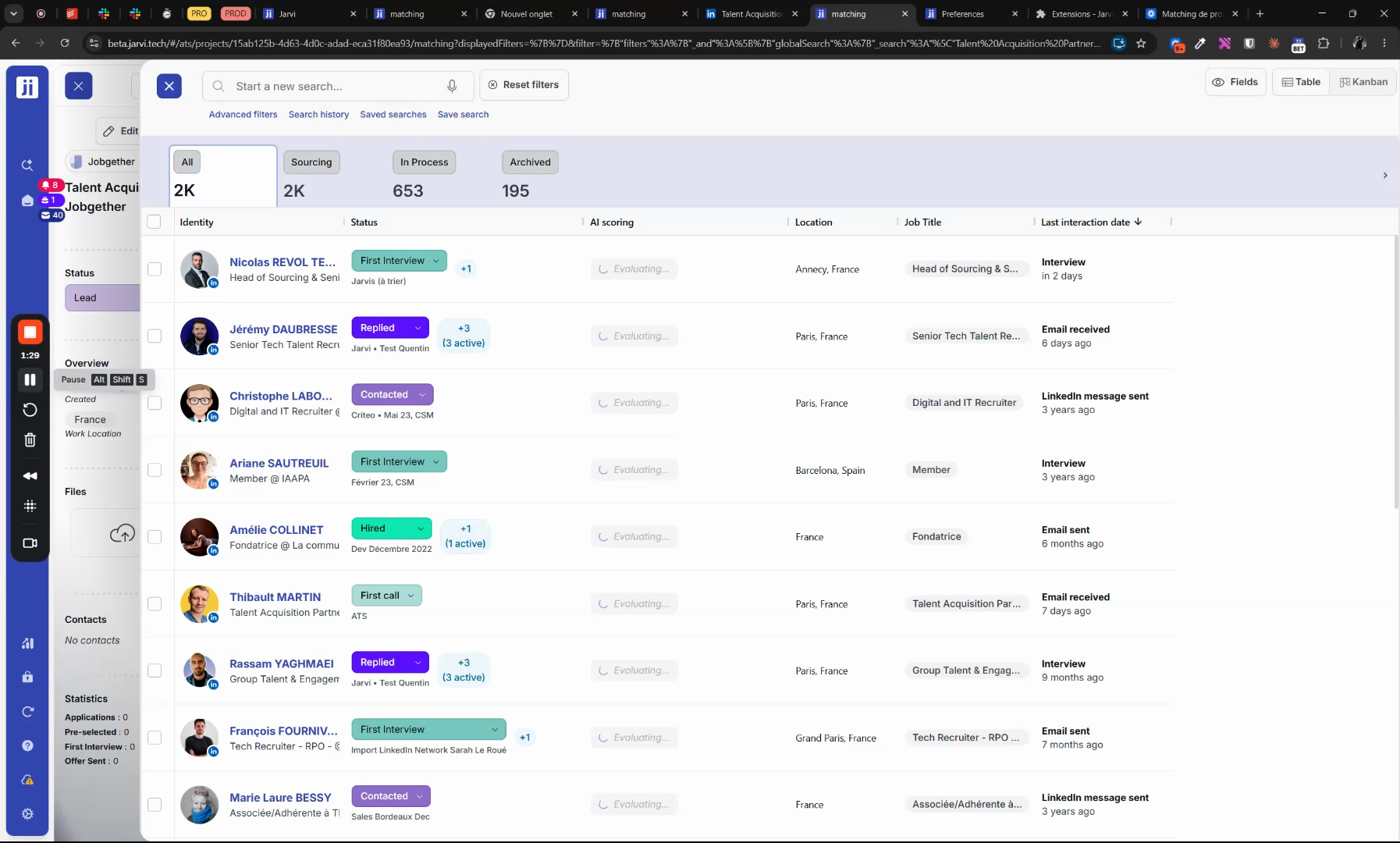
Step 2: Jarvi analyzes all job criteria — location, requirements, skills — and automatically suggests the best filters for your search.

Step 3: Review the list of top-matching profiles. For each candidate, Jarvi assigns a relevance Score and provides a detailed match analysis highlighting key compatibility points.
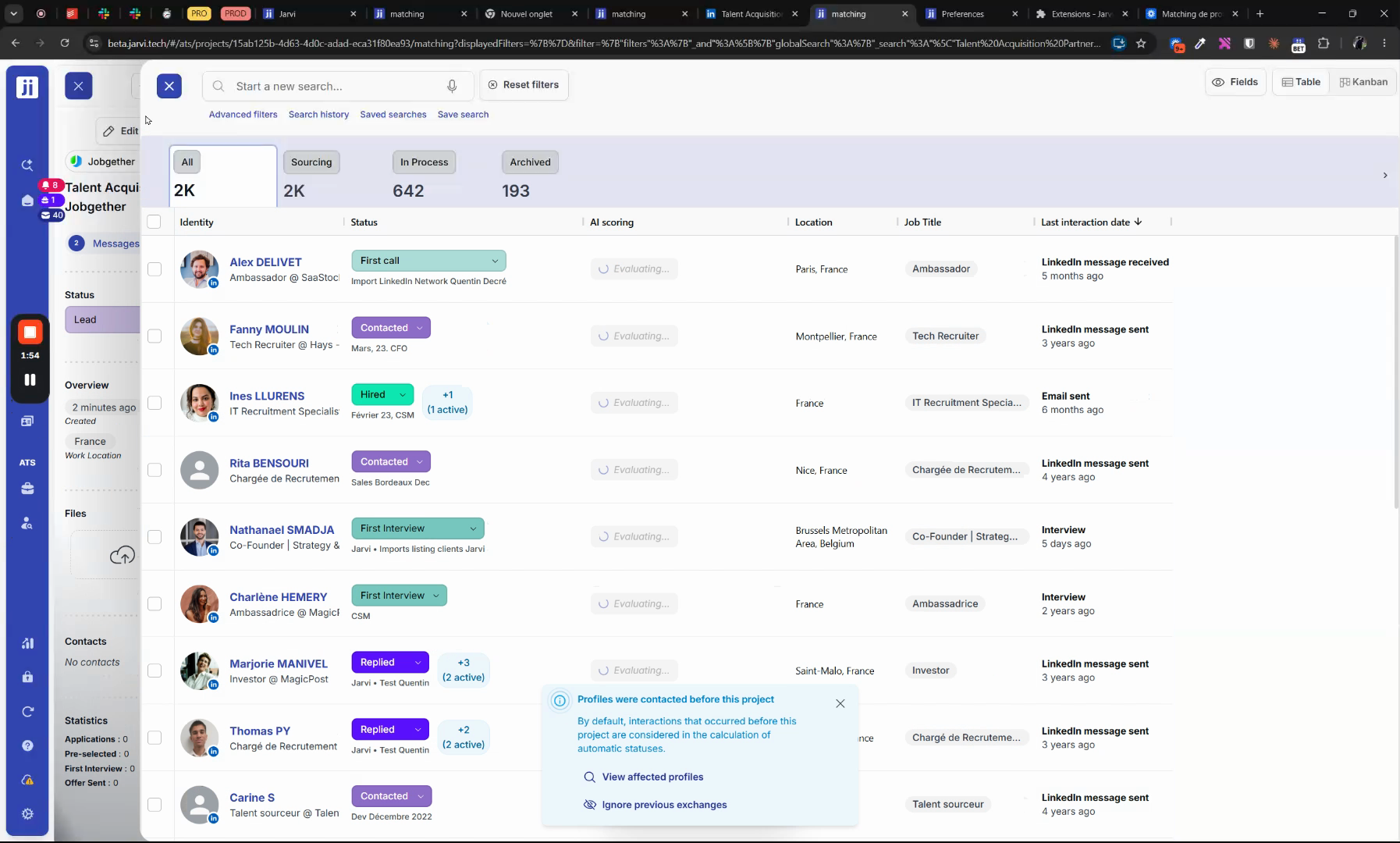
Step 4: Select the candidates you want and click Add to project to include them.
Share and export profiles
Step 1: Once profiles are added, generate PDF reports or anonymous resumes to share with your clients for a fast, professional delivery.
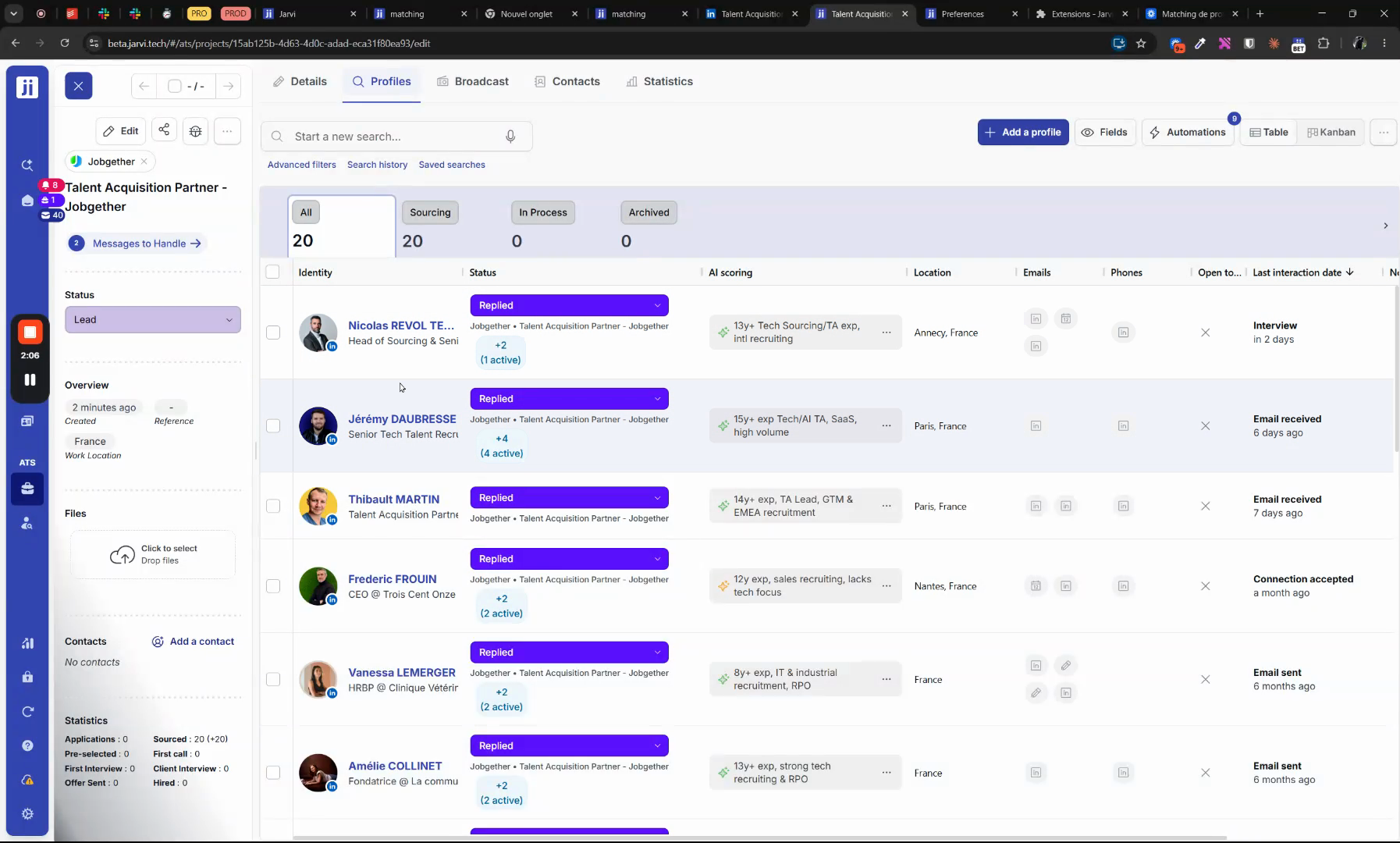
Profile matching automates candidate search and evaluation: less manual filtering, more relevant shortlists, and faster delivery to your clients.