Finding a candidate or specific information in Jarvi has never been easier. Save time and instantly access the best profiles with an intelligent, fast, AI-powered search.
Perform a quick search
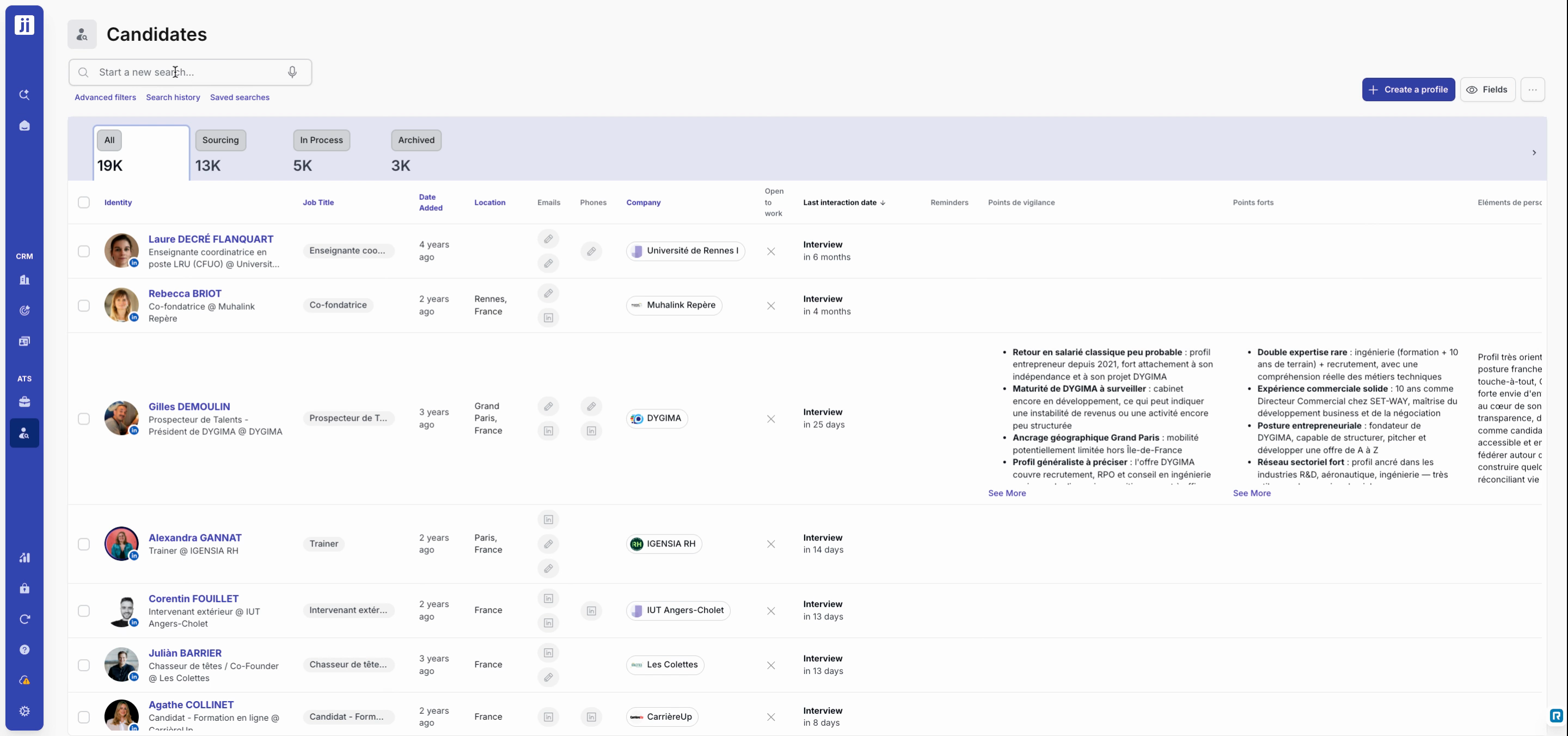
Step 1: Type a keyword in the search: project name, company, phone number, first name or last name.
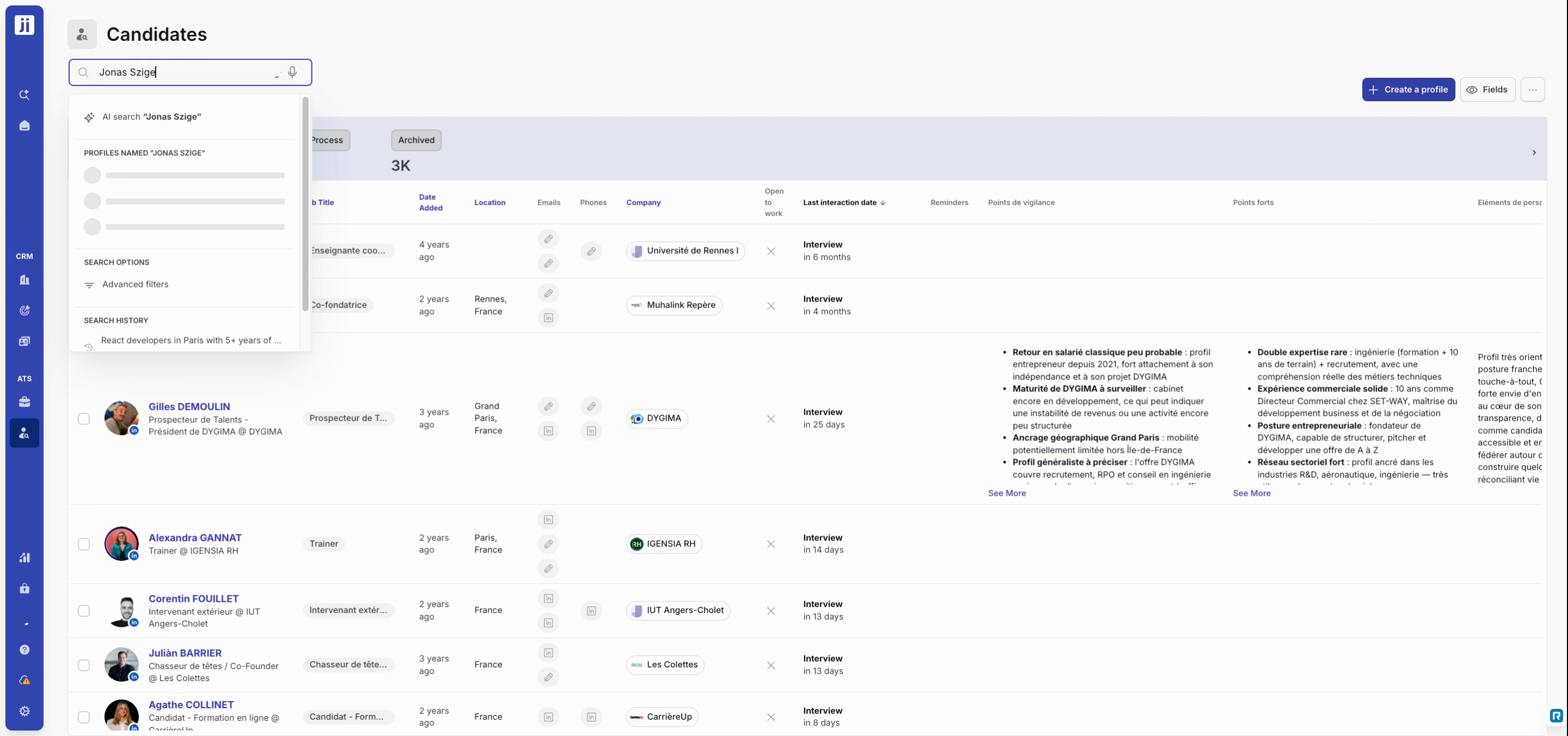
Step 2: View the list of suggested results.
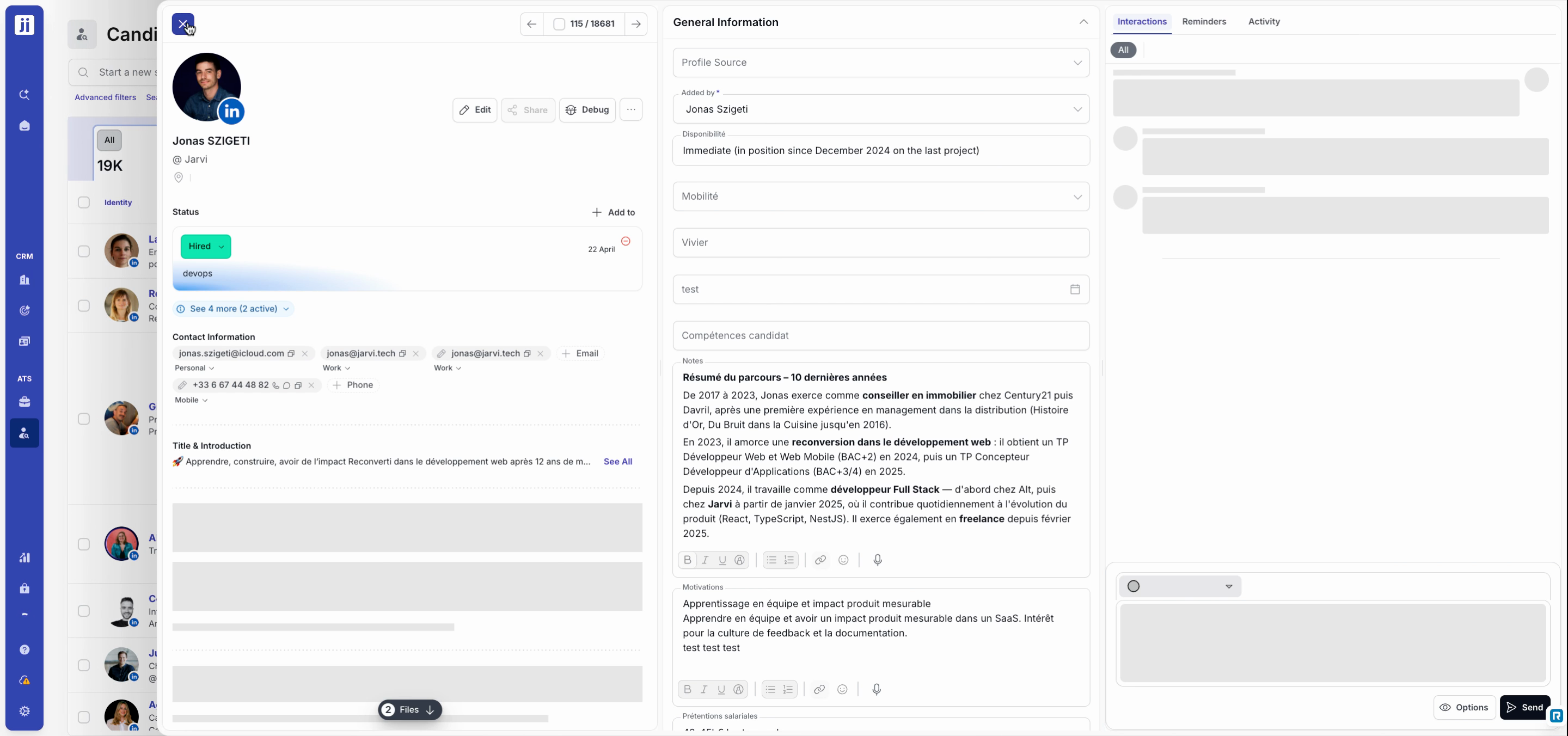
Step 3: Browse the list and click on a result. As soon as you click, the record or entity opens instantly.
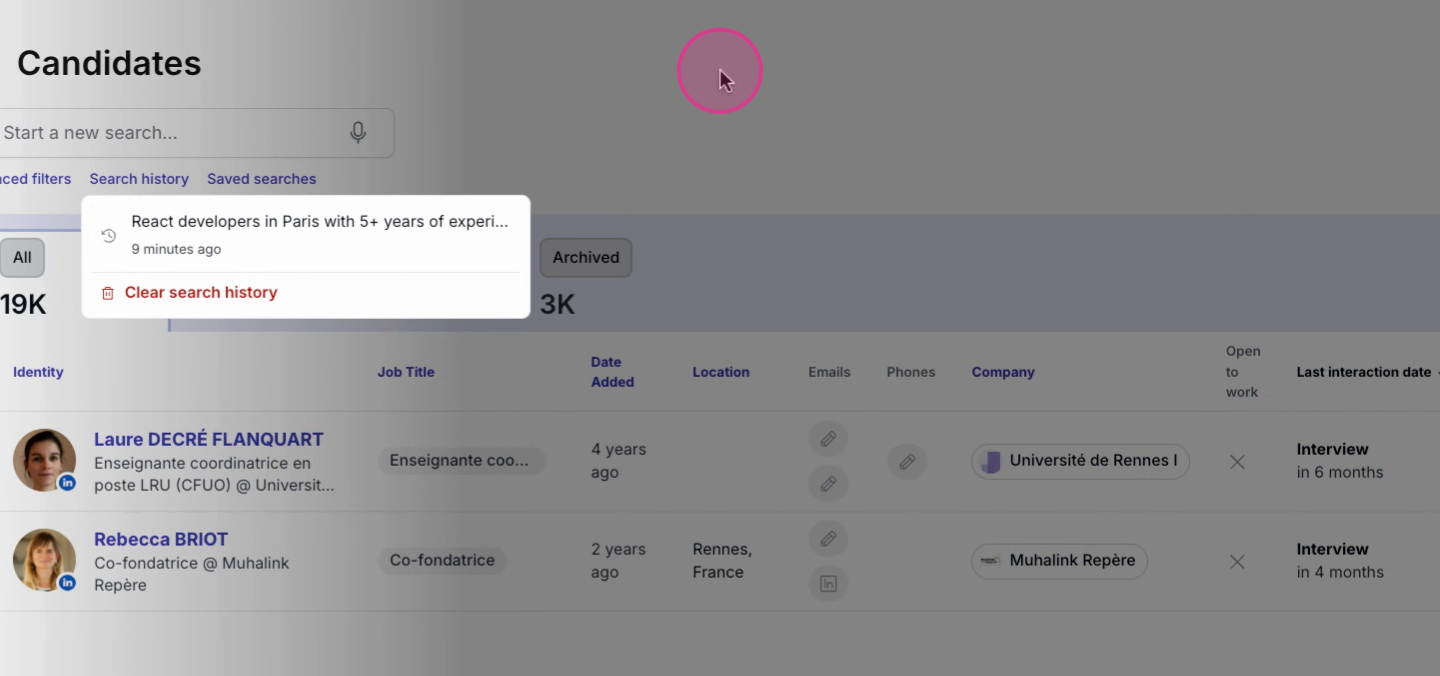
Find your previous searches
Step 1: Open the search history. Jarvi lists your recent queries.
Step 2: Click on a past search to rerun it without retyping anything.
Search with natural language using AI
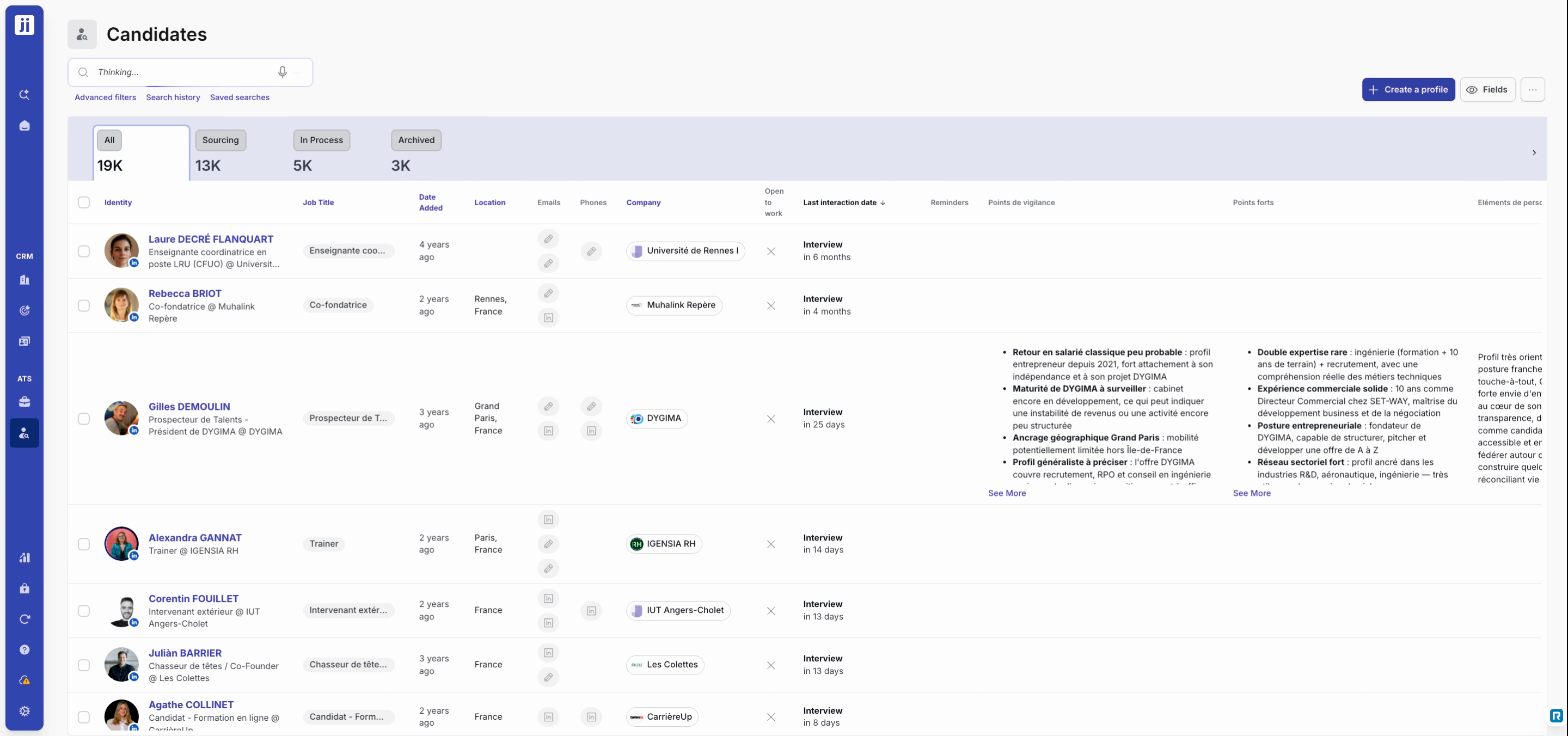
Step 1: Type your search as you would say it out loud (for example: “IT recruiters in Paris with at least five years of experience”). Press Enter.
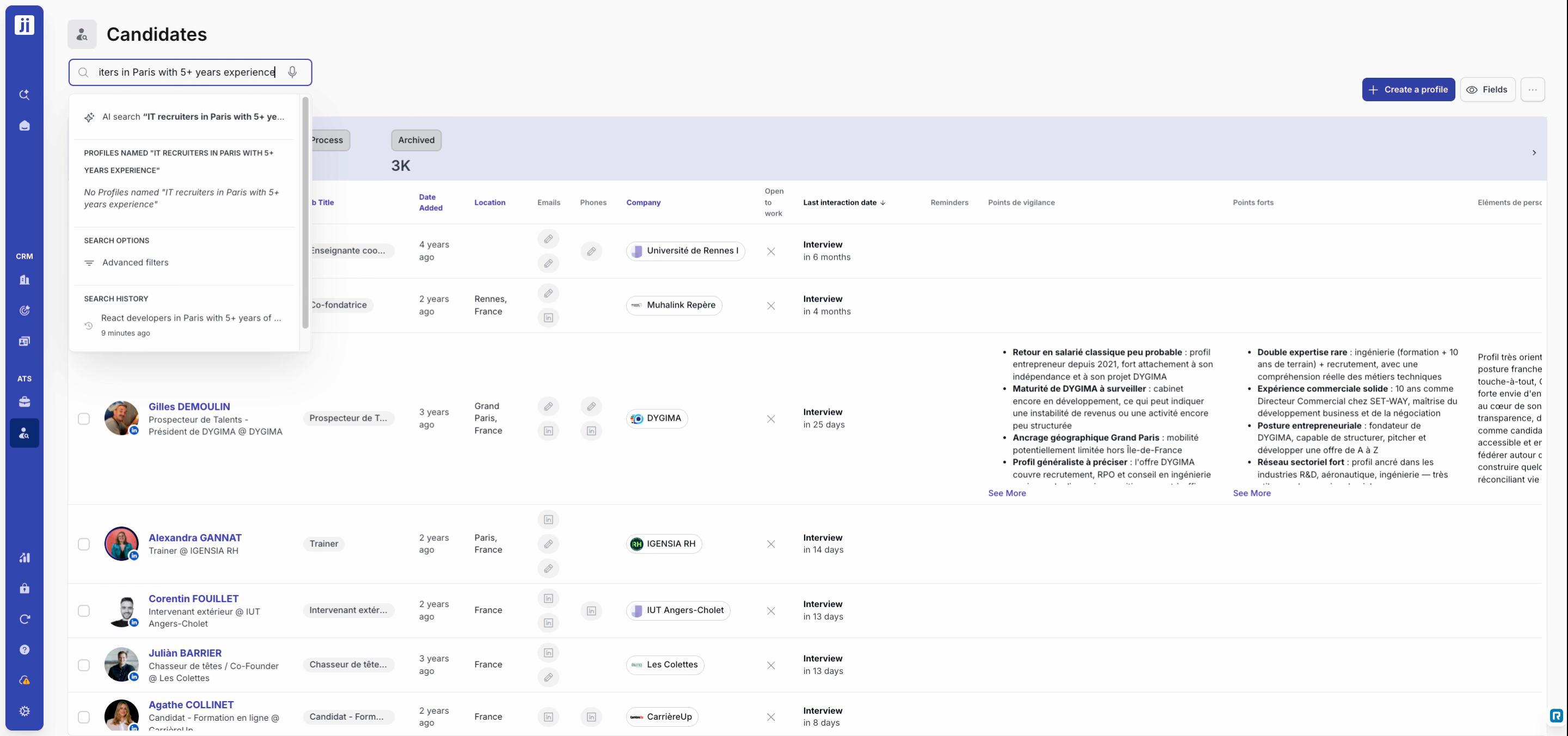
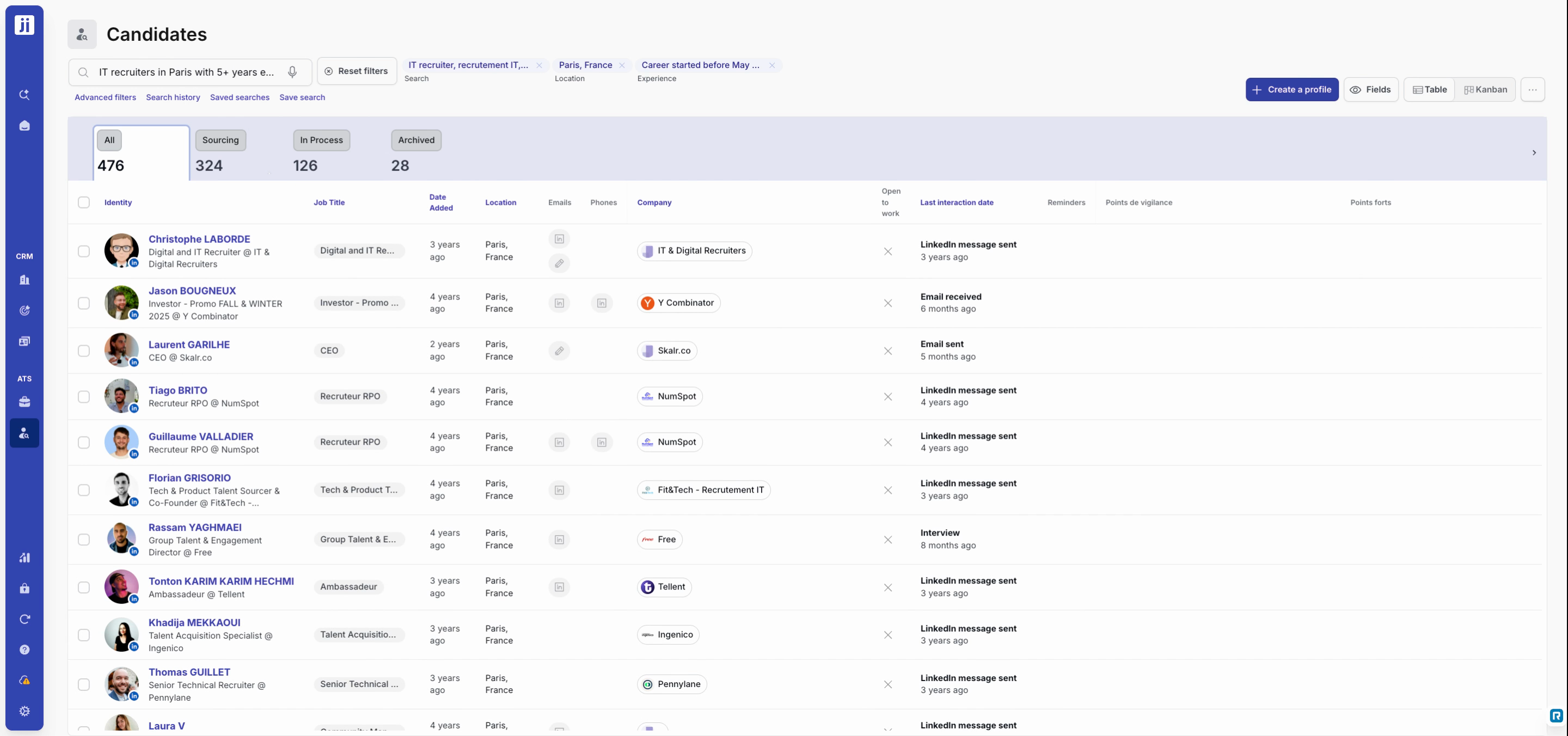
Step 2: The AI analyzes your request, fills in the filters, and automatically suggests useful variations to cover all related job titles.
Step 3: Browse results sorted by relevance: the higher a profile appears in the list, the better it matches your needs.
Use search shortcuts in projects
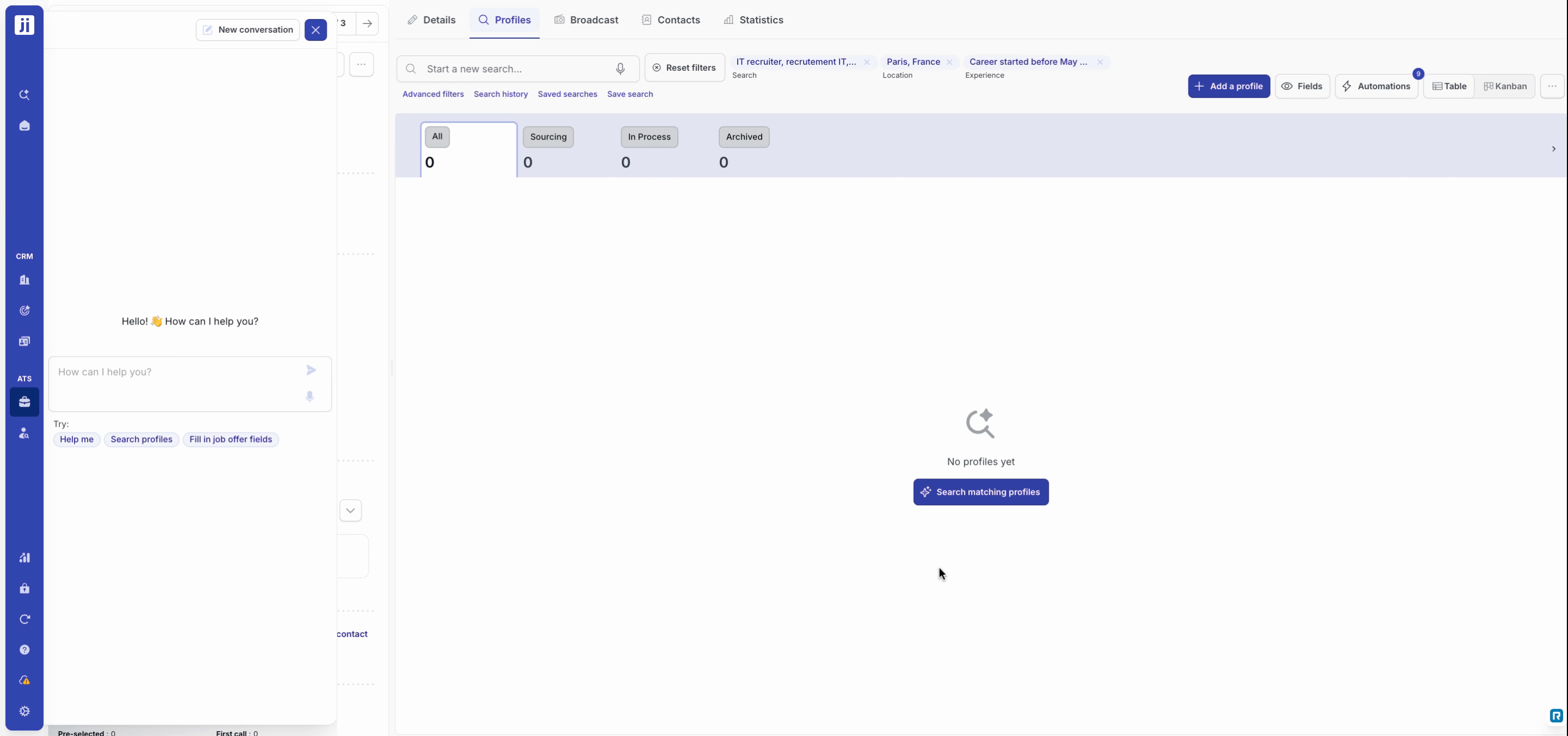
Step 1: In a project, click the Search for matching profiles shortcut when the candidate list is empty. Access it in one click via the dedicated button.
The new Jarvi search simplifies your daily recruiting workflow: fewer clicks, more relevant results, and an AI-boosted experience. Give it a try and share your feedback with the team!