LinkedIn ATS integration
A two-way LinkedIn integration
built into your ATS
Every profile, message and InMail your recruiters touch on LinkedIn lands in their ATS within minutes, and every action taken in the ATS pushes straight back to LinkedIn. A free LinkedIn account is enough to start; Sales Navigator and Recruiter unlock the rest.
Thanks for reaching out, Tuesday 4pm works.
- Imported from LinkedIn
- Channels: LinkedIn · Email · WhatsApp
- Last action: InMail replied, logged




From LinkedIn to your pipeline
Six ways to pull profiles
out of LinkedIn
A single profile, a Sales Navigator list, a Recruiter project, your 1st-degree network. Jarvi reads each surface where it lives and files the data in the right project.

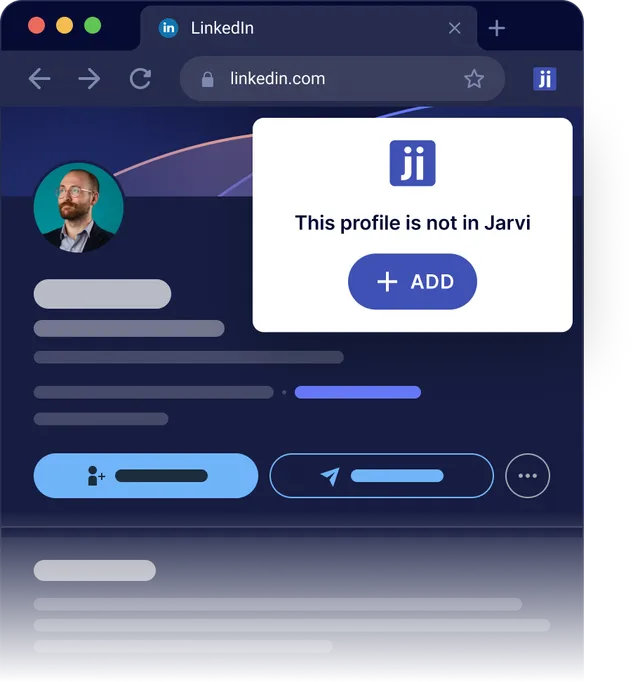
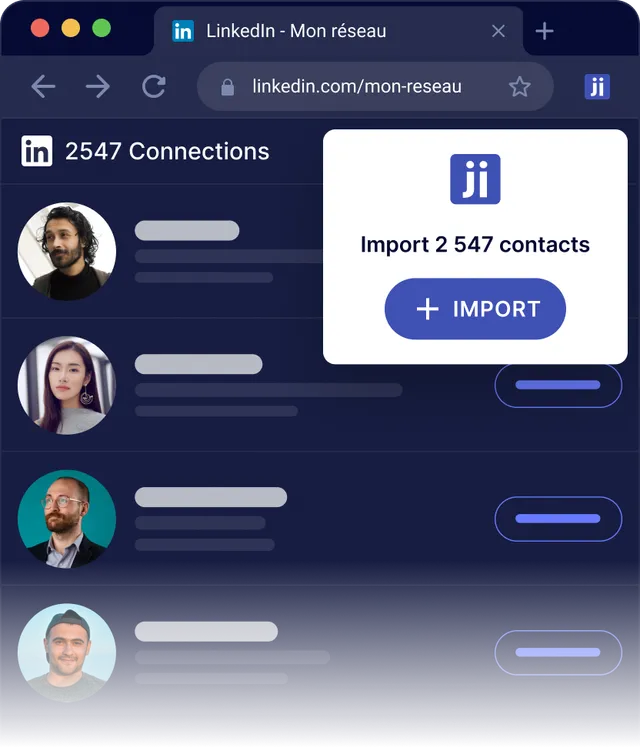
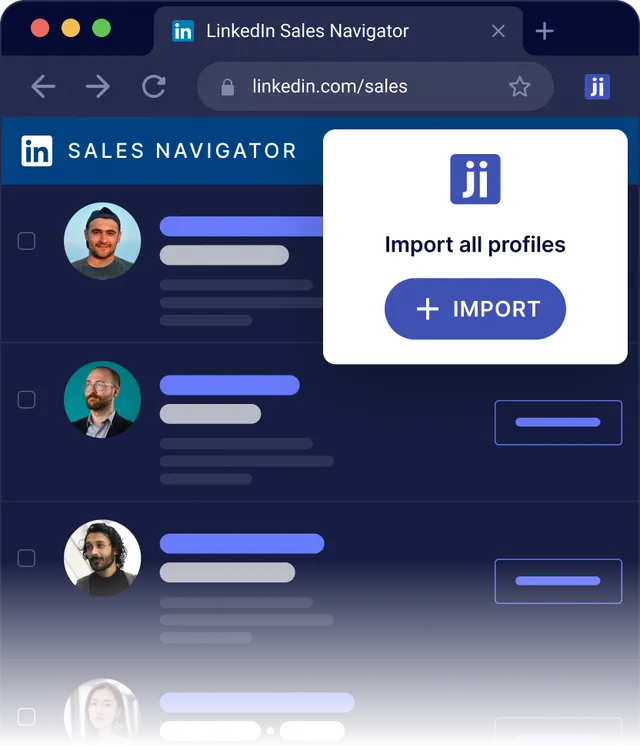
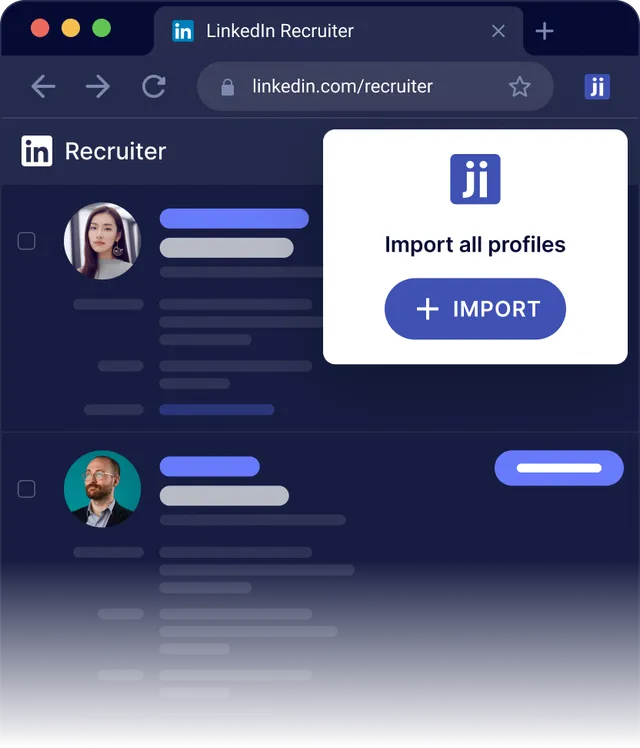
A LinkedIn ATS integration
that works with every license
Match your seat to the row below. Jarvi unlocks each feature the moment your LinkedIn login can access it.
| Capability | Free LinkedIn | Premium | Sales Navigator | Recruiter Lite | Recruiter Pro |
|---|---|---|---|---|---|
| Single profile import | |||||
| 1st-degree network bulk import | |||||
| Direct messages sync | |||||
| InMail sync | |||||
| Sales Navigator list/search import | |||||
| Recruiter project import | |||||
| Recruiter pipeline live sync | |||||
| Multi-seat orchestration | |||||
| Multi-channel sequences (LI + email + WhatsApp) |
Recruiter Enterprise and Sales Navigator Team supported with the same capabilities as the rows above. Included in every Jarvi plan, with no add-on and no LinkedIn-side surcharge.
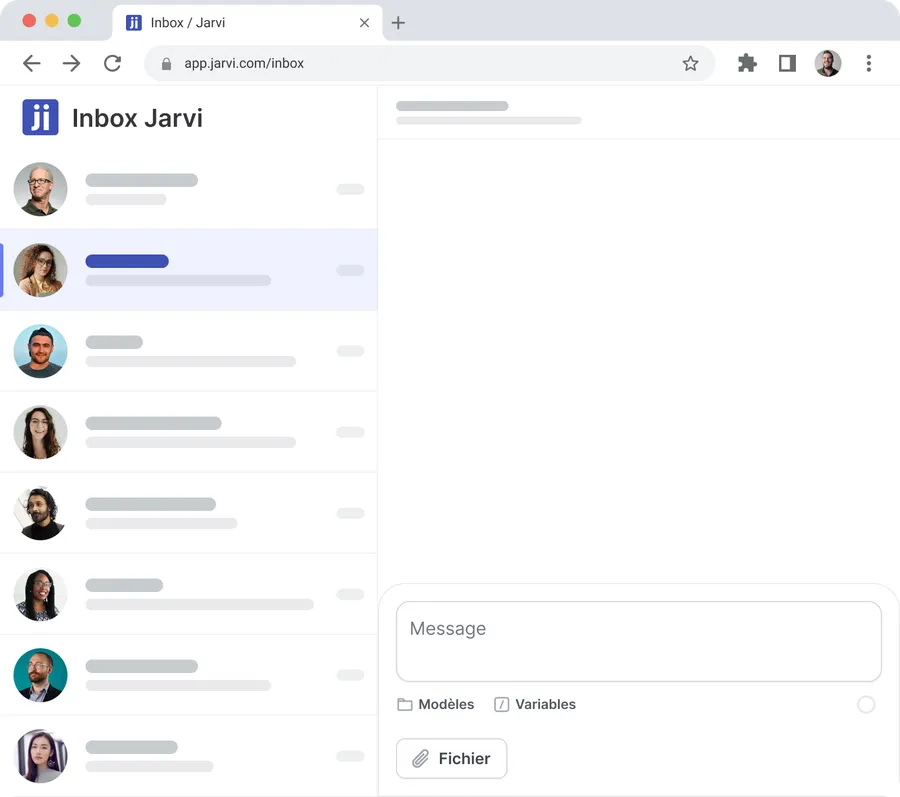
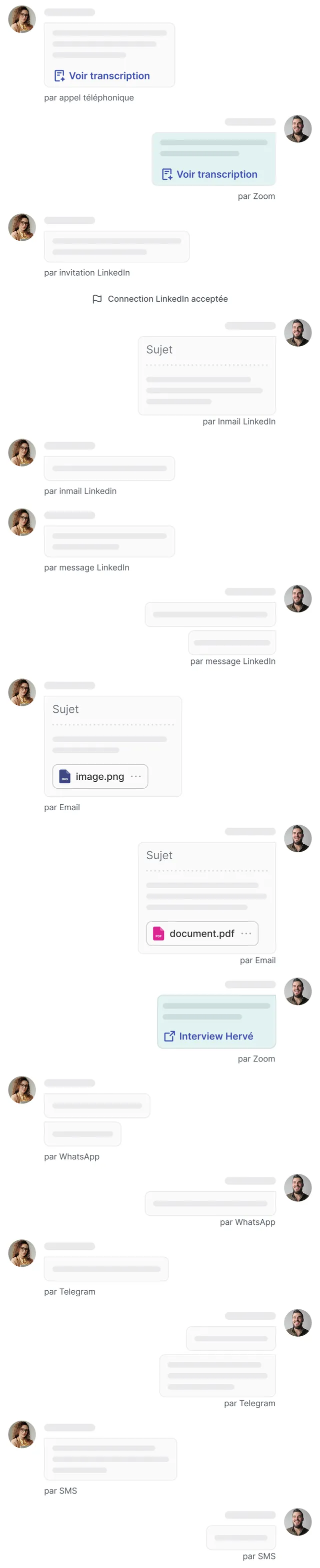
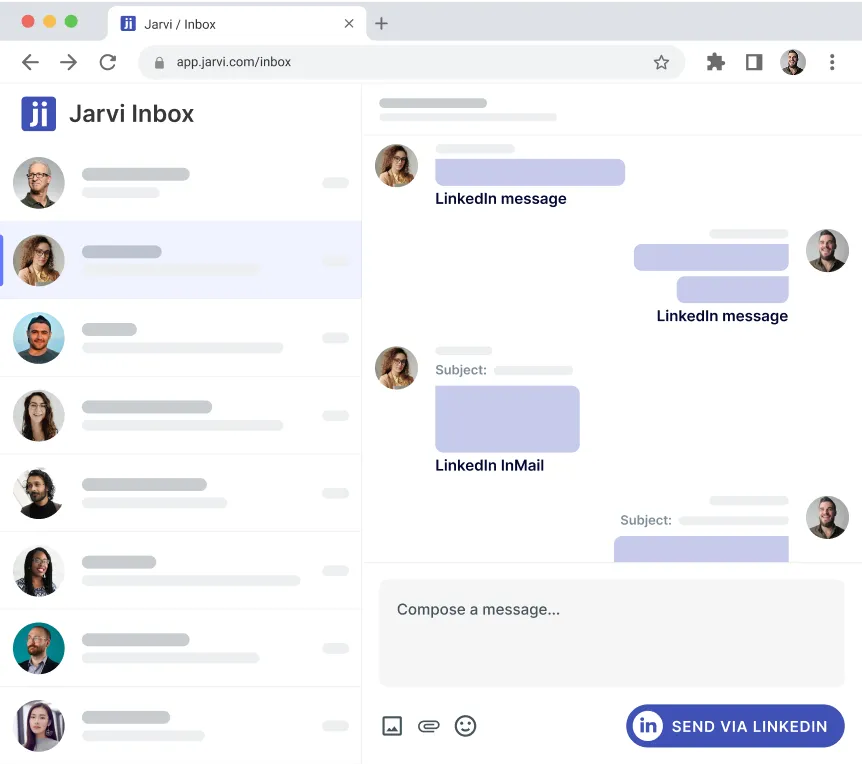
One inbox for invitations, InMails,
messages and the rest
LinkedIn invitations, InMails and direct messages land in the same view as your emails, WhatsApp and Telegram threads. Your team stops opening five tabs to follow one candidate.

LinkedIn sequences that don't read
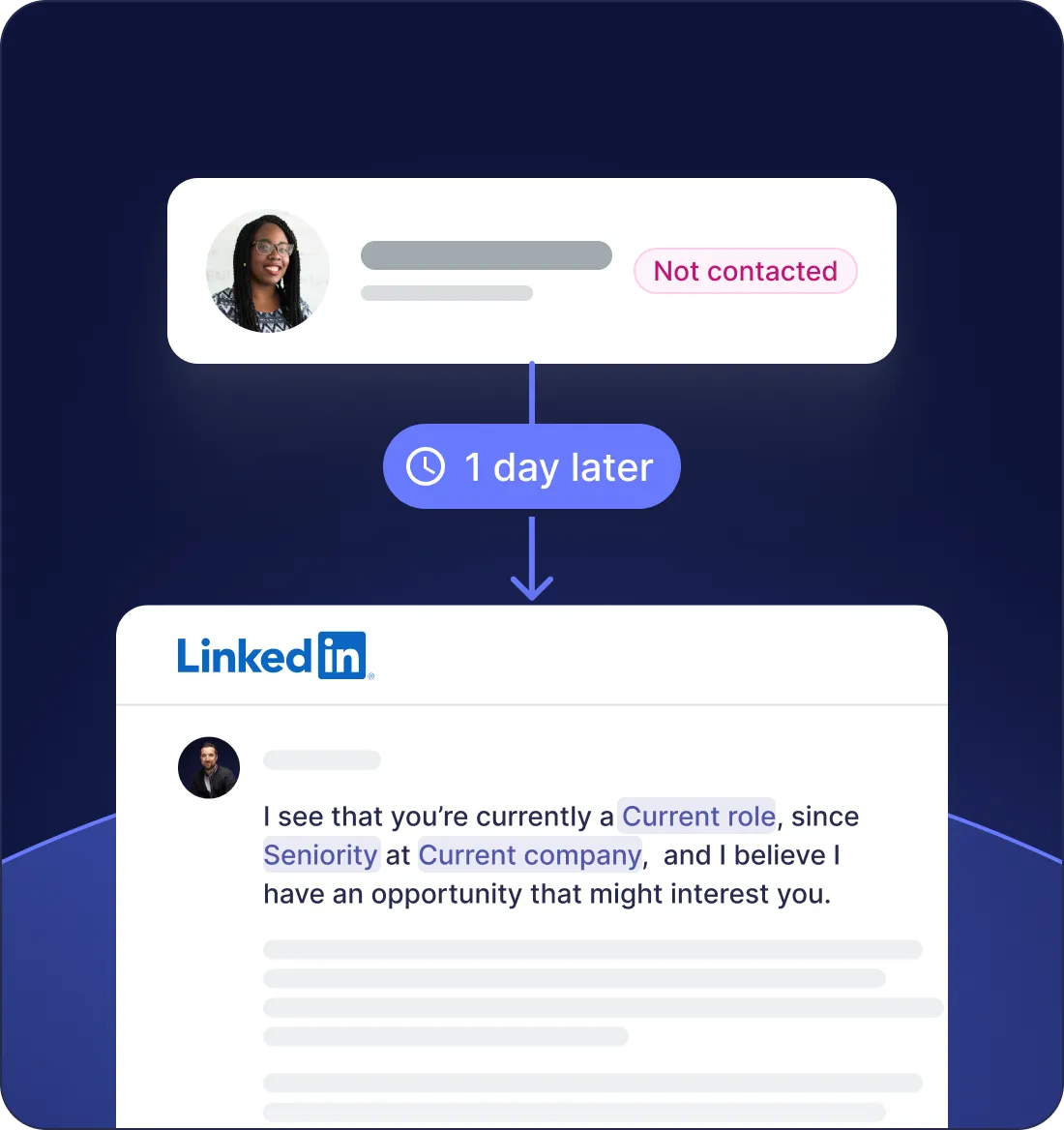
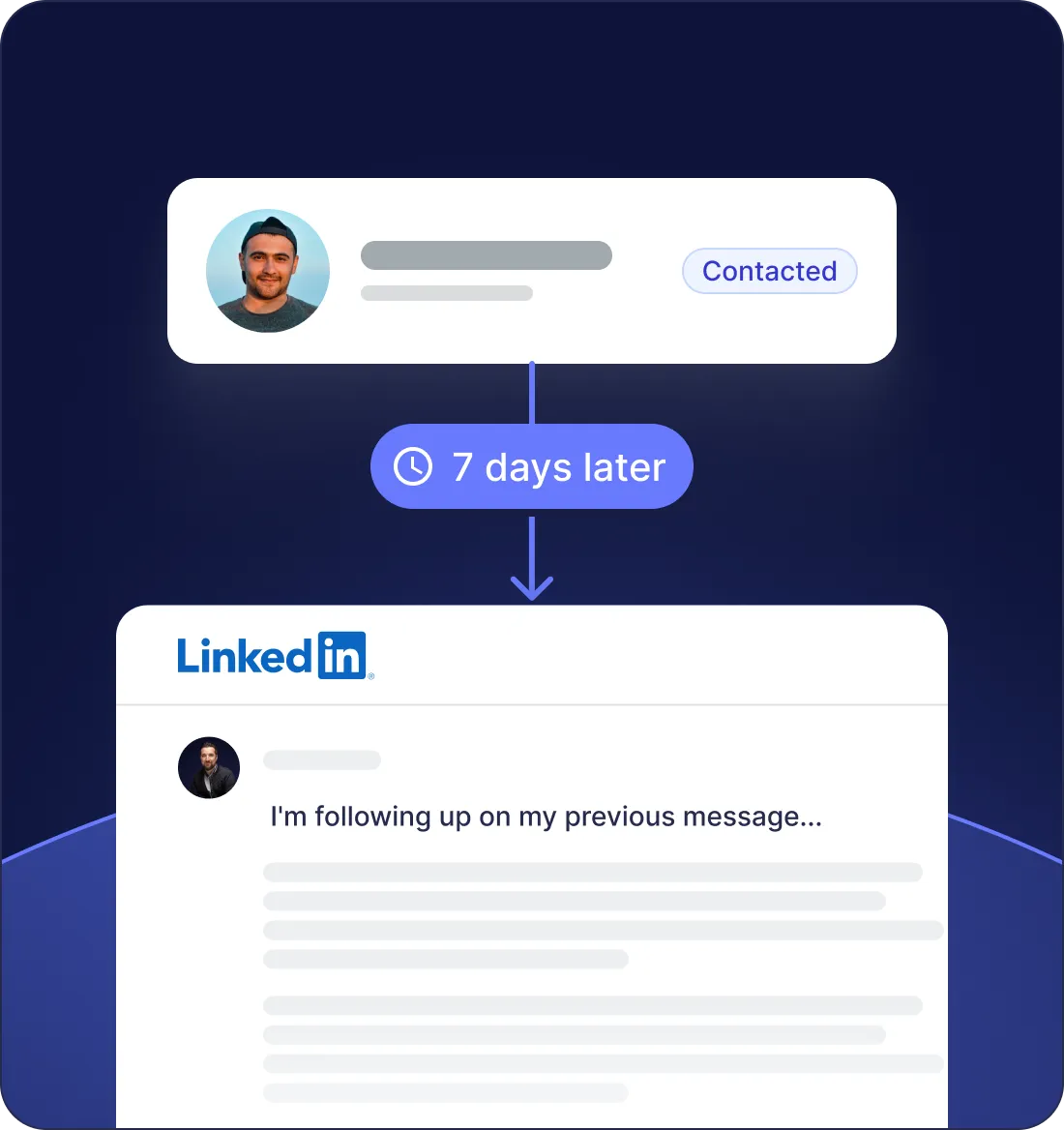
like a bot wrote them
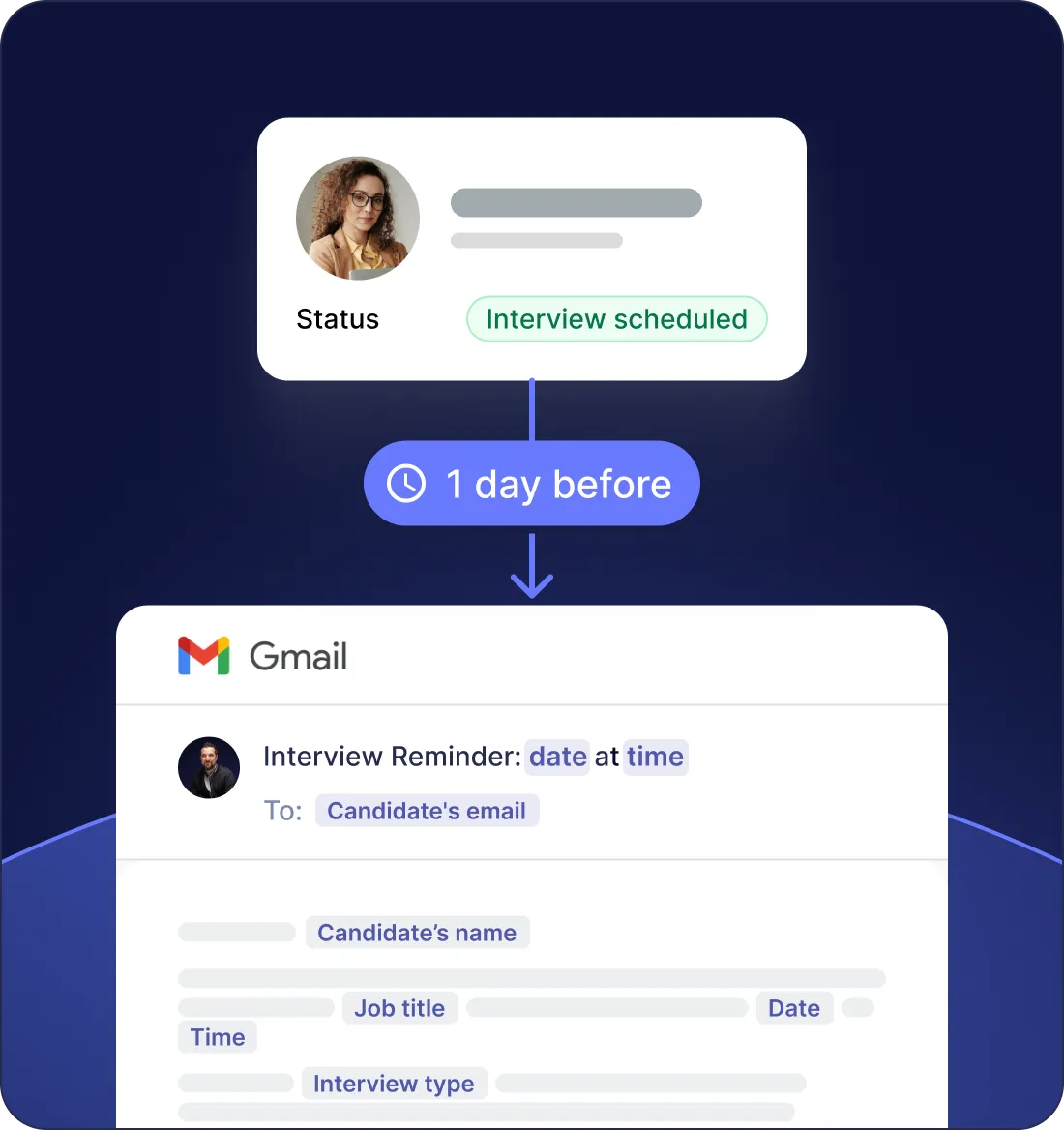
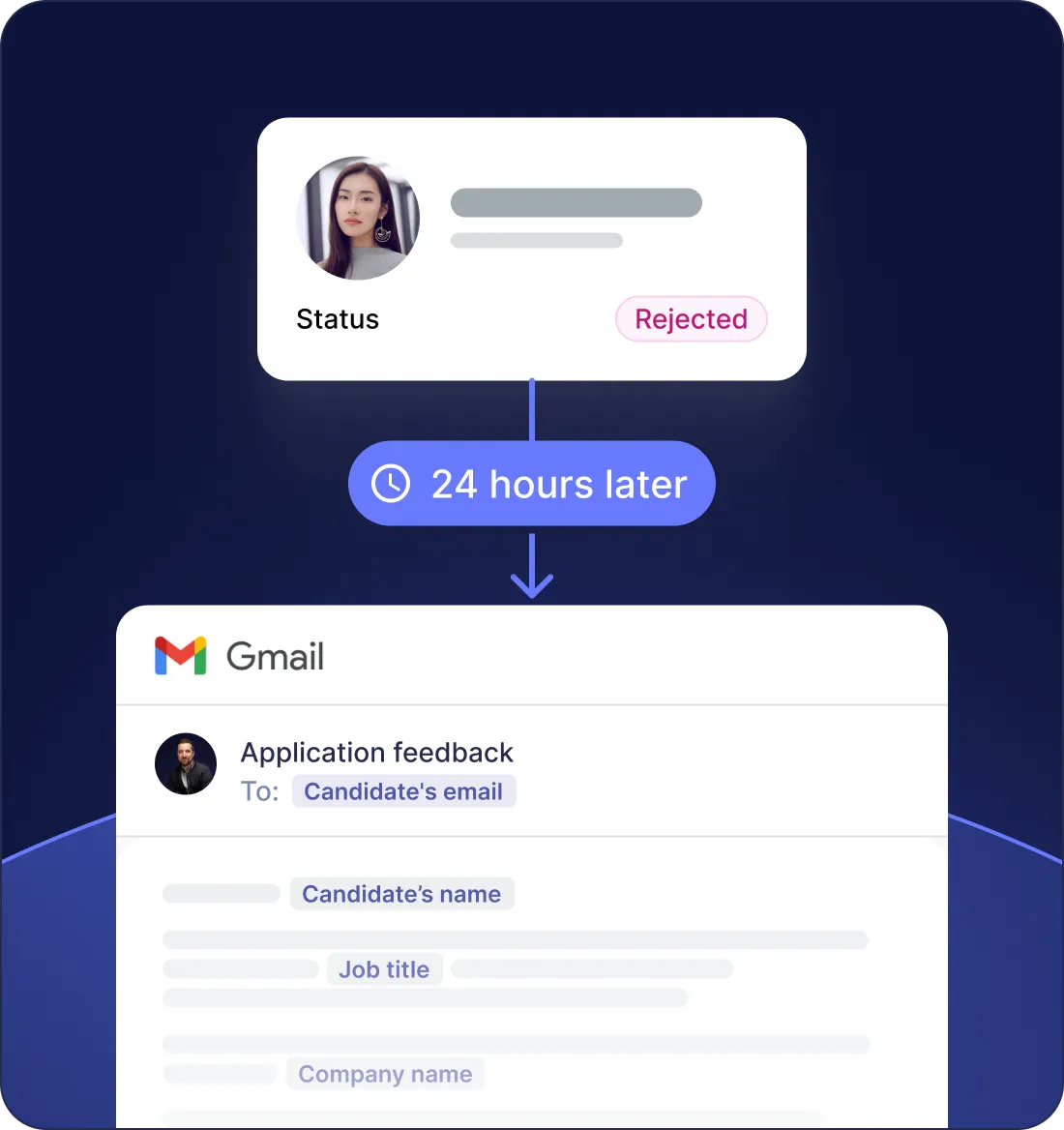
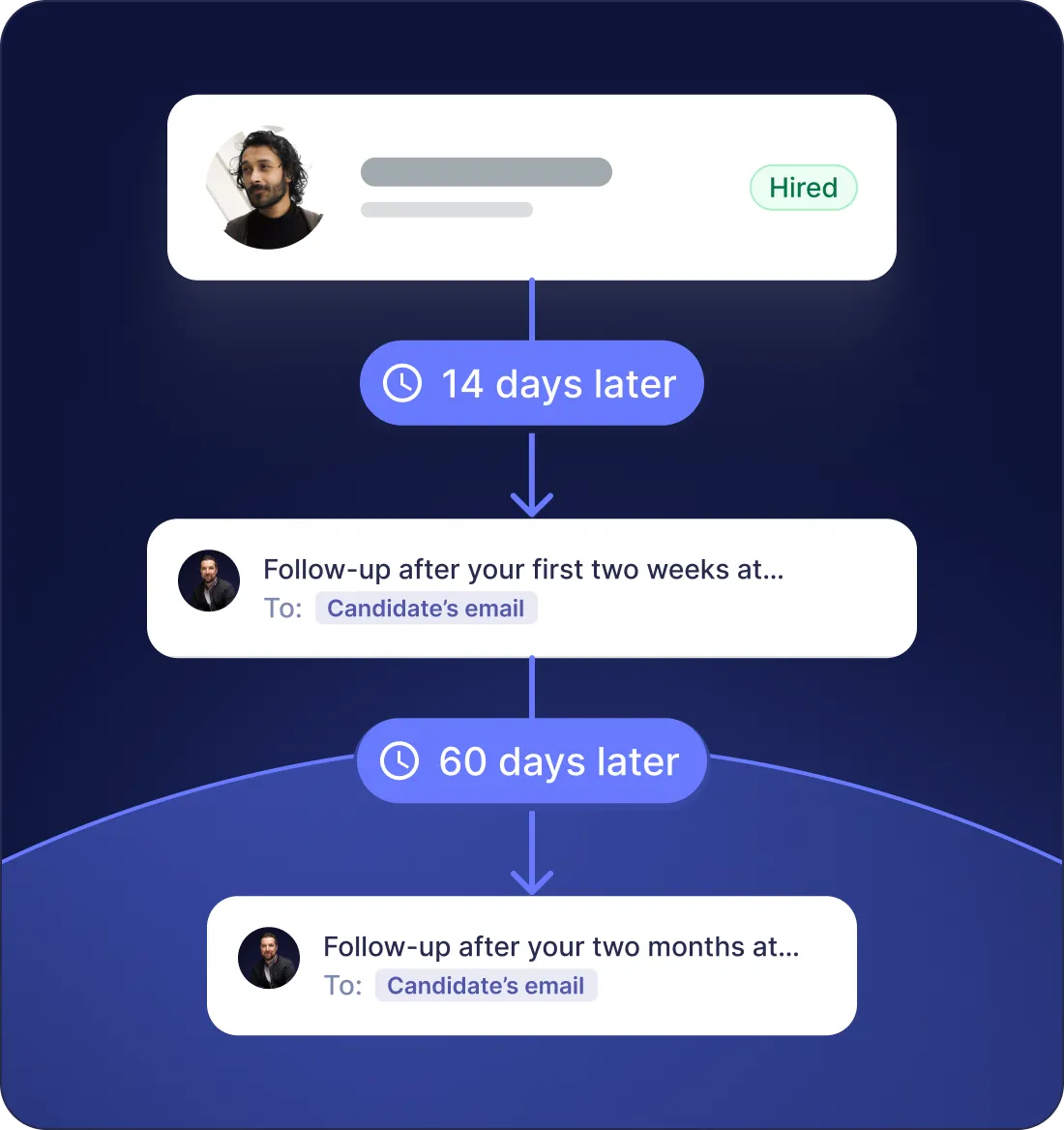
Multi-step sequences that adapt to each reply, switch channels when one goes silent, and stay below the daily caps LinkedIn enforces.
Sync runs both ways,
in the background
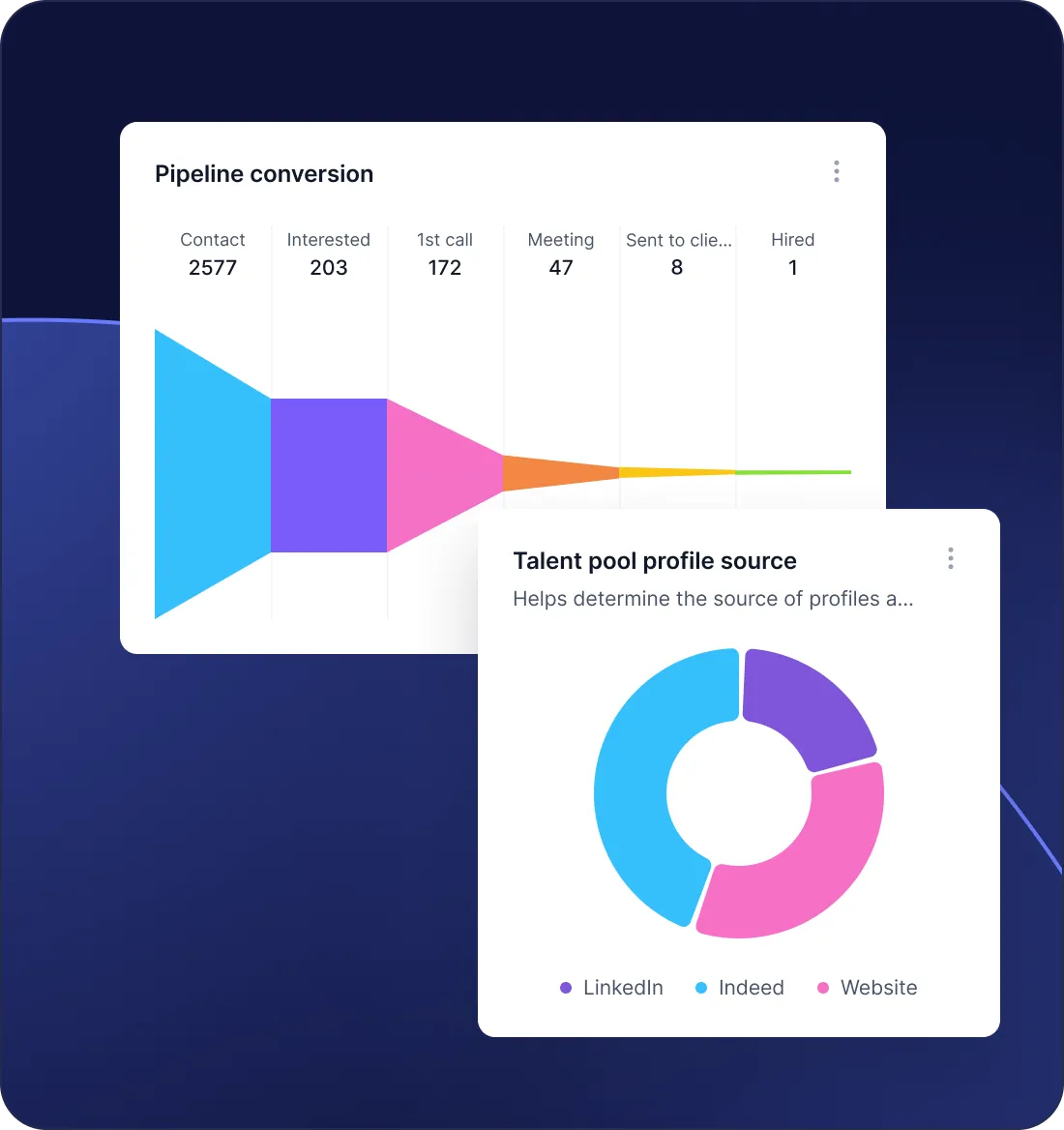
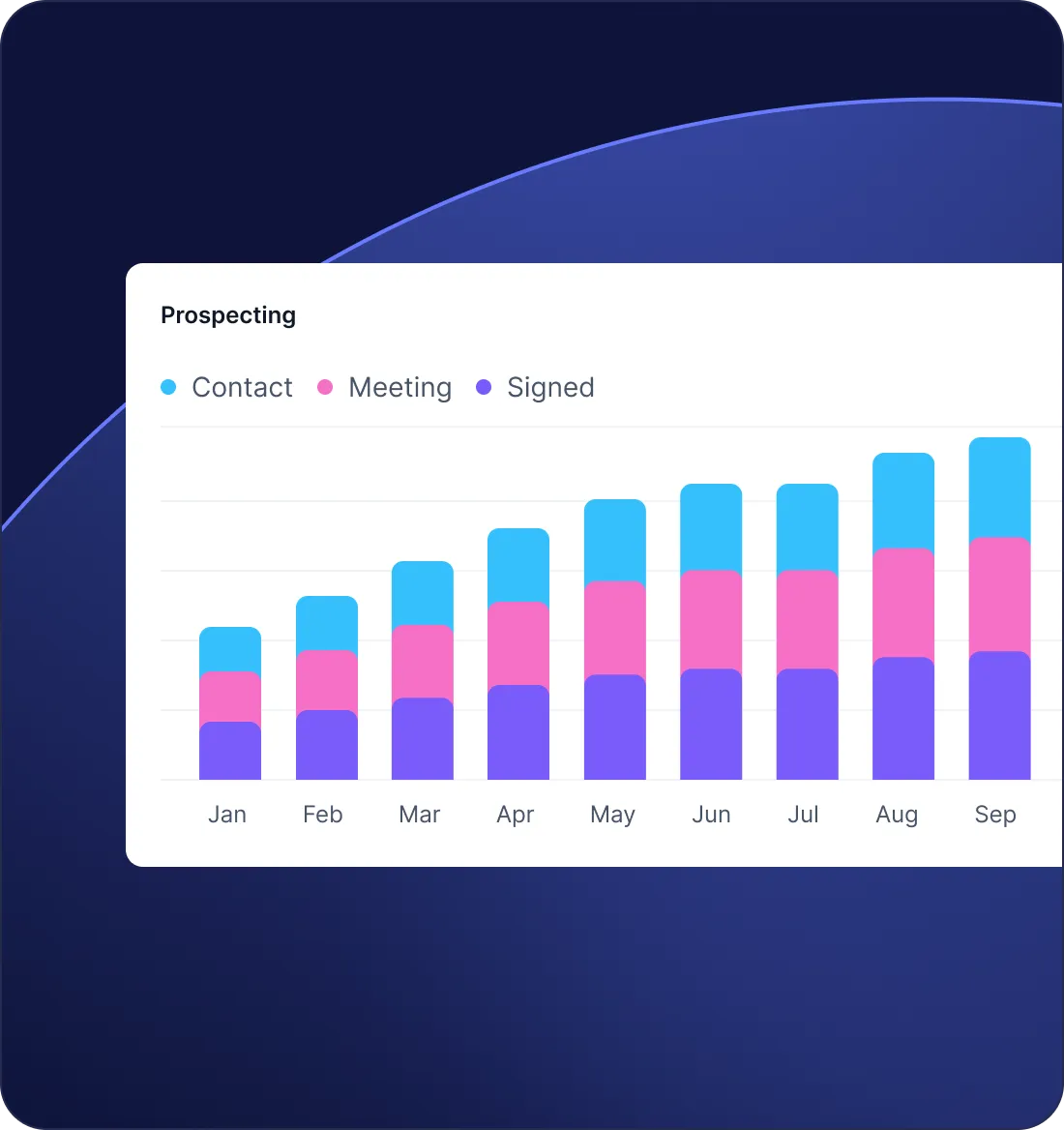
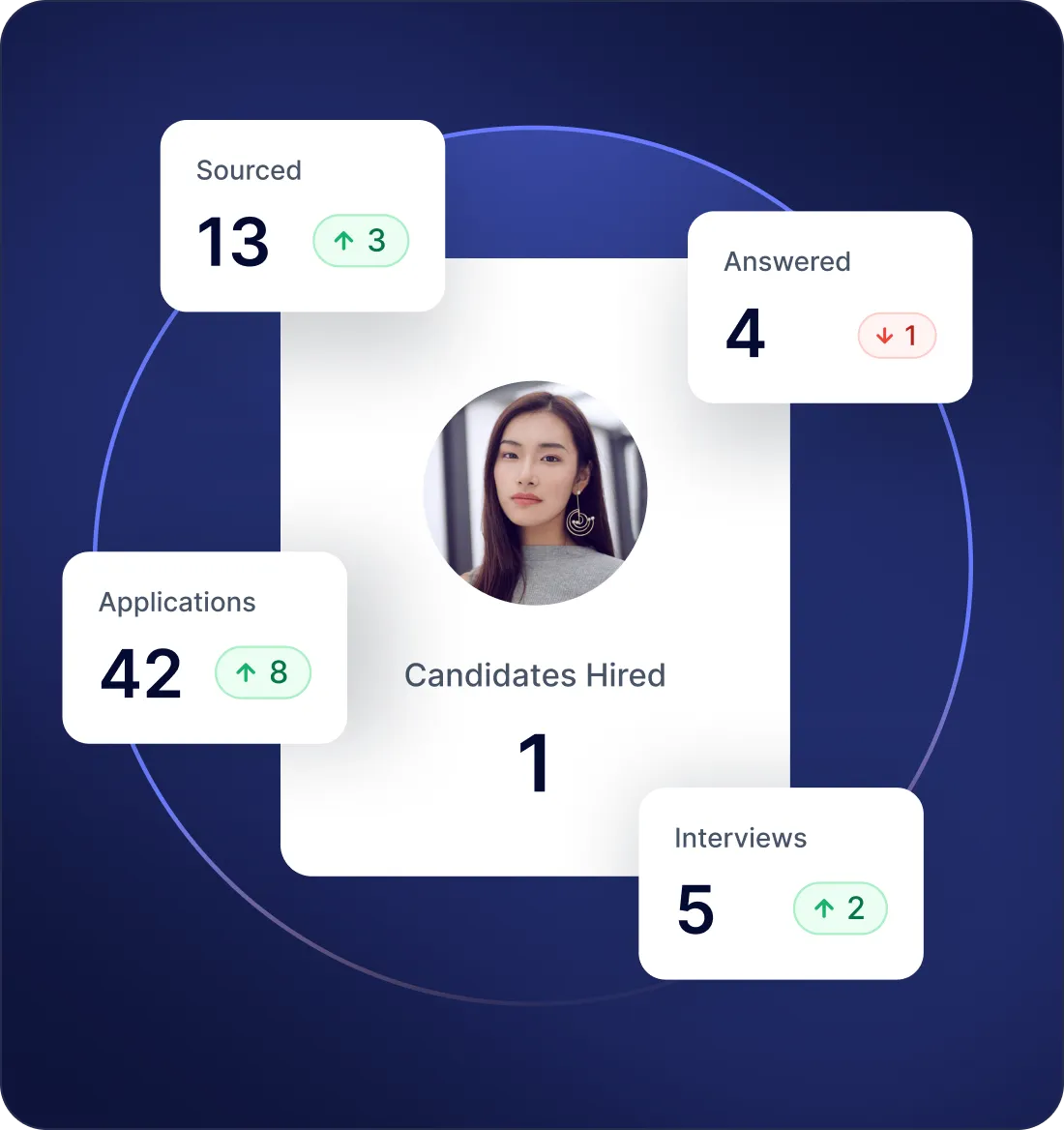
Send from Jarvi, the message lands in your LinkedIn inbox. Reply on the LinkedIn mobile app, the thread updates inside the candidate record. Profiles, invitation statuses and InMail credits refresh on their own, so your team never works on stale data.
Built to keep your LinkedIn account
out of trouble
Account safety is the first question every recruiter asks before plugging an integration into LinkedIn. Here is what we actually do about it.
Throttled send rates
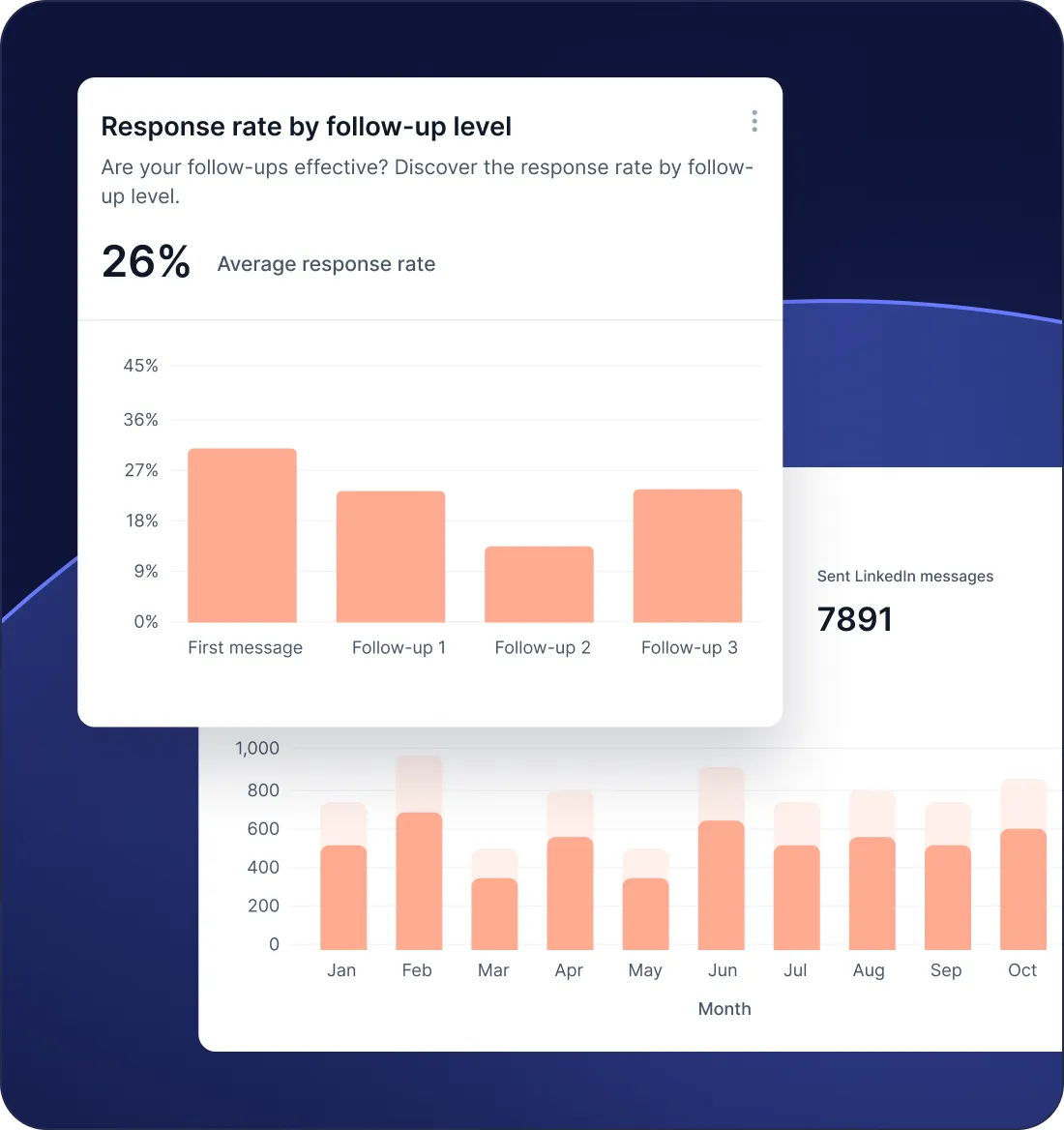
Every action paces well below LinkedIn's invitation and messaging caps. Throttling adapts to the age of the account and the seat you connect.
No headless browser, no scraping
Jarvi runs as a Chrome extension inside the authenticated tab. Nothing happens outside the browser session the recruiter is already using, and no scraper runs on a server.
Credentials stay on the recruiter's machine
LinkedIn login and cookies never leave the browser. Jarvi servers don't see them and don't store them.
Full audit log per recruiter
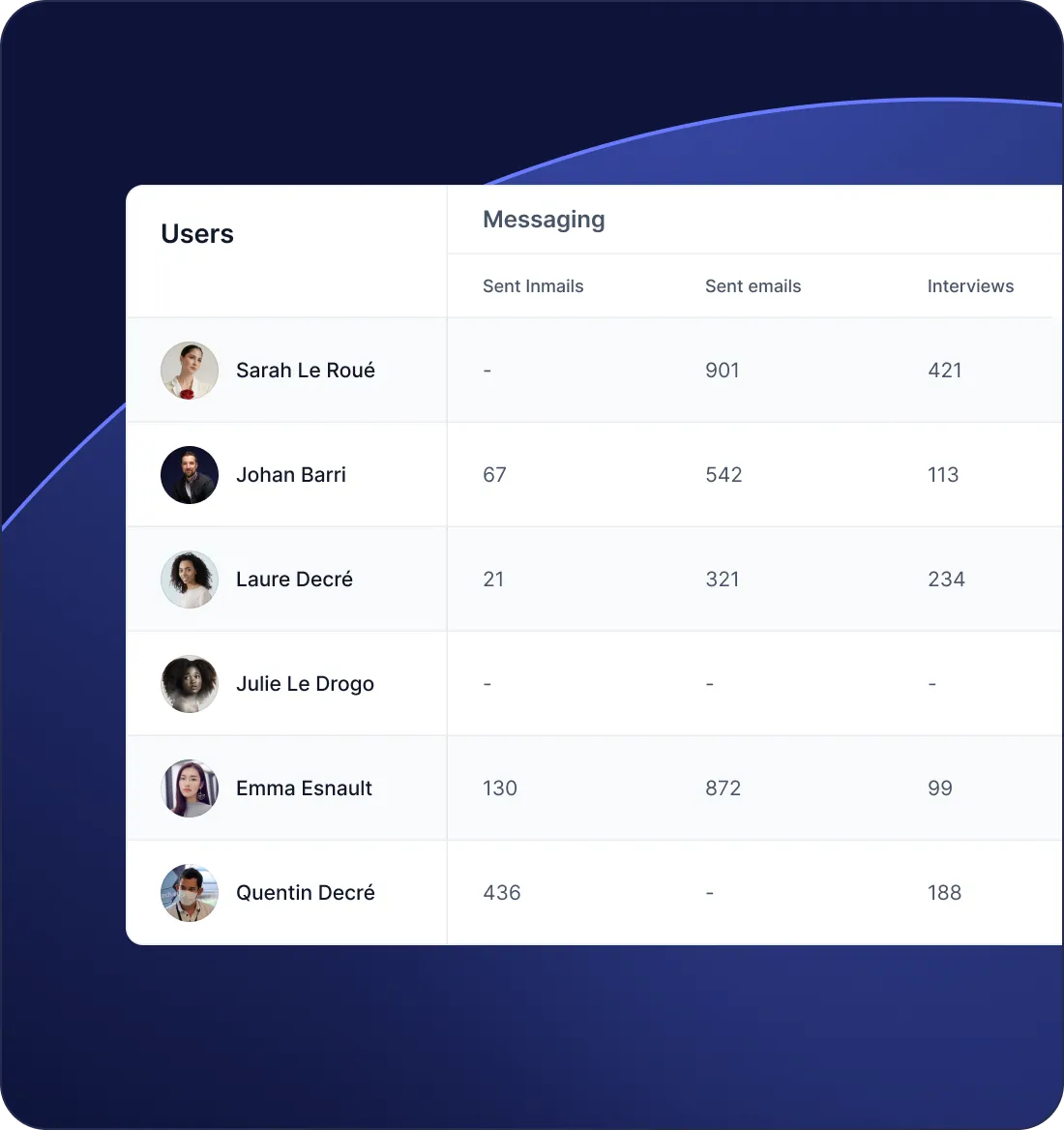
Every import, send and sync is timestamped and attributed to a specific user, with the channel logged alongside. Compliance teams pull a complete trail whenever they need one.
GDPR data handling baked in
Profiles imported in Jarvi inherit the workspace retention policy. Right to erasure, data portability and consent tracking come built in, with no extra config to ship.
SOC 2 Type 2 certified. Data hosted in London, encrypted in transit and at rest, GDPR-compliant. Microsoft Partner.
Jarvi vs other ATS on LinkedIn integration
What each ATS actually does with LinkedIn, beyond what their sales pages claim.
| LinkedIn capability | Jarvi | Bullhorn | Recruiterflow | Loxo | Crelate |
|---|---|---|---|---|---|
| Native bulk import | RSC partner only | Paid extension | Internal DB only | Manual | |
| Real-time message sync | Read-only via RSC | Paid plan | Limited | Limited | |
| InMail sync | Read-only via RSC | ||||
| LinkedIn Recruiter project import | Via RSC | ||||
| 1st-degree network bulk import | |||||
| Multi-channel sequences (LI + email + WhatsApp) | LinkedIn only, paid plan | Email-first | |||
| Included in base price |
Updated May 2026. Based on the public pricing and feature pages of each vendor and on the LinkedIn Talent Solutions ATS Partners directory. Recruiter System Connect (RSC) is LinkedIn's official partner program for ATS integration.
Read full comparisons: Bullhorn · Recruiterflow · Loxo · Crelate.
Stop copy-pasting from LinkedIn
See in 20 minutes how Jarvi turns LinkedIn into a native source for your ATS.

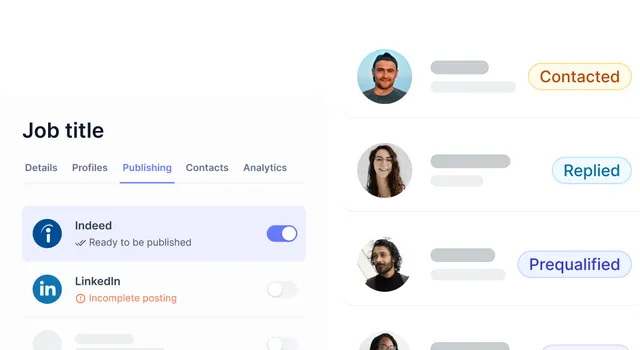
Recruiters who run LinkedIn through Jarvi
"I save 5 to 10 hours a week and handle 4x more candidates."
Jarvi is my single source of truth — I don’t even check my email anymore.
I set up my campaigns, add candidates to a pipeline, and literally forget about them. Suddenly, candidates are responding and I’m like, where did this person come from?
3 to 4 placements in my first month with Jarvi.
It takes care of the things I don’t want to do and keeps me focused on the parts that are engaging, fun, and bring value.


"2 of us do what others need 5 or 6 for"
“How many people do you have to manage all this?” That’s the question a prospect asked me a few days ago for a recruitment mission. My answer: there are two of us. And I’m proud of it.
Why? Because with two people, we accomplish what others sometimes need five or six for. Not by magic. Not by burning out. But because everything is thought through, structured, and properly equipped. With an ATS that also serves as a CRM, allowing us to track every candidate, every step, every company.

"A tool designed by recruiters, for recruiters"
We needed an accessible, smart and efficient ATS to structure our recruitment activity. Jarvi was the obvious choice: a tool designed by recruiters, for recruiters. 💡
Still have questions?
What does Jarvi's LinkedIn ATS integration include?
The Jarvi LinkedIn ATS integration is a two-way bridge between LinkedIn and the Jarvi ATS. It covers single profile imports, bulk 1st-degree network imports, Sales Navigator list and search imports, LinkedIn Recruiter project sync, and real-time two-way sync of direct messages, InMails and invitations. Every action triggered in the ATS pushes back to LinkedIn, and every LinkedIn event lands on the candidate timeline within minutes. The integration runs through a lightweight Chrome extension and works with every LinkedIn license, from a free account to Recruiter Pro.
Do I need a LinkedIn Recruiter or Sales Navigator license to use Jarvi?
A free LinkedIn account is enough to import profiles, sync messages and run sequences. Sales Navigator unlocks list and search imports. LinkedIn Recruiter unlocks project sync and InMail tracking. Jarvi adapts to whichever seat the recruiter brings.
How does Jarvi connect to LinkedIn? Is there a Chrome extension?
Through a lightweight Chrome extension that runs inside the recruiter's authenticated LinkedIn tab. Profile imports, message syncing and sequences happen in the browser session the recruiter is already using. The login and cookies never leave the machine.
How is Jarvi different from LinkedIn's Recruiter System Connect (RSC)?
RSC is LinkedIn's own ATS connector, available on a short list of ATS partners and only with a Recruiter license. It mirrors part of a Recruiter project inside the ATS and exposes a basic profile widget. Jarvi works outside the RSC program, on every LinkedIn license, and covers surfaces RSC does not, including 1st-degree network bulk import, Sales Navigator lists and two-way InMail sync.
Will using Jarvi get my LinkedIn account flagged?
Jarvi runs as a Chrome extension inside the recruiter's authenticated session, never bypasses authentication, and stays well below LinkedIn's invitation and messaging caps. Throttling adapts to the age of the account and the type of seat connected, so the integration behaves the way LinkedIn expects a recruiter to behave.
Are LinkedIn messages and InMails fully synced?
Yes, in both directions. Direct messages, InMails and invitation responses appear in Jarvi within minutes. Replies sent from Jarvi land in the matching LinkedIn thread. Each conversation attaches to the candidate, so the timeline stays the single source of truth.
Can I import my existing LinkedIn network in bulk?
Yes. From the extension, trigger a one-time bulk import of your 1st-degree connections. Tens of thousands of profiles load in the background, dedupe against the database and land in the project of your choice. Initial import covers first name, last name, photo and current role; Jarvi then enriches the rest of each profile (experience, education, message history) progressively to stay within LinkedIn's limits.
Can several recruiters share LinkedIn assets in the same workspace?
Each recruiter plugs their own LinkedIn seat into the workspace. Jarvi orchestrates sends across seats, respects each user's daily limits and exposes a shared candidate database to the team, with a full audit log per user.
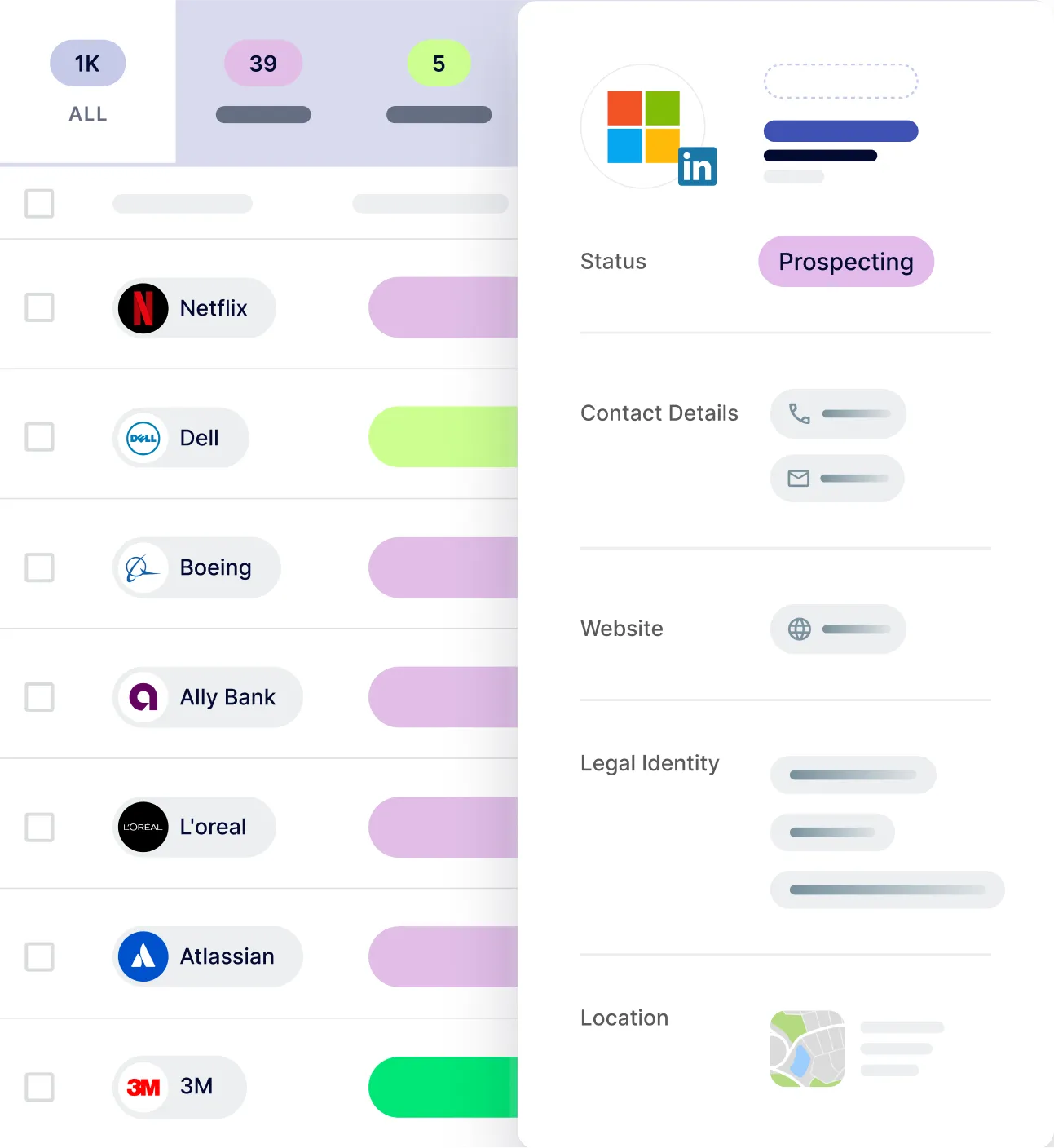
More than a LinkedIn integration
Discover the full Jarvi suite: a complete ATS, an integrated CRM and a multi-channel outreach engine.
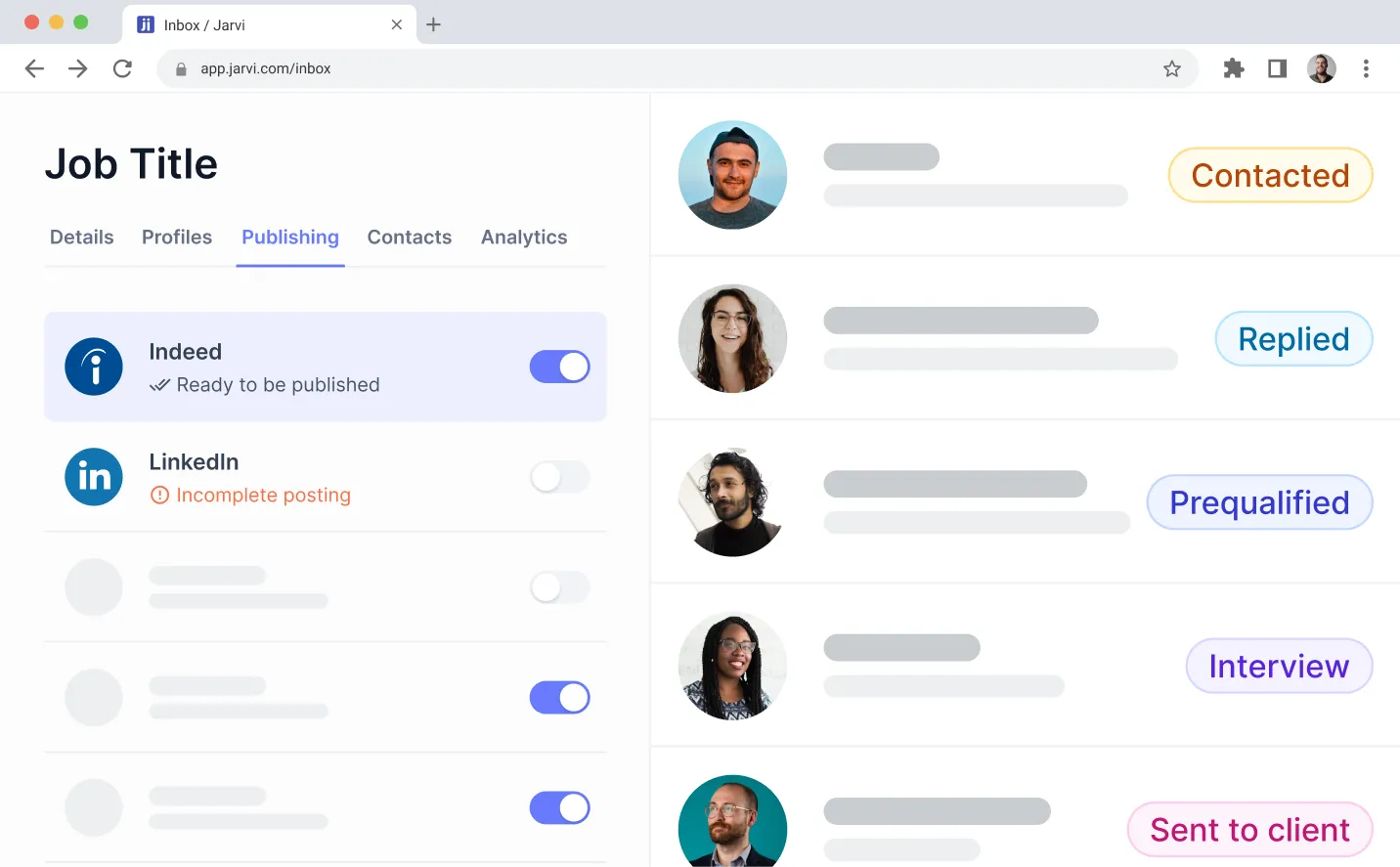


The LinkedIn integration recruiters use every day
Book a demo and watch Jarvi pull 10,000 LinkedIn profiles into a live project.
LinkedIn, Sales Navigator and LinkedIn Recruiter are trademarks of LinkedIn Corporation. Jarvi is not affiliated with or endorsed by LinkedIn.