Introduction
Jarvi allows you to process applications faster than ever. With just one click, you can change a candidate’s status, send a rejection email, and move on to the next profile.
1. Accessing application processing
You can access this feature in two ways:
- From the dashboard:
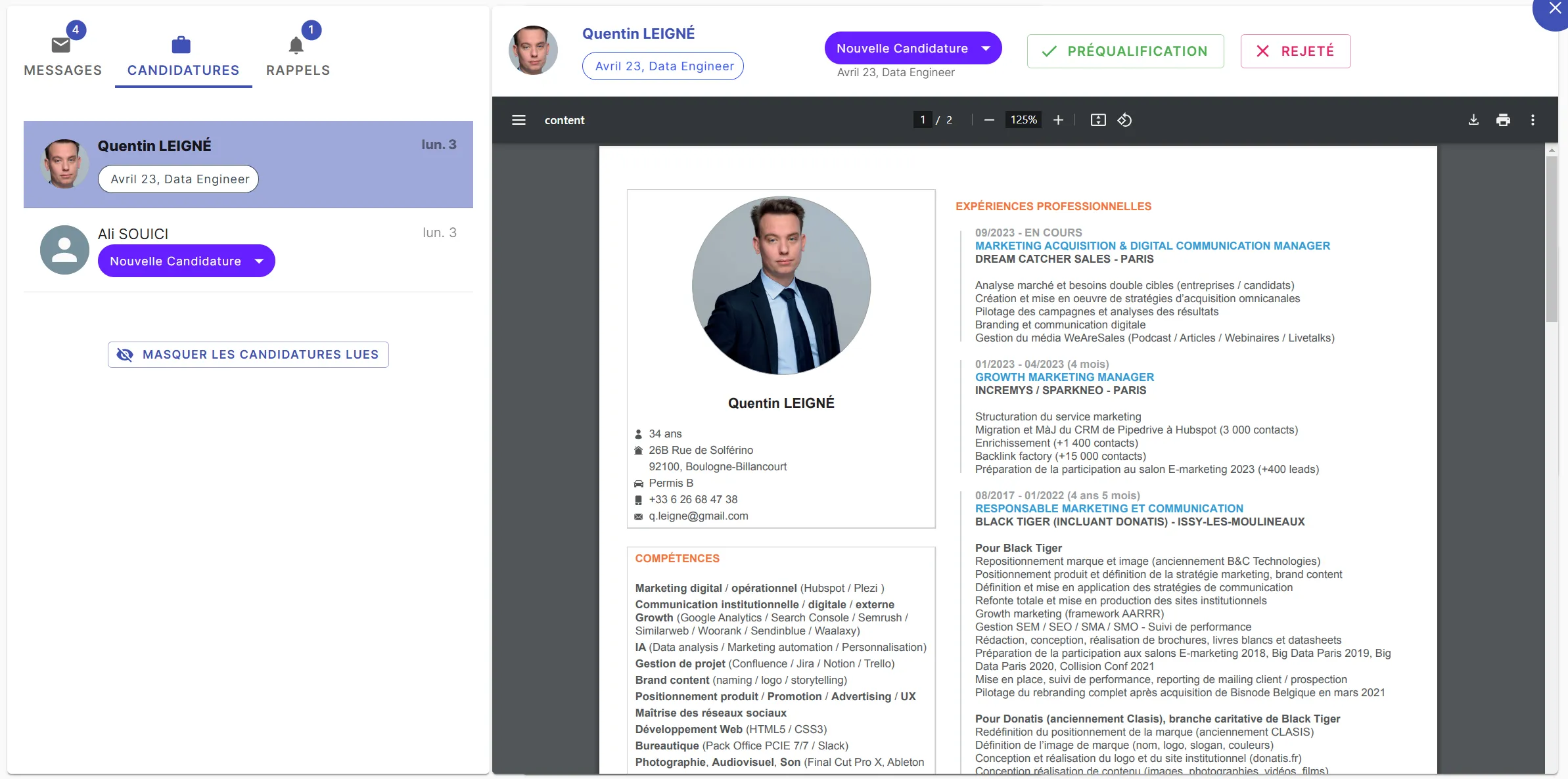
- Click on “Applications”.
- Select an application.
- The “Prequalification” and “Reject” buttons appear immediately.
-
From the candidate profile:
- Open a profile from the applications list.
- Click on their resume / CV or the notes icon.
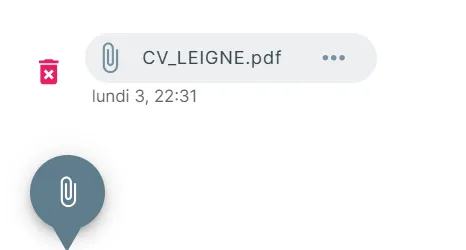
- A detailed view appears with the resume / CV on the left and notes on the right.
- You can move between profiles using the arrows and use the quick processing buttons.

2. How one-click processing works
When you select “Prequalification” or “Reject”:
- The candidate’s status is updated immediately.
- You automatically move to the next profile.
- If triggers are configured, a rejection email can be sent after a defined delay.
3. Customizing action buttons
You can adapt the buttons to your recruitment process:
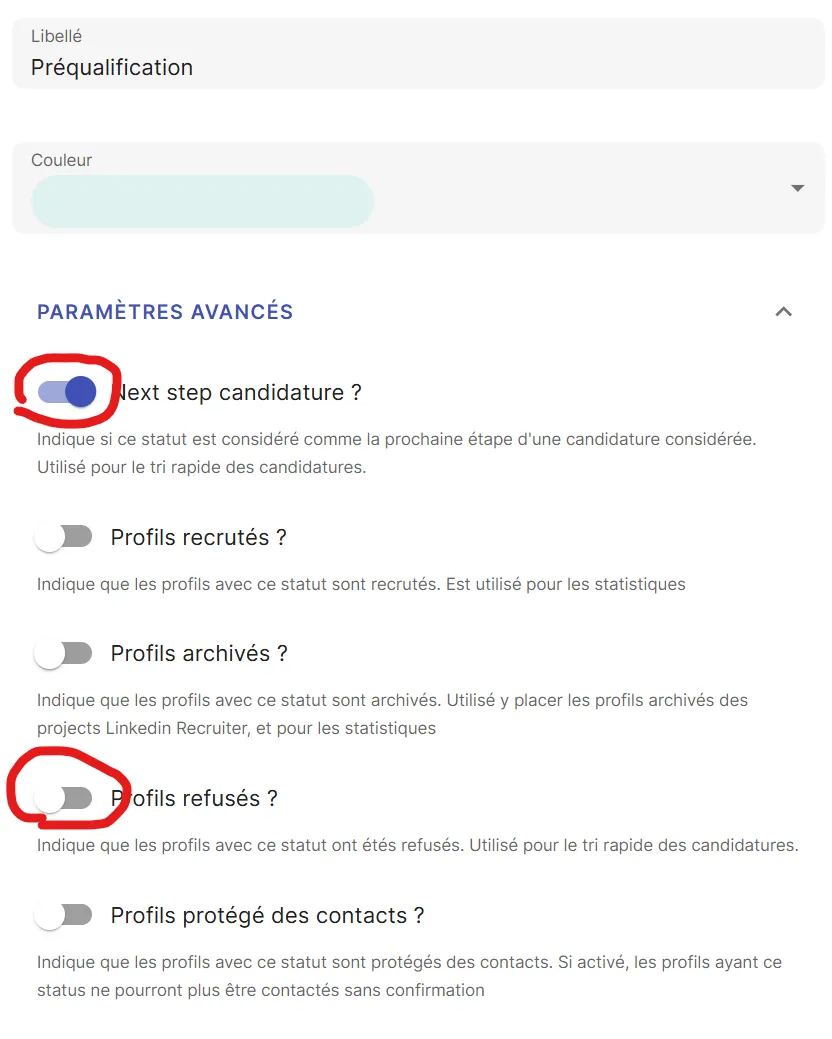
- Go to “Preferences” > “Statuses” > “Talents (ATS)”
- Select the status corresponding to a rejection or pre-qualification
- Check the “Next step candidature” button if it corresponds to an application you’re validating, or “Rejected profiles” if it corresponds to a rejected application
- Select the button to modify (e.g., “Prequalification” or “Reject”).
4. Automate with triggers
By combining quick processing with triggers, you can:
- Send automatic rejection emails to candidates.
- Add a reminder to follow up with a candidate at a later date.
- …
To learn more, you can read our article: Automate your actions with triggers on Jarvi
Conclusion
Thanks to Jarvi’s customizable buttons and triggers, application processing becomes more fluid and efficient. If you have specific needs, don’t hesitate to contact us to explore the possible options!