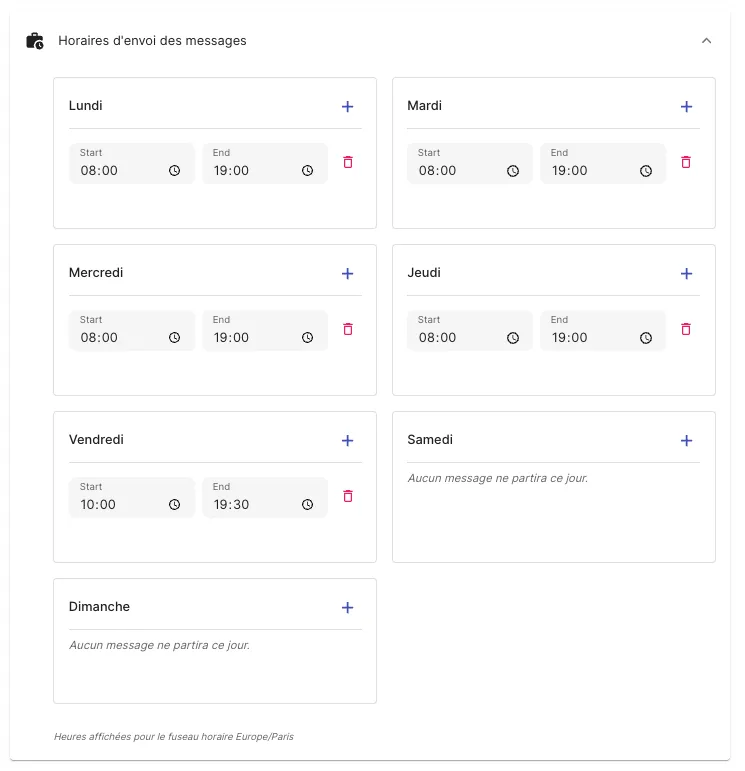
To define when there are no set hours, messages will be sent at any time and on any day.
Limit message sending hours
-
Go to your Jarvi preferences, in the General section, click on the “Message sending hours” button
-
For each day of the week, you can set your working hours by clicking on the ”+” button
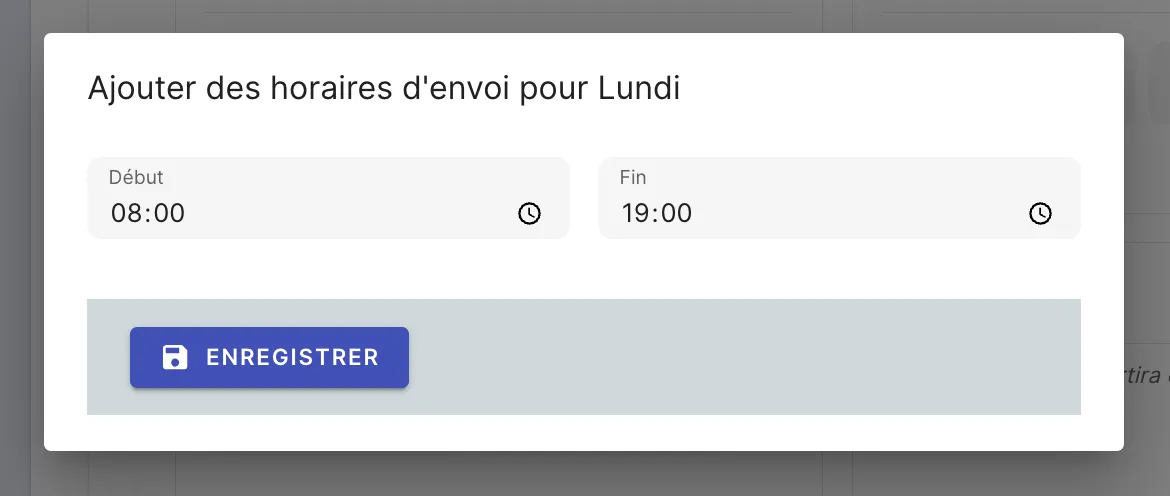
- Once you’ve set your working hours, messages will only be sent during these periods. Remember to add them for all the days of the week when you want to send messages.
Messages scheduled manually or automatically by triggers are also subject to these hours.