Link your Google or Microsoft account to Jarvi
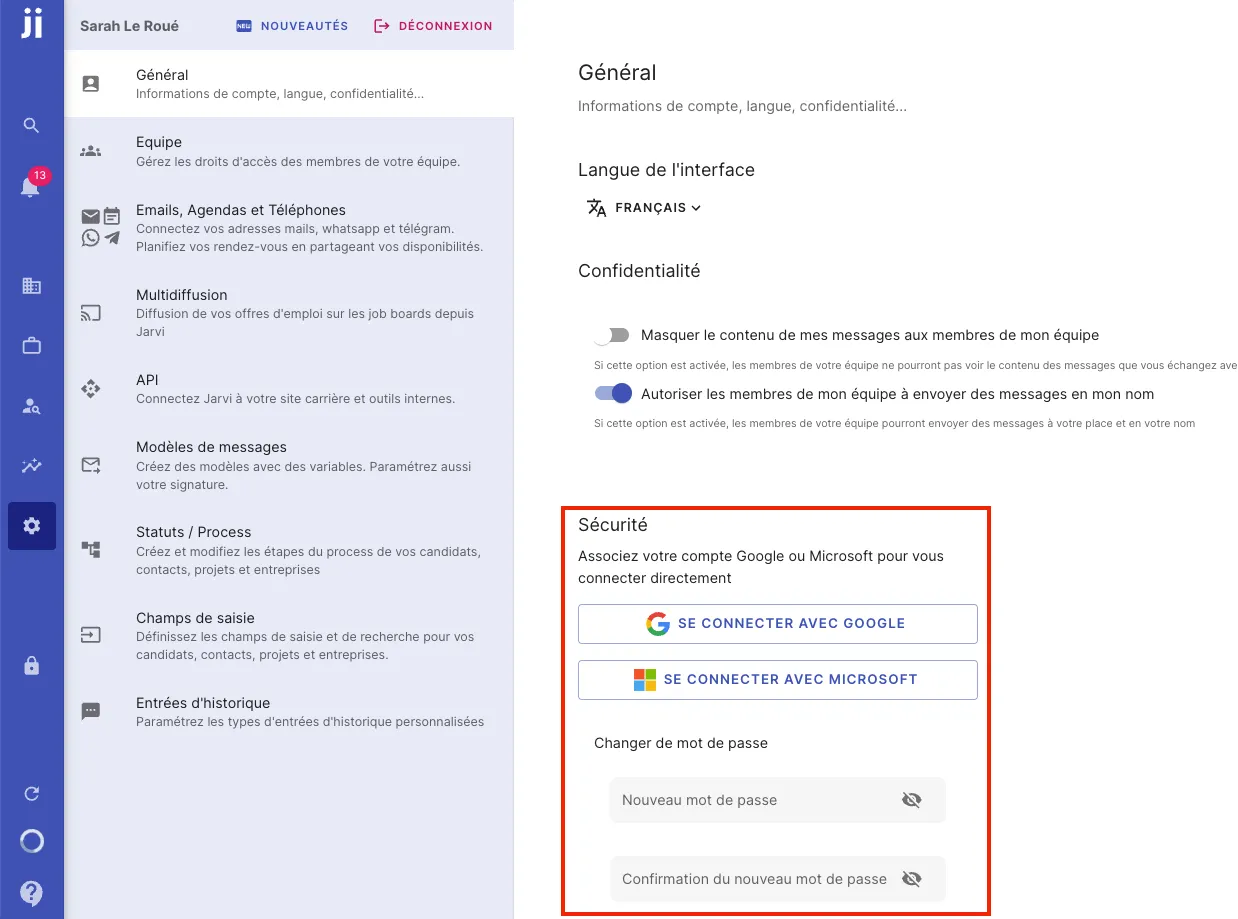
- Go to Preferences and then to the General tab.
- Link your Jarvi account to your Google or Microsoft account.
Log in to Jarvi without a password
- Once your account is linked, you can log in to Jarvi directly by choosing Google or Microsoft as your login method.
- Select your email address, click Continue, and you’ll be immediately logged in to Jarvi without having to enter your password.
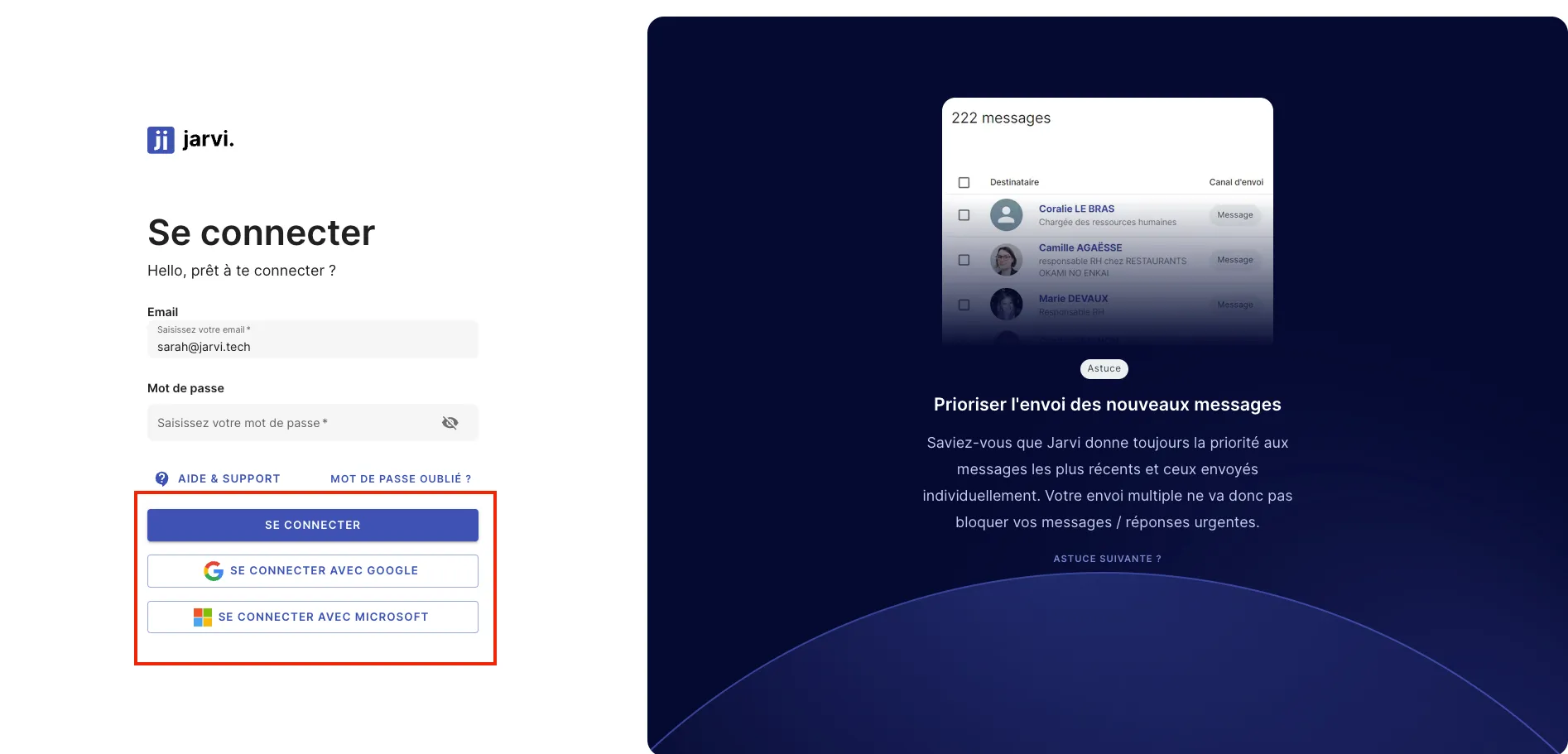
That’s it! You’re now ready to log in to Jarvi effortlessly, without a password, using your Google or Microsoft account.