Integrate RingCentral with Jarvi to save time: all your calls, SMS and transcriptions are gathered in one place, making your candidate and client management simpler and more efficient.
Activate RingCentral in Jarvi
Step 1: Click on Preferences to open Jarvi settings. This is where you can manage your integrations.
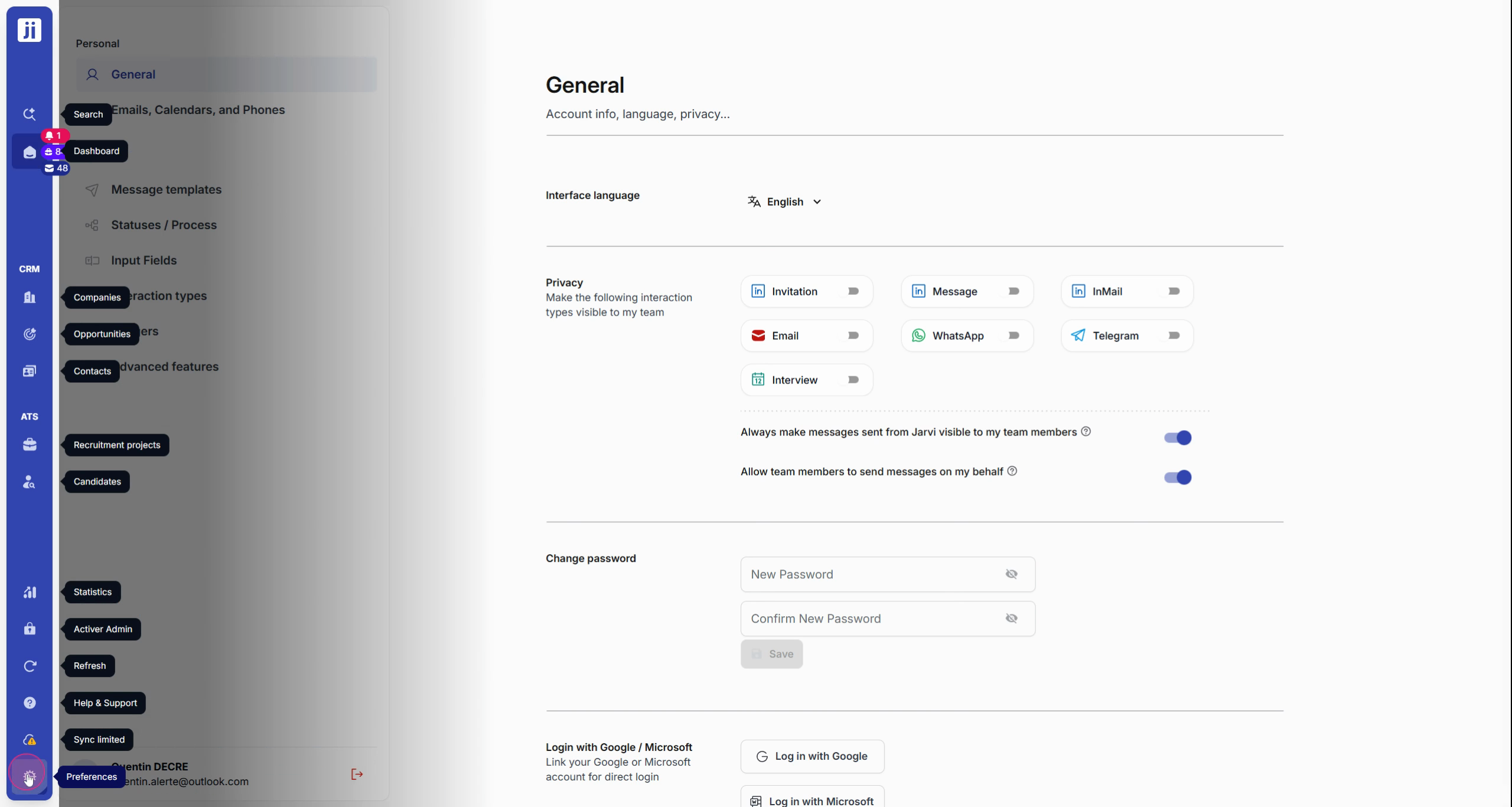
This illustration shows how to access the Preferences menu in Jarvi.
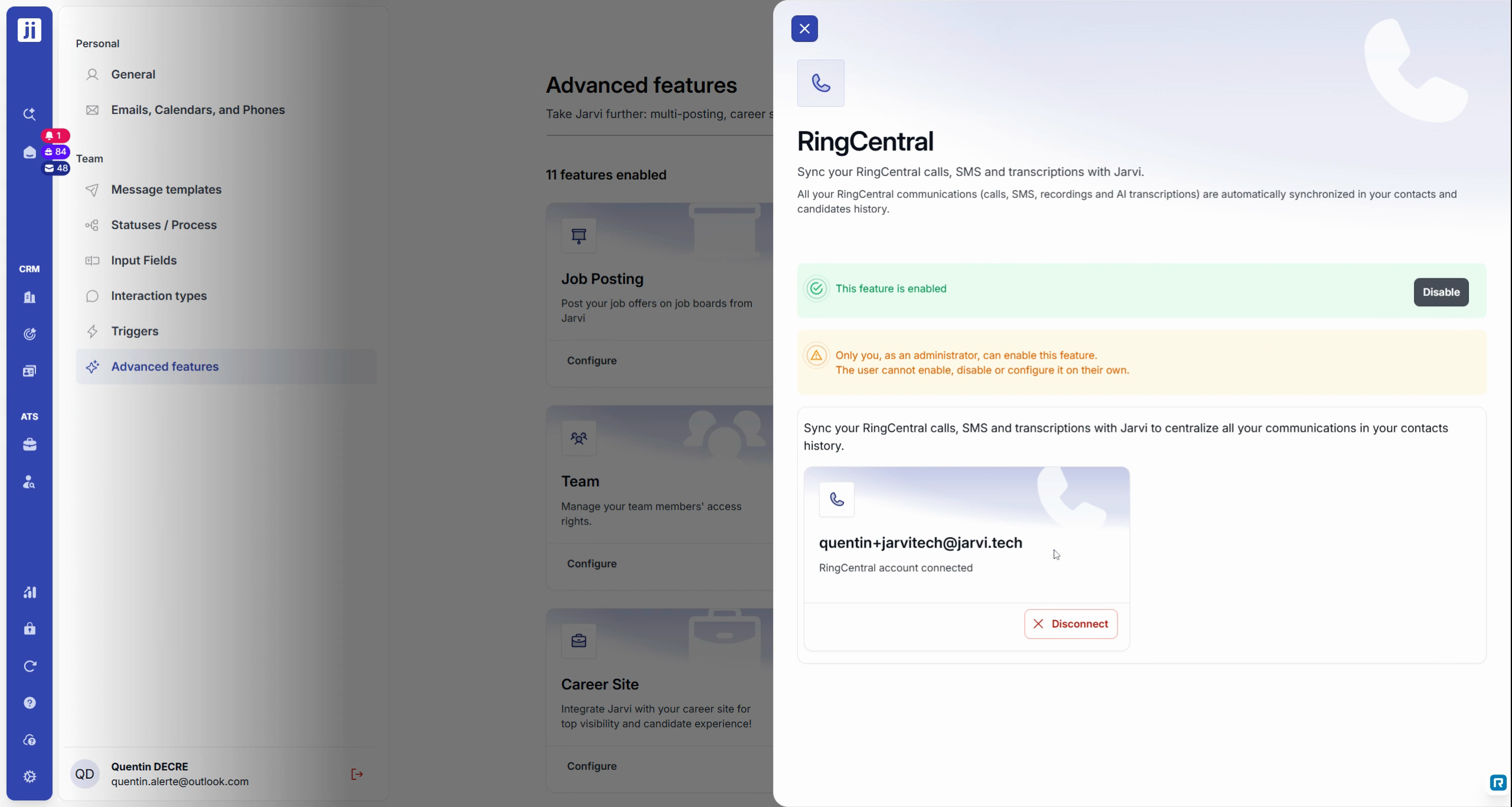
Step 2: In Advanced features, scroll down to the RingCentral section.
Step 3: Toggle the RingCentral switch to enable the connection between Jarvi and RingCentral.
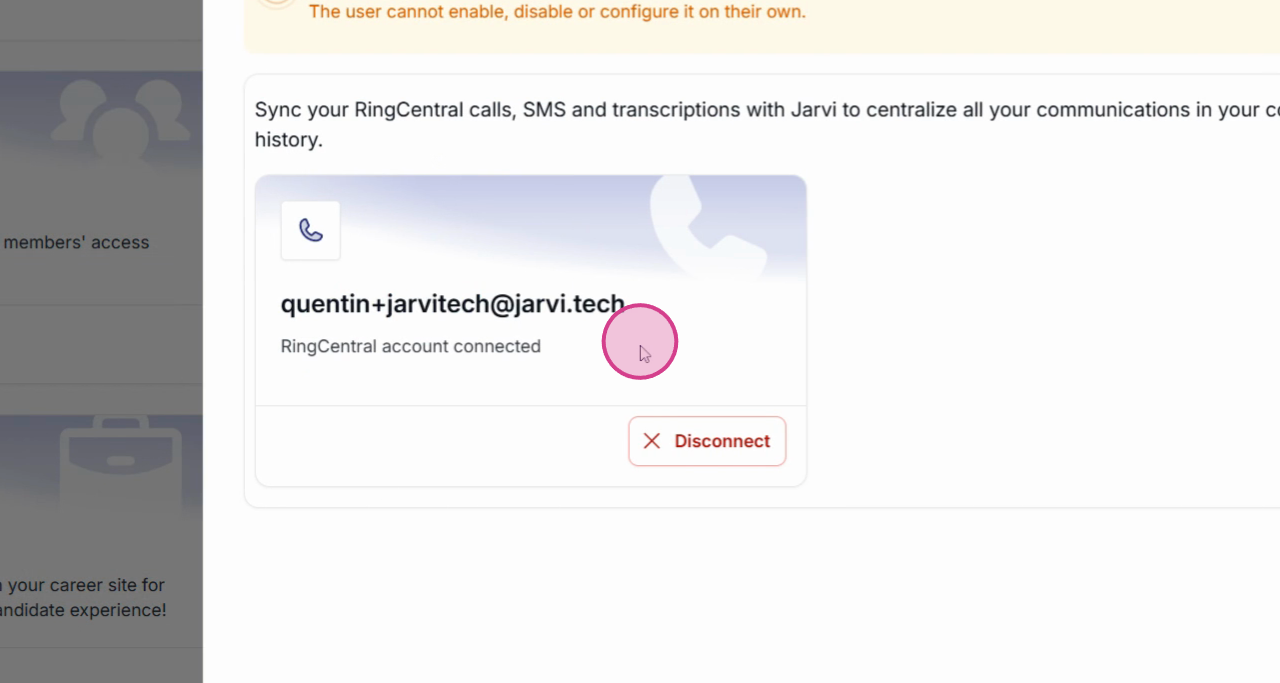
Step 4: In the Email, Calendar and Phone section, click on Connect RingCentral to start the association.
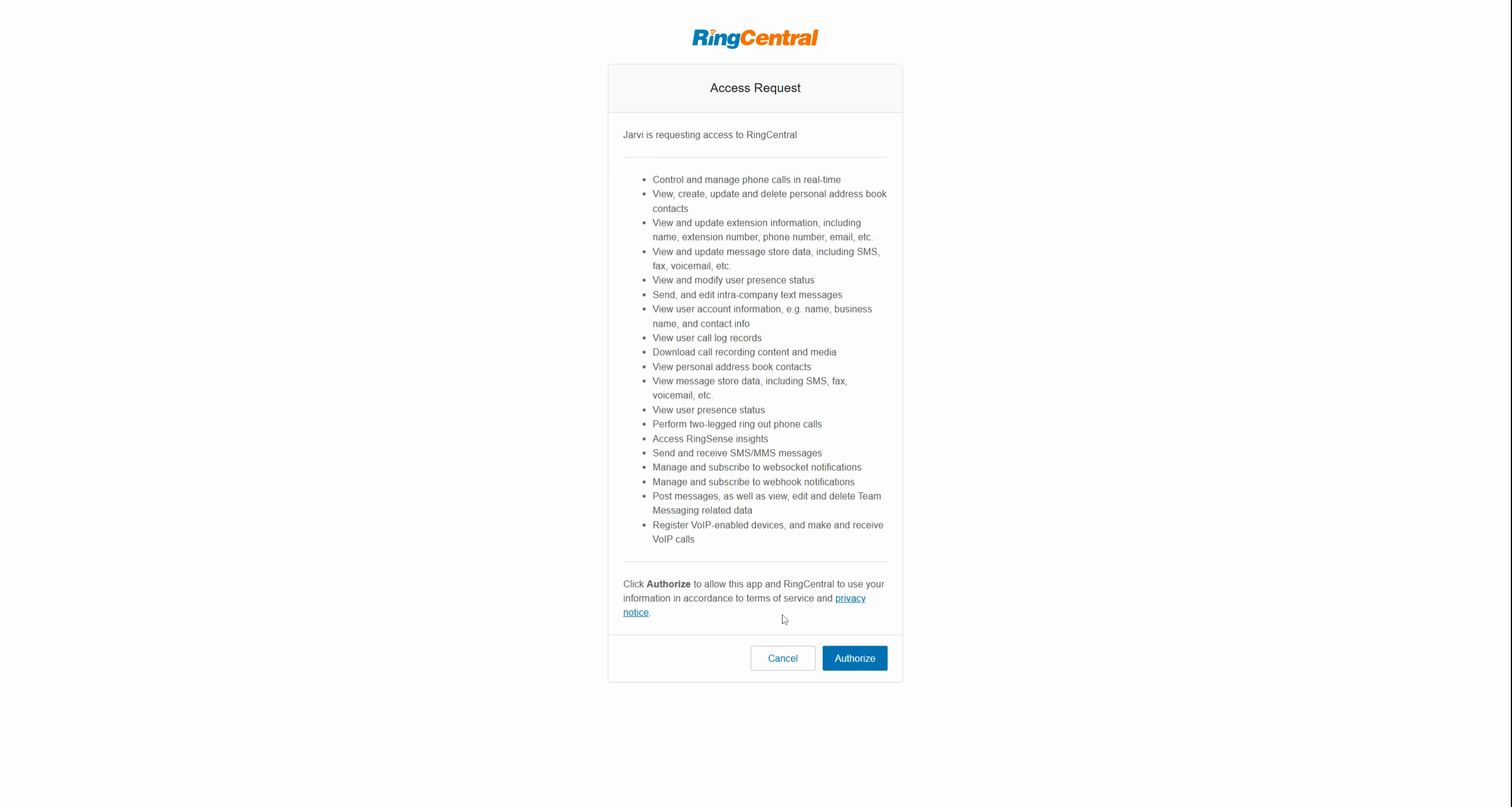
Step 5: Enter your RingCentral credentials and accept the necessary permissions.
This screenshot shows the permissions validation screen to securely connect both applications.
Manage calls and SMS with Jarvi
Step 1: Open a candidate or client profile, then select the Phone icon to make a call via RingCentral.
Here’s the Phone icon on a Jarvi contact card, for making a direct call.
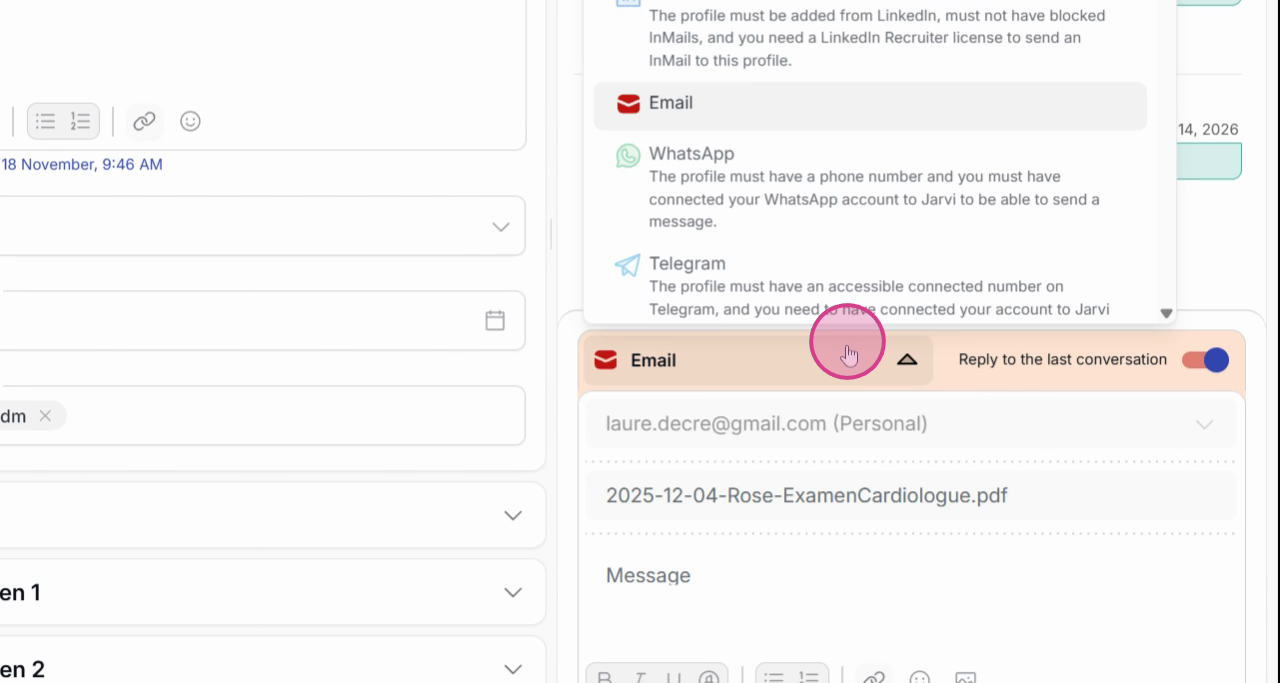
Step 2: Click on Send a message, then choose SMS (option available for North American accounts) to write and send a text message from Jarvi.
This SMS sending window simplifies text communication with your contacts.
Step 3: To send an SMS to multiple people, select multiple profiles and click on SMS for efficient group messaging.
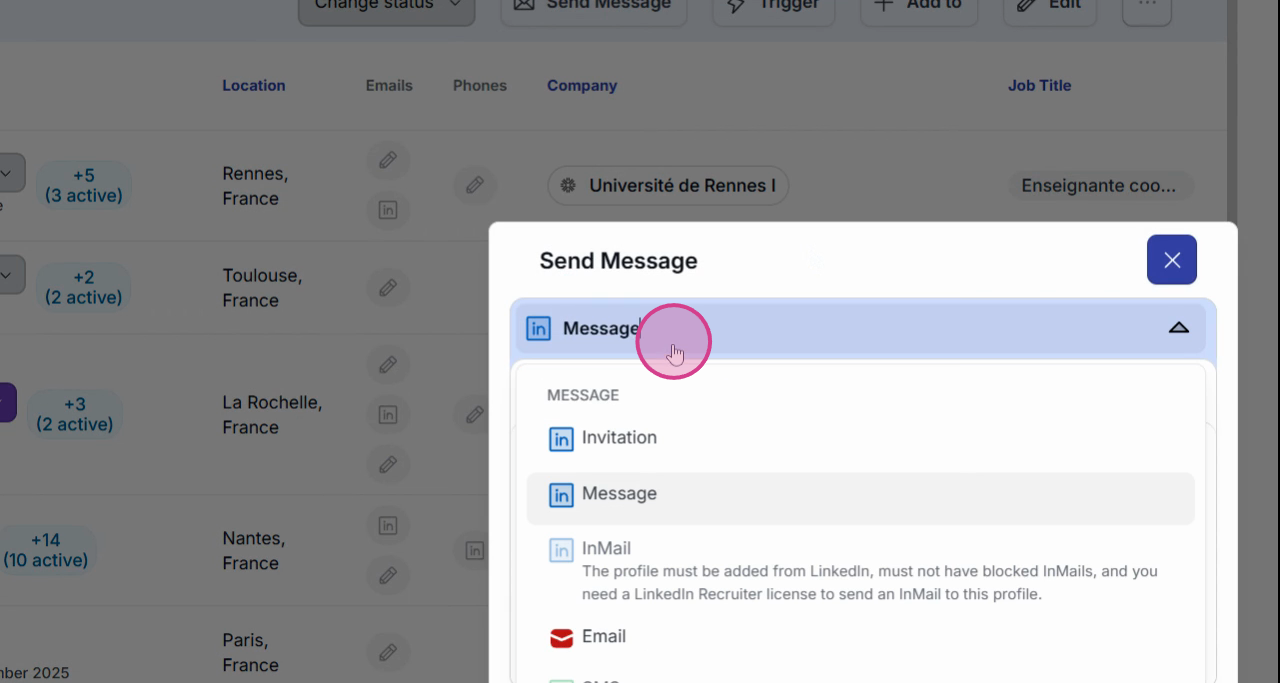
This image illustrates the selection of multiple contacts and the SMS option for group messaging.
Step 4: Automatically view the history of each call or SMS on the relevant contact card, to keep track of all exchanges.
Accessing call transcriptions
Step 1: On a contact’s profile, open Call History to view all archived voice exchanges.
This screen shows the Call History tab on a profile, for simplified access to past conversations.
Step 2: Select a call to read its automatically generated transcript. Review or instantly retrieve key information.
The RingCentral integration in Jarvi automates the tracking and centralization of your communications so you can focus on recruiting. Support remains available for any questions.