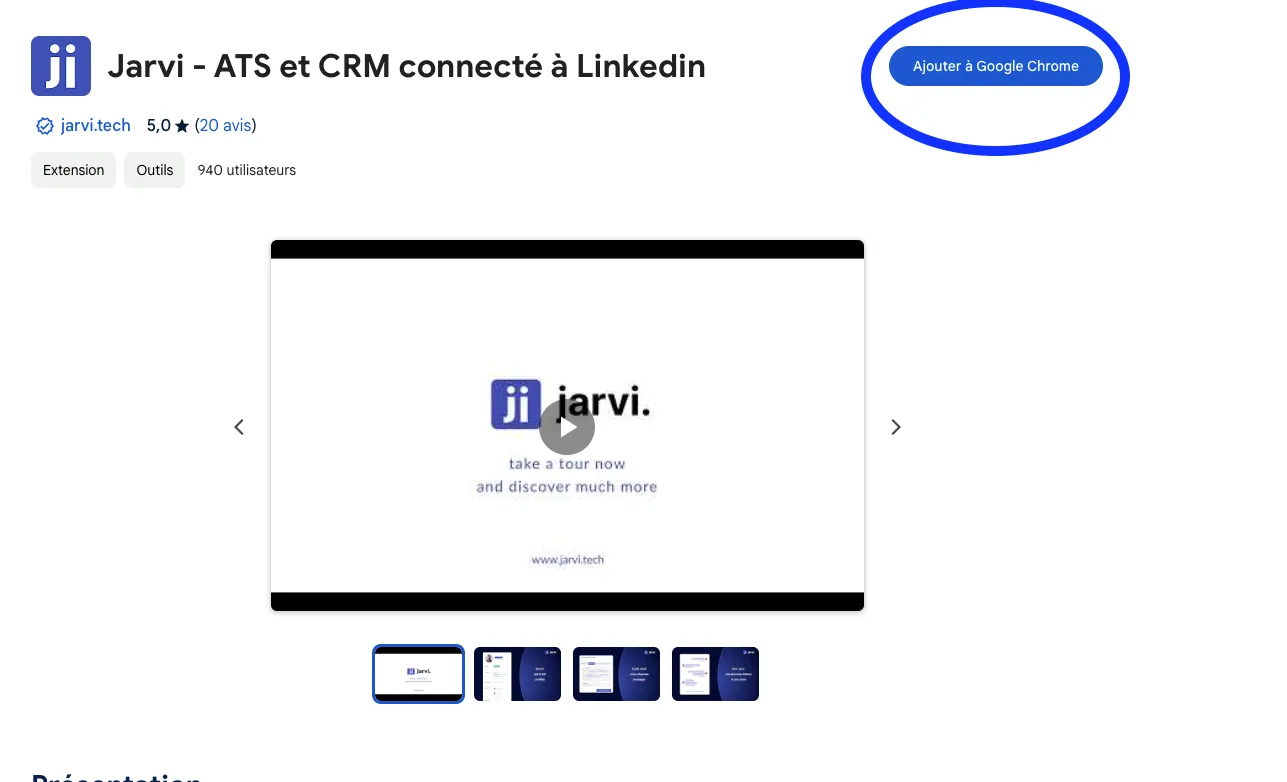
- To start using Jarvi, add the extension to Google Chrome, which was sent to you by email
 width=500 style=
[object Object] />
width=500 style=
[object Object] />
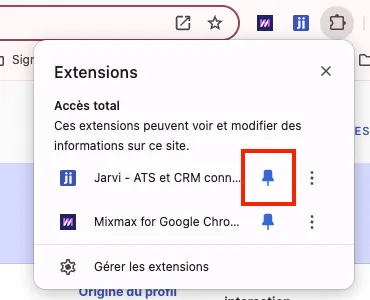
- Make sure the Jarvi extension is pinned by clicking on the puzzle piece to the right of your URL, and click on the pin next to Jarvi
 width=500 style=
[object Object] />
width=500 style=
[object Object] />
You’re all set! Jarvi is up and running and will help you daily by centralizing all your conversations and optimizing your everyday recruiting tasks.