1. Activate the option
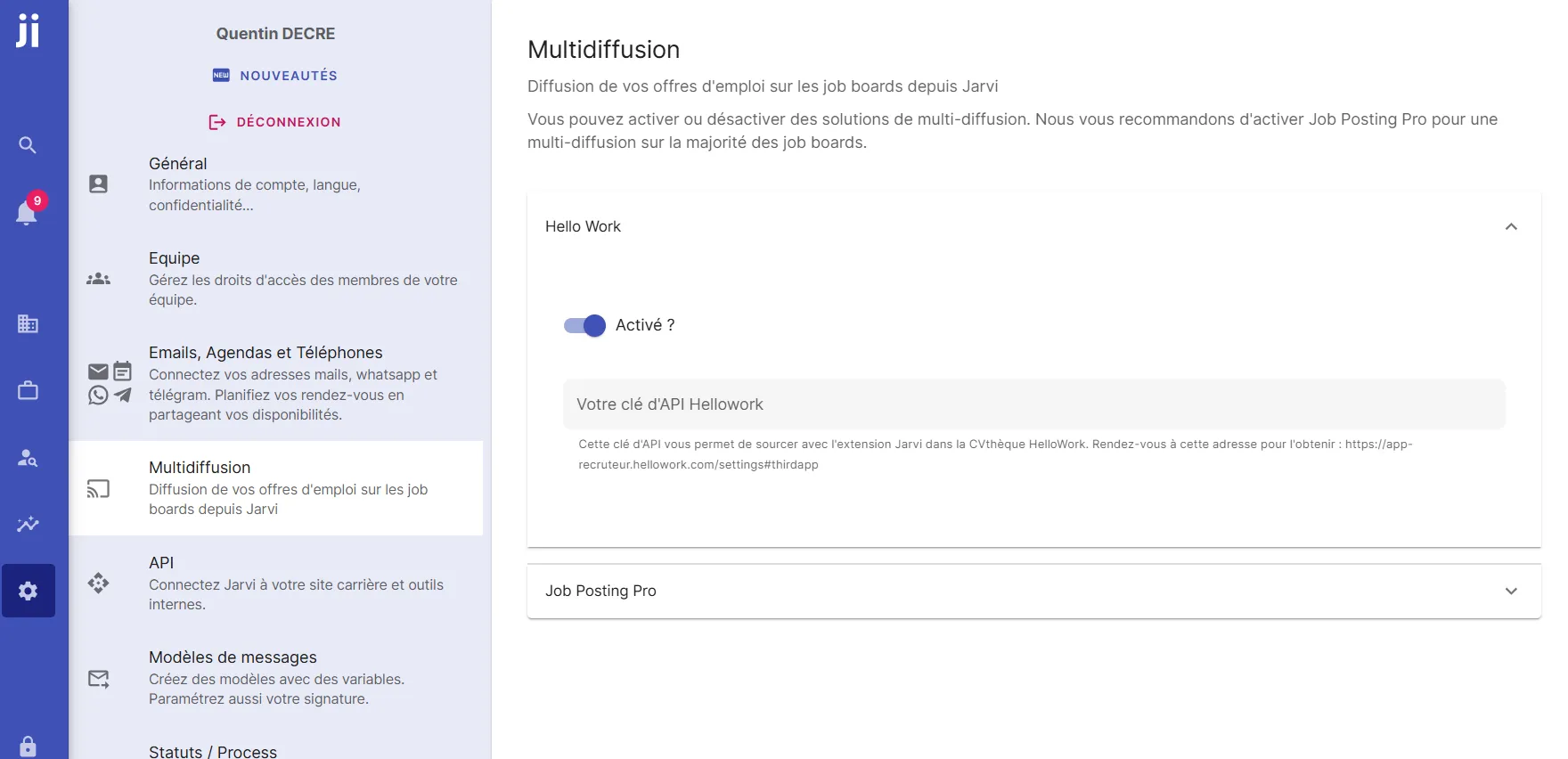
- Go to your Jarvi preferences, in the Multiposting section, activate Hellowork
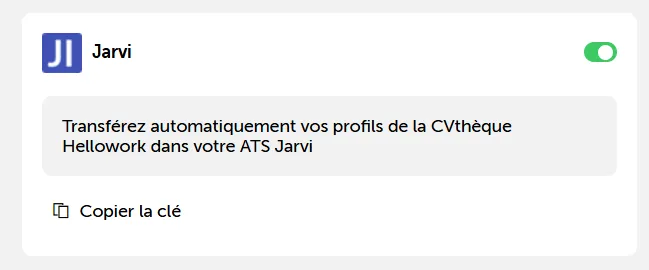
- Go to your HelloWork space, in third-party applications, activate Jarvi, then copy your key
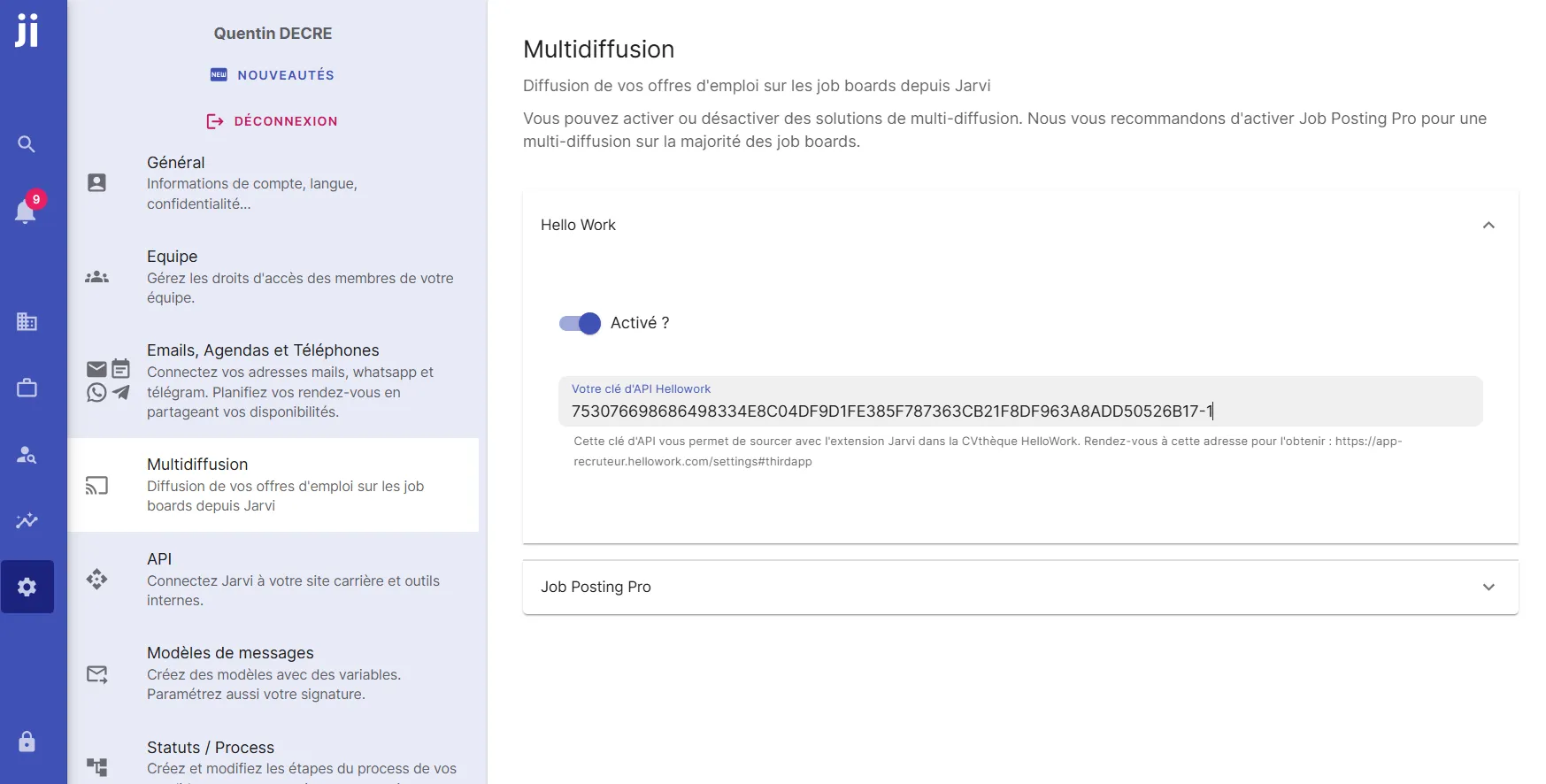
- Back in your Jarvi preferences, paste your API key in the designated field
2. Access the HelloWork resume database
You can now enjoy this feature by searching the HelloWork resume database, then, when you want to import a profile, click on the Jarvi extension and on Add as talent:
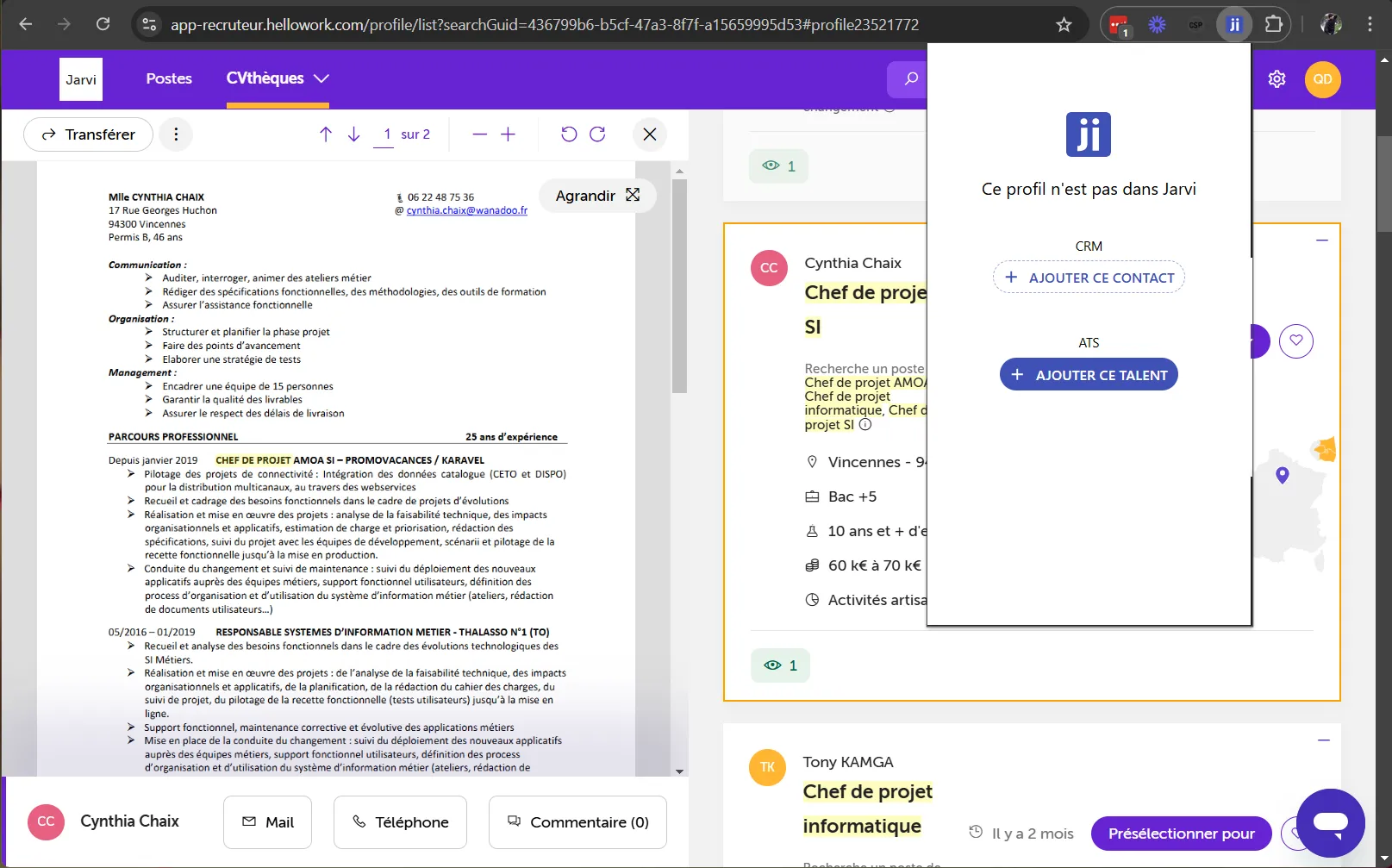
The profile will be added to Jarvi. Within the next few minutes, HelloWork will add the resume and information to this Jarvi profile.