With Jarvi, it’s easy to add profiles from your talent pool to an ongoing project, allowing you to better organize your candidates. Here’s how to do it.
Select the profiles to add
- Go to your talent pool.
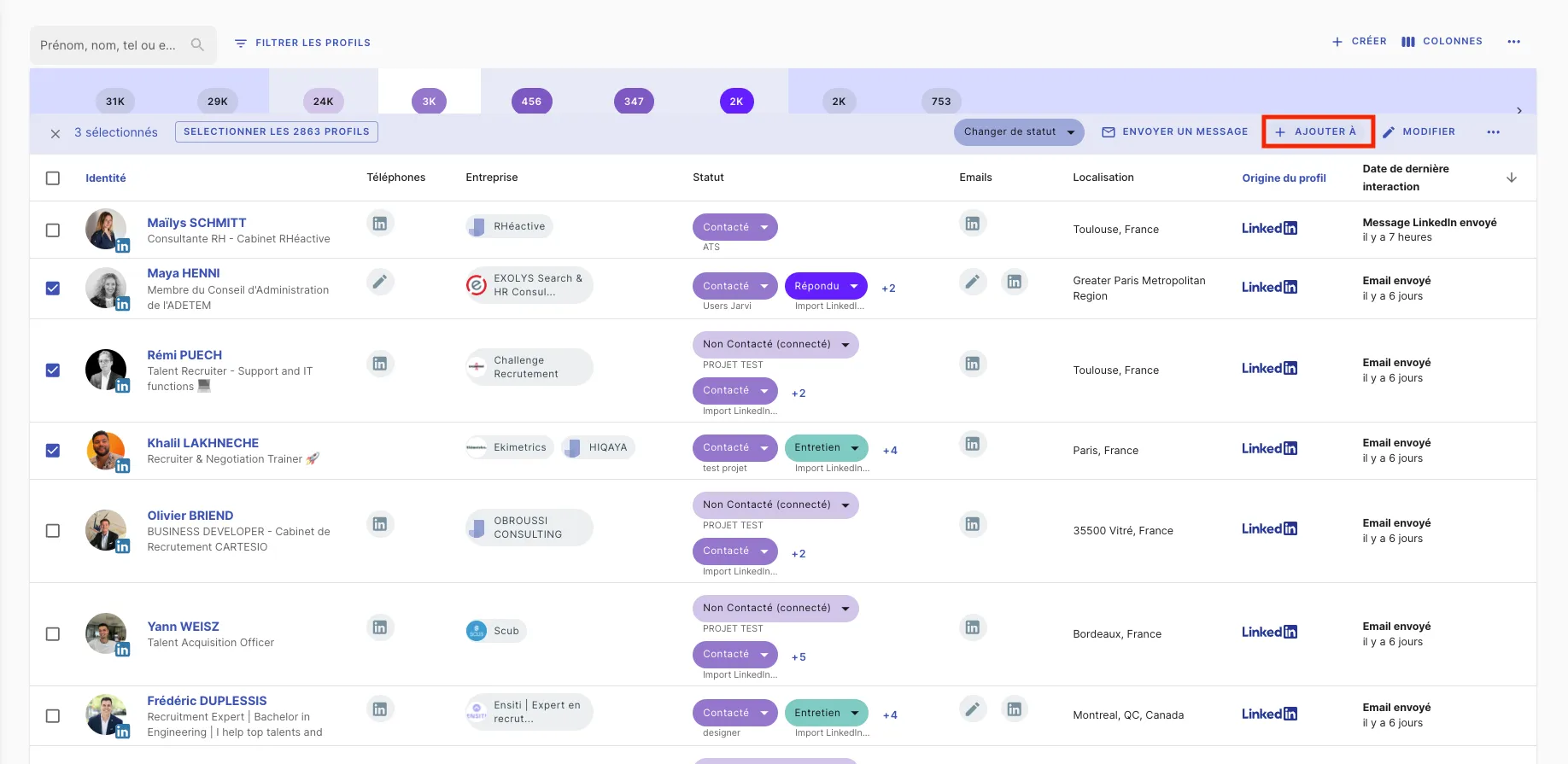
- Select the profiles you want to add to a project by checking the box next to each profile.
Add the profiles to a project
- Once the profiles are selected, click on ”+ Add to”.
- In the dropdown menu, choose the project to which you want to add these profiles.
Find the profiles in your project
- The added profiles will be directly integrated into the selected project, and you can view and manage them as you wish.
That’s it! You’ve now added your profiles to a project in Jarvi.